JSON
JSON is a text format of objects, arrays, and values used for APIs, annotations, and model outputs. Syntax rules, ML uses, JSON Lines, and code.
JSON, short for JavaScript Object Notation, is a lightweight, text-based format for storing and exchanging structured data. Douglas Crockford specified it in the early 2000s, basing it on JavaScript's object literal syntax, and it is now standardized as IETF RFC 8259 and ECMA-404. JSON is language-independent, readable by people, and parsed by the standard library of almost every programming language, which makes it the default format for web APIs. In machine learning (ML), it carries predictions out of inference engines, stores dataset annotations, logs experiment metadata, and defines the structured outputs of large language models (LLMs).
JSON Syntax#
A JSON document is built from two containers and four kinds of values:
- Objects: Unordered sets of key-value pairs in braces, such as
{"name": "bus", "confidence": 0.94}. Keys must be strings in double quotes. - Arrays: Ordered lists in brackets, such as
[48.5, 398.0, 245.3, 902.1]. - Values: Strings, numbers, the literals
true,false, andnull, or nested objects and arrays.
The format is strict. Comments, trailing commas, single-quoted strings, and the values NaN and Infinity are not allowed, although Python's json module writes NaN by default unless allow_nan=False is set, producing files that strict parsers reject. RFC 8259 also warns that numbers are only reliably exchanged within IEEE 754 double precision, so integers larger than 2⁵³ − 1, such as some database ids, are often sent as strings.
JSON in Machine Learning Workflows#
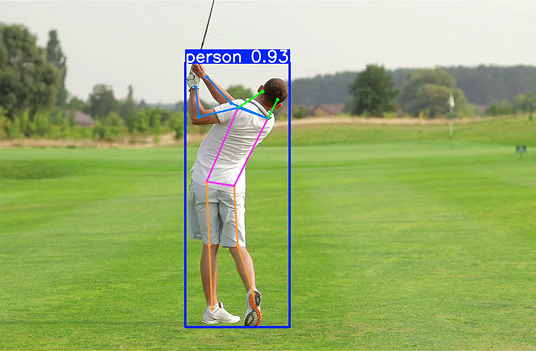
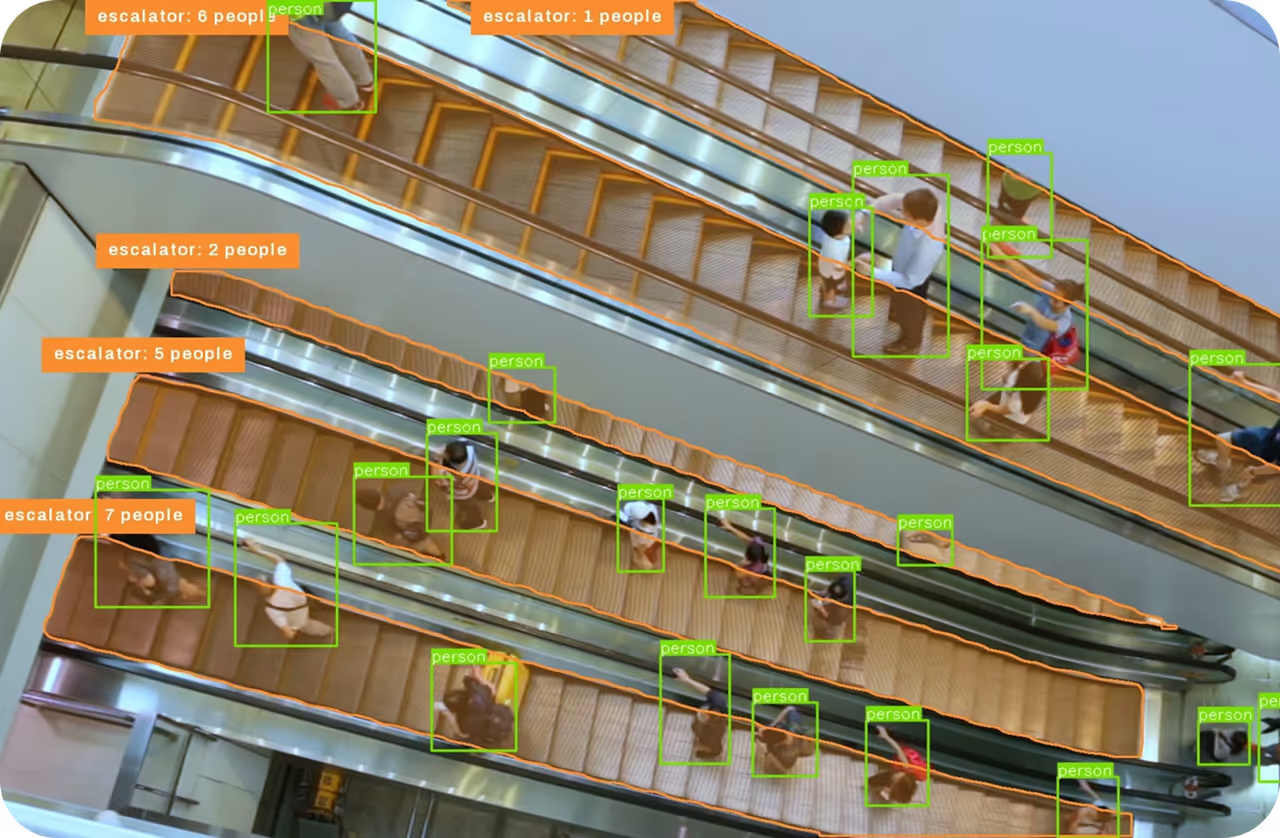
When a camera in a security system sends a frame to an object detection service, the model serving layer typically answers with JSON: one record per detected object with its class, confidence score, and bounding box coordinates, ready for dashboards, mobile apps, and document databases such as MongoDB.
Annotation formats rely on JSON as well. The COCO dataset stores all labels for a split in one JSON file with three main lists: images with file names and sizes, categories with class ids and names, and annotations, where each entry points to an image and a category by id and stores a box as [x, y, width, height] in pixels from the top-left corner. The YOLO format instead uses one text file per image with normalized center coordinates, and converting between the two is a routine step in data annotation pipelines, although a custom dataset class can also train YOLO on COCO JSON directly.
JSON Lines, also called NDJSON, puts one complete JSON object on each line. Files can then be appended to, streamed, and split without parsing the whole document, which suits training logs, prediction streams, and the instruction datasets used to fine-tune LLMs. For LLMs, JSON Schema describes the exact fields an application expects, and structured outputs and function calling constrain a model to produce JSON that matches it. GeoJSON, standardized as RFC 7946, applies the format to geographic features, which lets satellite image analysis place detections on a map.
Converting Predictions to JSON#
Ultralytics YOLO Results objects serialize their predictions with to_json(), writing one record per detection with the class name, class id, confidence, and box corners x1, y1, x2, y2, plus mask or keypoint coordinates for instance segmentation and pose estimation models. The following example runs YOLO26 on a sample image and parses the JSON back with Python's standard library:
import json

from ultralytics import YOLO

# Load a pretrained YOLO26 detection model and run inference
model = YOLO("yolo26n.pt")
results = model("https://ultralytics.com/images/bus.jpg")
result = results[0]

# Serialize every detection to a JSON string (normalize=True would scale boxes to 0-1)
json_string = result.to_json()

# Any JSON parser can read it back, here into a list of Python dicts
detections = json.loads(json_string)
print(json.dumps(detections[0], indent=2))
The printed record is a JSON object with name, class, and confidence keys and a nested box object holding the corner coordinates in pixels.
JSON vs. Related Formats#
- YAML: A more readable format that allows comments and indentation-based nesting, common for training configurations and dataset definitions. YAML 1.2 is designed as a superset of JSON, so most JSON documents are valid YAML.
- XML: A tag-based format, used for Pascal VOC annotations, that is more verbose than JSON and supports attributes, namespaces, and schemas.
- CSV: A flat table format that is compact for tabular data but cannot nest objects or lists.
- Binary formats: Protocol Buffers and MessagePack are smaller and faster to parse than JSON but not human-readable. ONNX model files are stored as Protocol Buffers messages.