How to Add AI Analytics to Existing Security Cameras
Three routes to adding AI analytics to an existing camera estate: analytics layers, VMS upgrades and self-hosted models, and the constraints that decide.
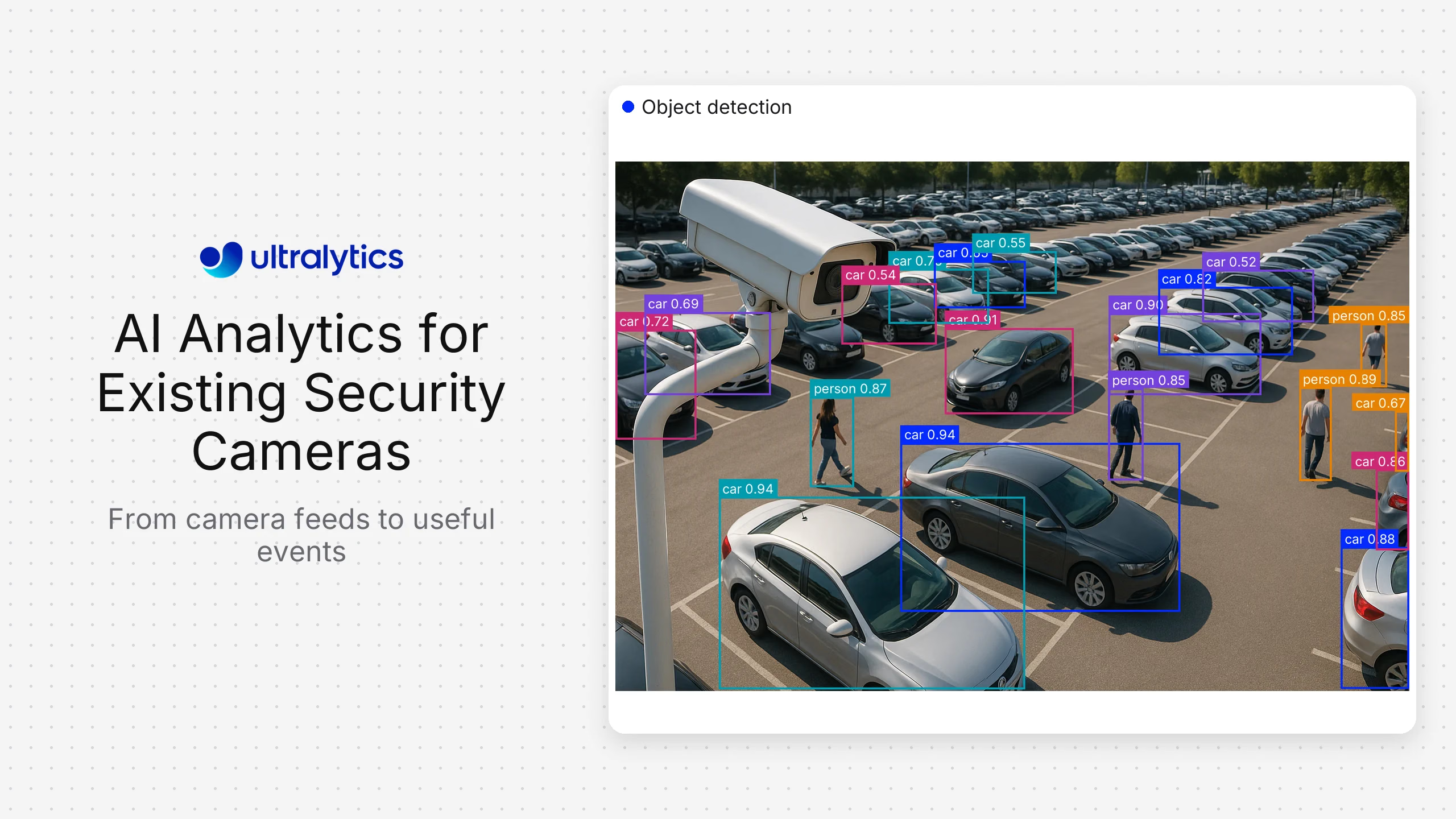
Nearly every organization asking how to add AI to its security cameras already has the answer it needs somewhere in three options, and the mistake is starting from the software instead of the estate. The cameras you own (their resolution at the distances that matter, their angles, their low-light behavior and where their streams can be processed) determine which of the three routes is even available to you.
This guide covers the honest camera audit that comes first, then the three routes: buying an analytics layer that sits over your existing video management system, upgrading the VMS or cameras themselves, and self-hosting detection models on the streams you already have. Most readers should take one of the first two. The third is a real option for a specific set of constraints, and this guide is explicit about which.
Start with the estate, not the software#
An analytics vendor will happily connect to a camera that cannot support the detection you want. Audit before you evaluate.
- Pixels on target, not megapixels. A 4K camera covering a wide yard may put fewer pixels on a person at forty meters than a 1080p camera covering a doorway. Every detection has a minimum pixel height, and this is the single most common reason a retrofit disappoints.
- Angle. Cameras positioned for security are usually angled to see faces across a wide area. That is close to the worst geometry for counting and zone logic, where overhead views dramatically outperform oblique ones.
- Low-light and backlight behavior. Test at dusk, at night, and at whatever hour the sun points into the lens. Infrared illumination changes the image characteristics substantially, and a model evaluated only on daylight footage will surprise you.
- Frame rate and codec. Heavily compressed low-frame-rate streams lose the detail models rely on. Check what the recorder actually stores versus what the camera can produce.
- Stream access. Can you get a second RTSP stream per camera without degrading recording? Many cameras support a substream at lower resolution, which is often adequate and much cheaper to process.
- Network capacity and topology. Continuous analytics on many streams either consumes bandwidth to a central server or requires compute near the cameras. This decides architecture more often than software preference does.
- Camera age and patch status. Cameras with default credentials on a flat network are a security problem before they are an analytics opportunity.
The output of this audit is usually a split: some cameras are fine for zone and presence detection, fewer are adequate for detailed classification, and a handful need repositioning or replacing regardless of route.
Three routes#
| Route | What you add | Best when | Effort | Main limit |
|---|---|---|---|---|
| Analytics layer over existing VMS | A vendor product consuming your existing streams | You want standard security detections working quickly | Low to moderate | Constrained to the vendor's detection catalog |
| Upgrade VMS or cameras | New platform, often new cameras | The estate is old enough that analytics is not the real constraint | High | Capital cost and rollout time |
| Self-hosted models on existing streams | Your own inference service | Custom detections, absolute data boundary, or a product you ship | High, ongoing | You own accuracy, compute and maintenance |
Route 1: an analytics layer over your existing VMS#
This is the default recommendation. These products exist specifically to add detection capability to camera estates without replacing them, and for standard security use cases they are faster and cheaper than anything you would build.
BriefCam. A video content analytics layer strongest at rapid review and search across recorded footage, deployable on-premise. Best fit for investigation-heavy environments where finding events in historical video is the main workload. Trade-off: it sits on top of a VMS, adding a component rather than replacing one.
IronYun / Vaidio. An AI analytics layer designed to bring detection to existing cameras and VMS platforms, with a broad catalog of security detections. Best fit for organizations wanting more analytics without touching the recording infrastructure. Trade-off: another vendor in the integration chain to test and maintain.
Lumana. Focused on adding AI to existing camera estates, with attention to the retrofit path itself rather than assuming a greenfield install. Best fit for teams whose explicit requirement is keeping current cameras. Trade-off: a newer entrant relative to the established VMS vendors.
Volt.ai. Similarly oriented to layering AI over existing surveillance infrastructure, with integration guidance as a visible part of its offering. Best fit for organizations retrofitting across mixed camera hardware. Trade-off: as with any overlay, the quality of the result still depends on the underlying cameras.
What you get from all four: standard detections (person and vehicle presence, line crossing, zone intrusion, loitering, object left behind, crowd density, attribute-based search across recorded footage) with support and someone accountable for accuracy. What you do not get: a detection that is not in the catalog.
One scoping note. Several of these products market attribute search across footage, and vendors differ substantially in whether that means matching descriptive attributes such as clothing color or matching identities. Those are materially different capabilities with materially different legal exposure, and it is worth establishing which you are buying and which you actually want. Restricting scope to attribute and event detection, rather than identity, is both a simpler compliance conversation and sufficient for most security workflows.
Route 2: upgrading the VMS or cameras#
Sometimes the honest answer is that the estate, not the analytics, is the constraint. If cameras are old, badly positioned, unpatchable and recording at low frame rates, layering AI over them buys disappointment.
Genetec Security Center. Unified video, access control and ALPR with strong cybersecurity and privacy tooling, deployable on-premise. Best fit for large enterprise and public-sector estates needing unified physical security. Trade-off: substantial platform requiring corresponding expertise.
Milestone XProtect. An open-platform VMS with a large third-party integration ecosystem, so analytics can be selected independently of the recording layer. Best fit for organizations that want to keep that choice open. Trade-off: someone must own the integration assembly.
Avigilon Unity. On-premise video security with built-in analytics and close camera-to-software integration. Best fit for teams wanting a coherent stack from one vendor. Trade-off: strongest when adopting its own cameras.
Verkada. Cloud-managed cameras with built-in analytics and a strong emphasis on ease of deployment and management. Best fit for distributed multi-site organizations with limited on-site IT. Trade-off: cloud-managed architecture, which some data-residency requirements exclude.
Rhombus. Similarly cloud-managed with analytics included, aimed at straightforward multi-site rollout. Best fit for mid-market organizations wanting fast deployment. Trade-off: as above, the cloud model is a constraint where footage must stay local.
Eagle Eye Networks. Cloud video management with an open API approach and analytics options. Best fit for organizations wanting cloud management while retaining integration flexibility. Trade-off: cloud-centric architecture.
Axis Camera Station. Straightforward on-premise video management with Axis cameras and on-camera analytics, with unusually detailed hardware provenance documentation. Best fit for mid-size Axis deployments. Trade-off: less suited to very large multi-site estates than the enterprise platforms.
If a data-residency, air-gap or procurement-restriction requirement is in play, that narrows this list before anything else does. The compliance frameworks driving those decisions are covered in more depth in our guide to on-premise video analytics for security compliance.
Route 3: self-hosting models on your existing streams#
This is the minority route, and it is the right one under specific conditions:
- The detection is not in any catalog. A specific piece of equipment, a facility-specific condition, a process state, a product on a line. Generic security analytics cannot be configured into a novel class. - The inference boundary is absolute. Not just storage. No image may leave the network for analysis, including to a vendor's cloud tier. - You are shipping a product. If analytics is a feature of something you sell, per-channel licensing does not fit the cost model and you are a builder. - Per-channel licensing does not scale at your stream count, and you have engineering capacity to operate an alternative. - You need control of the model lifecycle, retraining on your own footage as the site changes rather than waiting on vendor releases.
If none of those apply, take route 1.
The architecture#
Keep the VMS. Recording, retention, access control and audit logging are solved and compliance-relevant. Consume streams from it; do not replace it.
Pull RTSP streams into your own inference service. Prefer the camera substream where resolution allows. It costs far less to decode, and decoding is frequently the real bottleneck rather than inference.
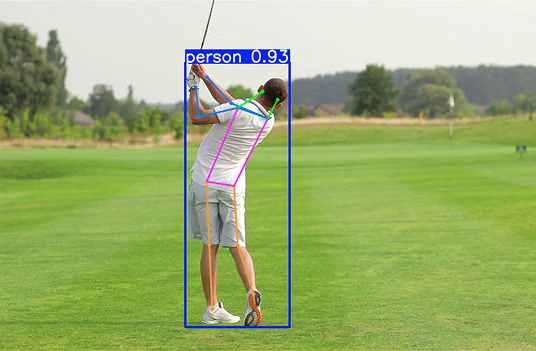
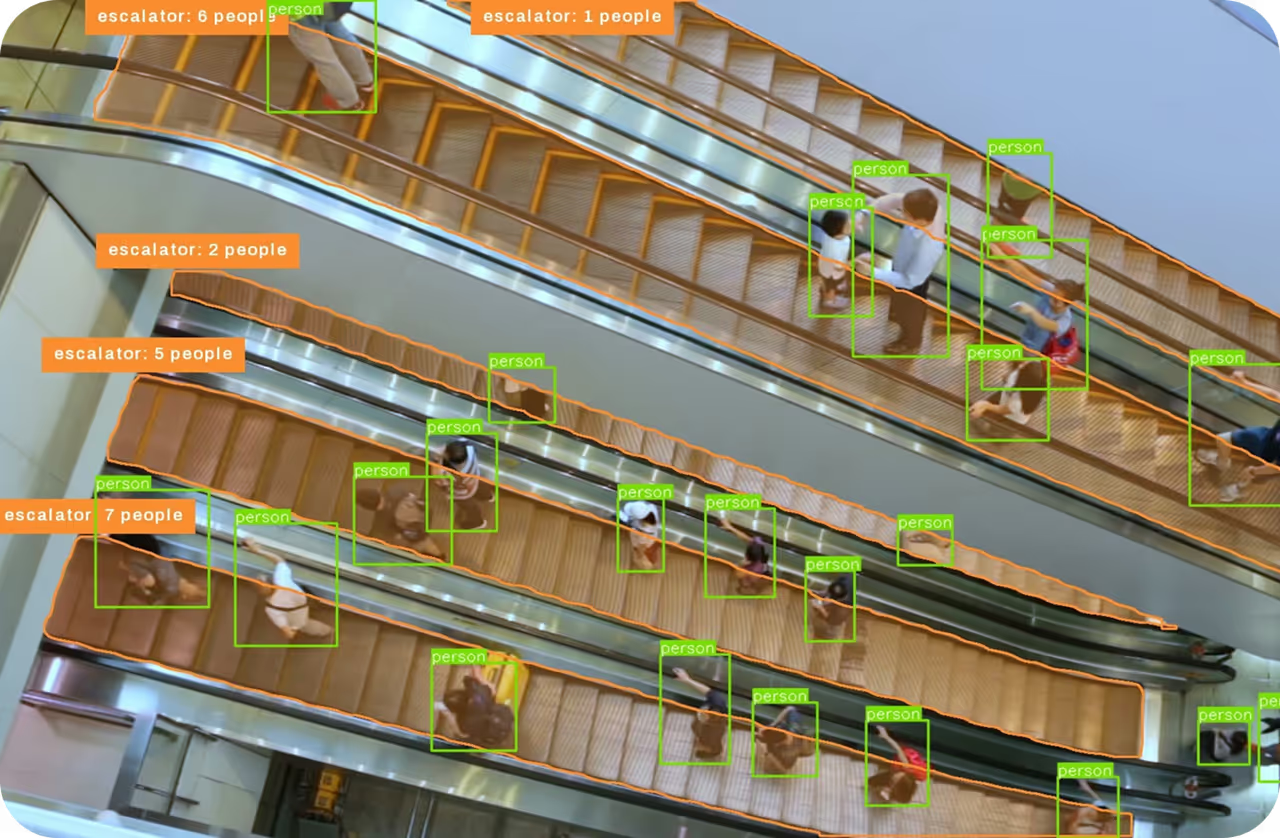
Run detection and tracking. Ultralytics YOLO models (YOLOv8, YOLO11 and YOLO26) cover the relevant tasks: detection for people, vehicles and objects, tracking for line crossing and zone logic, pose estimation for posture and fall detection, segmentation where boundaries matter more than boxes. Export to ONNX or TensorRT for the hardware you are deploying on.
Train on your own footage. A general model handles people and vehicles well. Your specific cameras, angles, weather and lighting decide production accuracy, and public datasets will not represent them. Ultralytics Platform can annotate site footage with SAM-based Smart Annotation and train in the same workflow, which matters when the alternative is stitching annotation and training tools together.
Write events back into the security workflow. Detections belong in the VMS or the alarm management system operators already watch. A separate dashboard becomes a separate thing nobody opens.
Settle licensing before the pilot becomes production. Ultralytics YOLO models are offered under AGPL-3.0, and commercial or proprietary deployments generally require an Ultralytics Enterprise license, which also covers private deployment and advanced support. Resolving this at design time is much cheaper than after a rollout.
Sizing the compute#
Continuous inference across many streams is a capacity planning exercise, and two levers dominate.
The first is frame rate. Most security events do not require every frame. Set the rate from the shortest event you must catch (a person crossing a line needs far less than 30fps) and capacity requirements typically drop substantially.
The second is where inference runs. Edge devices near the cameras avoid streaming video across the network and keep footage local, which is often the point. A central GPU server is simpler to operate and manage but concentrates bandwidth demand. Mixed estates commonly do both: edge inference at remote sites, central processing where the network is good.
Benchmark on your own streams and hardware. Model throughput figures measured on curated datasets do not predict what a decode-plus-inference pipeline achieves on your cameras.
False alarms are solved above the model, not inside it#
The most common failure of a self-built system is not poor detection accuracy. It is an alert volume that operators stop responding to within two weeks.
Detections are not events. The layer that converts boxes into alerts is where the false-alarm rate is actually controlled:
- Persistence. Require a track to be established over several frames before it counts. Single-frame detections are noise.
- Zone geometry in real-world terms. A polygon drawn on a 2D image is not an area on the ground. Without perspective calibration, a person well outside a hazard zone can appear inside it.
- Debouncing. One person loitering at a threshold should not generate repeated crossing events.
- Schedules and exemptions. A forklift in an aisle at 2pm is normal and at 2am is not. Encoding that removes a large fraction of alerts.
- Escalation tiers. Not every detection deserves an alarm. Live alert, shift summary and weekly trend are three different outputs with three different accuracy requirements.
Expect this layer to be more code than the model integration, and measure the system on false alarms per shift rather than on detection accuracy against a test set. False alarms per shift determines whether the system is still switched on in three months.
Privacy and scope#
Retrofitting analytics onto existing cameras changes what those cameras do, and that usually triggers obligations the original installation did not.
- Purpose limitation. Cameras installed for security should not silently become productivity or behavior monitoring. In workplace settings this is both a legal issue and a trust issue.
- Reassess, don't inherit. Adding automated analysis to existing footage generally requires a fresh data-protection assessment, and in much of the EU, works-council consultation.
- Scope out identity matching. Person and vehicle detection, line crossing, zone intrusion, loitering, crowd density and object-left-behind all work on anonymous detections. Ultralytics does not offer its models for facial recognition, and identity matching carries substantially heavier legal exposure without improving any of those detections.
- Minimize what you retain. Where events and counts answer the question, keep events and counts.
- Log viewing and export, not only configuration changes.
- Segment the camera network. A retrofit is a good moment to fix flat networks and default credentials.
Frequently asked questions
Three routes. Buy an analytics layer that consumes your existing streams (BriefCam, IronYun/Vaidio, Lumana or Volt.ai), which is the fastest path for standard security detections. Upgrade the VMS or cameras if the estate itself is the constraint. Or self-host detection models on your existing RTSP streams, which fits custom detections, absolute data boundaries and products you ship. Audit camera resolution, angle and low-light performance first, because that determines which routes are viable.
No. The binding constraints are pixels on target at the distance you care about, camera angle, low-light performance and the frame rate actually stored. Expect a split result: many cameras adequate for presence and zone detection, fewer for detailed classification, and some needing repositioning regardless of which route you choose.
Usually not. Analytics layers are built to consume streams from an existing VMS, and self-hosted models can read RTSP directly while the VMS continues to handle recording, retention and audit logging. Replacing the VMS makes sense when the platform itself is unsupported, unpatchable or unable to provide stream access.
For standard security detections, buy. Per-channel licensing is almost always cheaper than the total cost of building and maintaining a pipeline, which includes GPU capacity, engineering time, annotation, retraining, monitoring and on-call. Building wins when the detection does not exist in any catalog, when licensing does not scale at your stream count, or when analytics is a feature of a product you sell.
No, and it is worth scoping out explicitly. Presence, line crossing, zone intrusion, loitering, crowd density and object-left-behind detection all work on anonymous detections. Some vendors market attribute-based search across footage; establish whether that means descriptive attributes or identity matching, because the legal exposure differs sharply. Ultralytics does not offer its models for facial recognition.
Edge inference near the cameras avoids sending video across the network and keeps footage local, which is frequently the requirement driving the project. A central GPU server is easier to operate and monitor but concentrates bandwidth demand. Mixed estates commonly run edge inference at remote sites and central inference where the network supports it.
It has to be measured, because it depends on resolution, model size, inference frame rate and how much of the budget goes to video decoding rather than inference. The most effective lever is frame rate: setting it from the shortest event you must catch, rather than the camera's maximum, typically increases stream capacity substantially. Benchmark on your own streams before sizing hardware.
Almost always because the logic above the model is missing rather than because detection is poor. Add persistence requirements over multiple frames, calibrate zone geometry to real-world coordinates, debounce repeated crossings, and encode schedules and exemptions. Then measure false alarms per shift, which is the number that decides whether operators keep trusting the system.