
Computer vision for retail loss prevention
Detect and track products at self-checkout with Ultralytics YOLO, trained on your own lane footage in Ultralytics Platform, then match them to POS records in your application.
Trusted by the world's leading organizations












Built for teams that ship retail loss prevention
Ultralytics provides the models, tools, and license. You build your product, from lane prompts to the review queue.
Self-checkout and POS makers
Build missed-scan and barcode-switch checks into your kiosks and checkout software, running on checkout hardware.
Loss prevention vendors and integrators
Add item-level loss events to your platform, or deliver them as on-premises projects for retail chains on mixed camera fleets.
Camera, VMS, and in-house teams
Embed YOLO in cameras and video management software, or build checkout loss detection for your own chain of stores.
Videologic Analytics scales to 10K AI camera licenses with Ultralytics YOLO
Discover how Videologic Analytics uses Ultralytics YOLO to improve video surveillance accuracy, reduce false alarms, and shorten time to market.
How it works
From the camera over the scanner to a prompt the shopper can act on.
Frame the scan area
Mount an overhead camera at each self-checkout, framed on the scanner and bagging area with faces out of view.
Detect and track products at the edge
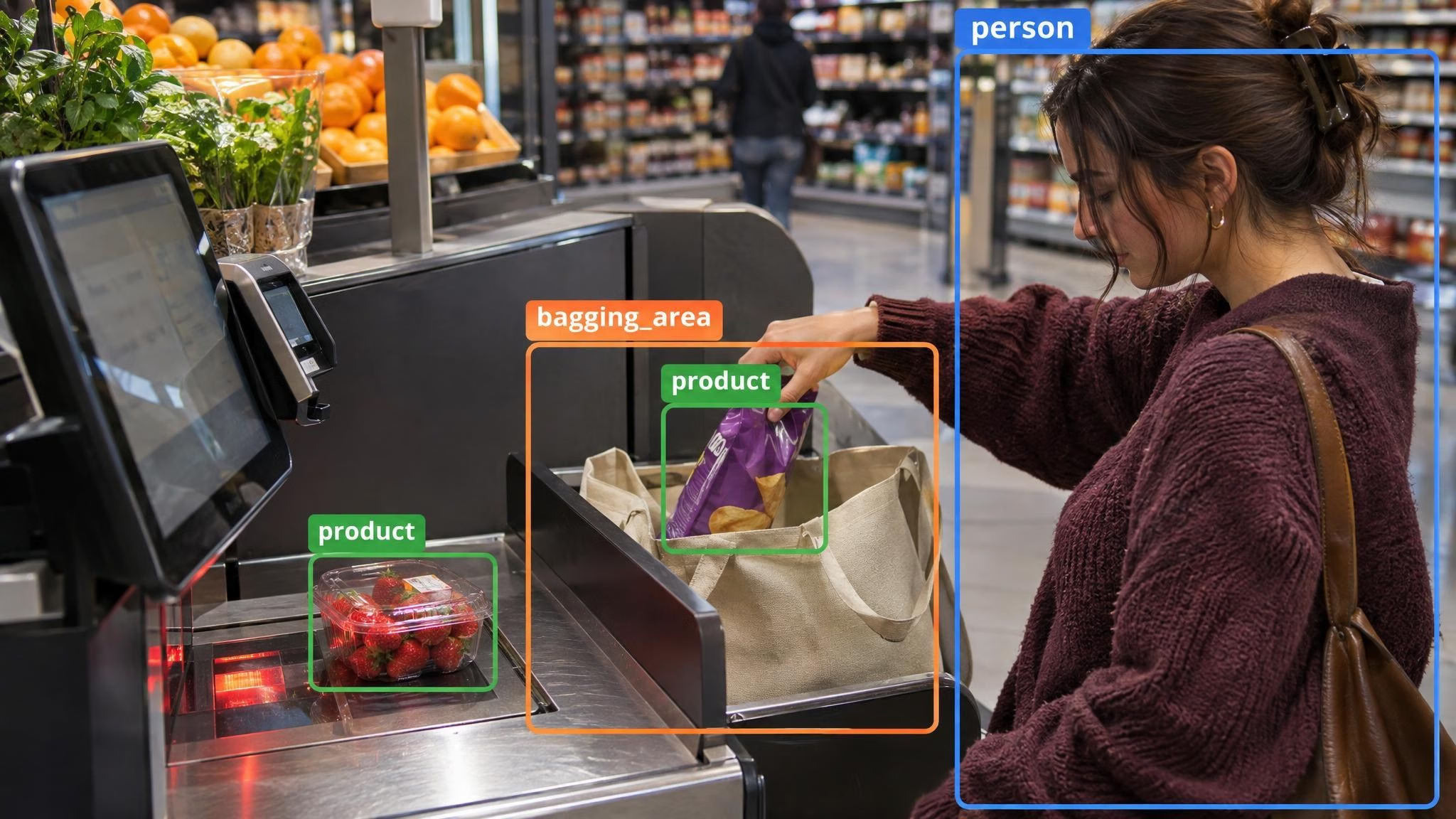
YOLO detects and tracks products through the scan zone on an NVIDIA Jetson, Hailo, or Intel device in the store.
Match items to the transaction
Your software compares tracked items with POS line items. An item with no matching scan, or a product that doesn't match its barcode, becomes an event.
Prompt first, then review
Show the shopper a replay to fix honest mistakes, and send unresolved events to staff, who review the clip before acting.
Computer vision tasks for retail loss prevention
Five YOLO tasks in one model family, trained on your products and lanes, that analyze items and movements, never identities.
Try YOLO26 inference
Drag and drop an image to see real-time object detection
Why teams build on Ultralytics YOLO
Item-level checks on your own checkout hardware, with no per-call API fees.
Runs in the lane
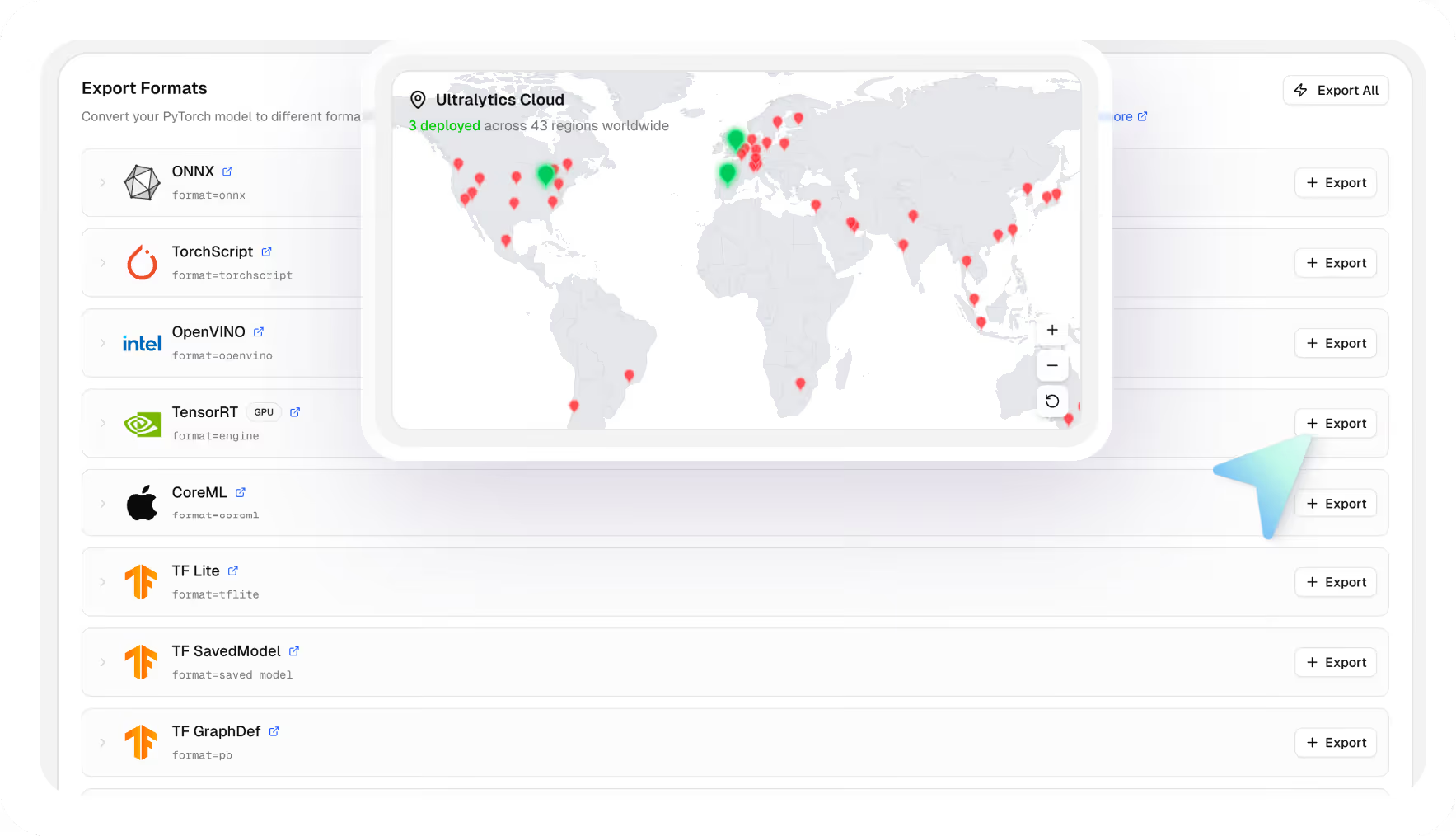
Export to TensorRT, OpenVINO, ONNX, and more, then run on NVIDIA Jetson, Hailo, Intel, or an in-store server.
Behavior, not identity
Detect items, scans, and hand movements without identifying anyone. No facial recognition, no lists of flagged people, and video can stay in the store.
Tuned to your lanes
Fine-tune on footage from your own checkouts and kiosk models, then measure precision per alert type before you roll out.
Two ways to start
Train and deploy on Ultralytics Platform, or add YOLO to your own pipeline.
Ultralytics Platform
Upload lane footage, label products with AI-assisted annotation, train a custom YOLO model, and export it for your checkout hardware, all in one place.
UploadLabelTrainDeploy
 Get started
Python package
The RegionCounter in the Ultralytics package counts items in the scan and bagging zones in a few lines. Match the counts to your POS, and license YOLO to ship it in your own product.
pip install ultralyticsfrom ultralytics import solutions
zones = {
"scan": [(80, 300), (420, 300), (420, 480), (80, 480)],
"bagging": [(440, 300), (760, 300), (760, 480), (440, 480)],
}
counter = solutions.RegionCounter(
model="path/to/products/best.pt", # trained on your checkout products
region=zones,
)
results = counter(frame) # a frame from the checkout camera
print(results.region_counts) # tracked product detections in each zoneShipping YOLO in a commercial product? An Enterprise License removes AGPL-3.0 obligations.
License YOLOEnterprise-grade security and compliance
Build and deploy with confidence. ISO 27001 certified, SOC 2 attested, with support for HIPAA compliance.
SOC 2 Type I

ISO 27001:2022

HIPAA

GDPR & CCPA
Frequently asked questions
No. YOLO detects products, item events, and body movements, such as an item that skips the scanner, a product that doesn't match its barcode, or an item moved into a bag. None of that needs a face or an identity. Adding identification would turn it into biometric processing, which the EU AI Act treats as high-risk and many privacy laws restrict.
You build and own the application. Ultralytics provides the YOLO models, Ultralytics Solutions for counting and tracking, Ultralytics Platform to train on your footage, and the commercial license. Your team builds the POS integration, shopper prompts, and review workflow.
Item-level events that you define and validate on your own lanes: products that skip the scanner, items stacked or passed together, products that don't match their scanned barcode, and items left on the bottom of a cart. Each is an object event you check against the transaction, not a judgment about a person.
YOLO tracks each product through the scan zone, and your software timestamps when it reaches the bagging area and matches those events to POS line items in the same transaction, with tolerance for clock drift. An item with no matching line becomes an event for an on-screen prompt or a staff review.
An overhead camera at each self-checkout, framed on the scanner and bagging area with faces out of view. YOLO runs on NVIDIA Jetson, Hailo and Axelera accelerators, Intel CPUs with OpenVINO, or an in-store server.
It depends on camera placement, lighting, and your products, so measure it on your own lanes. Fine-tune on real lane video plus staged scenarios in Ultralytics Platform, then track precision and recall per alert type and alerts per lane-hour in a pilot, with a person reviewing every alert.
Compliance depends on the deployment, and the retailer runs the impact assessment. At self-checkout, the CNIL's guidance recommends framing the scan area, keeping faces out of view, processing on site, and deleting data after detection. Keep no lists of flagged people, never infer emotions from shoppers or staff, and have a person review every alert before acting.
Ultralytics YOLO is open source under AGPL-3.0, so you can prototype freely. To ship it in a closed-source checkout, camera, or software product, an Enterprise License removes the AGPL obligations. Enter your work email above to get a quote.
More use cases
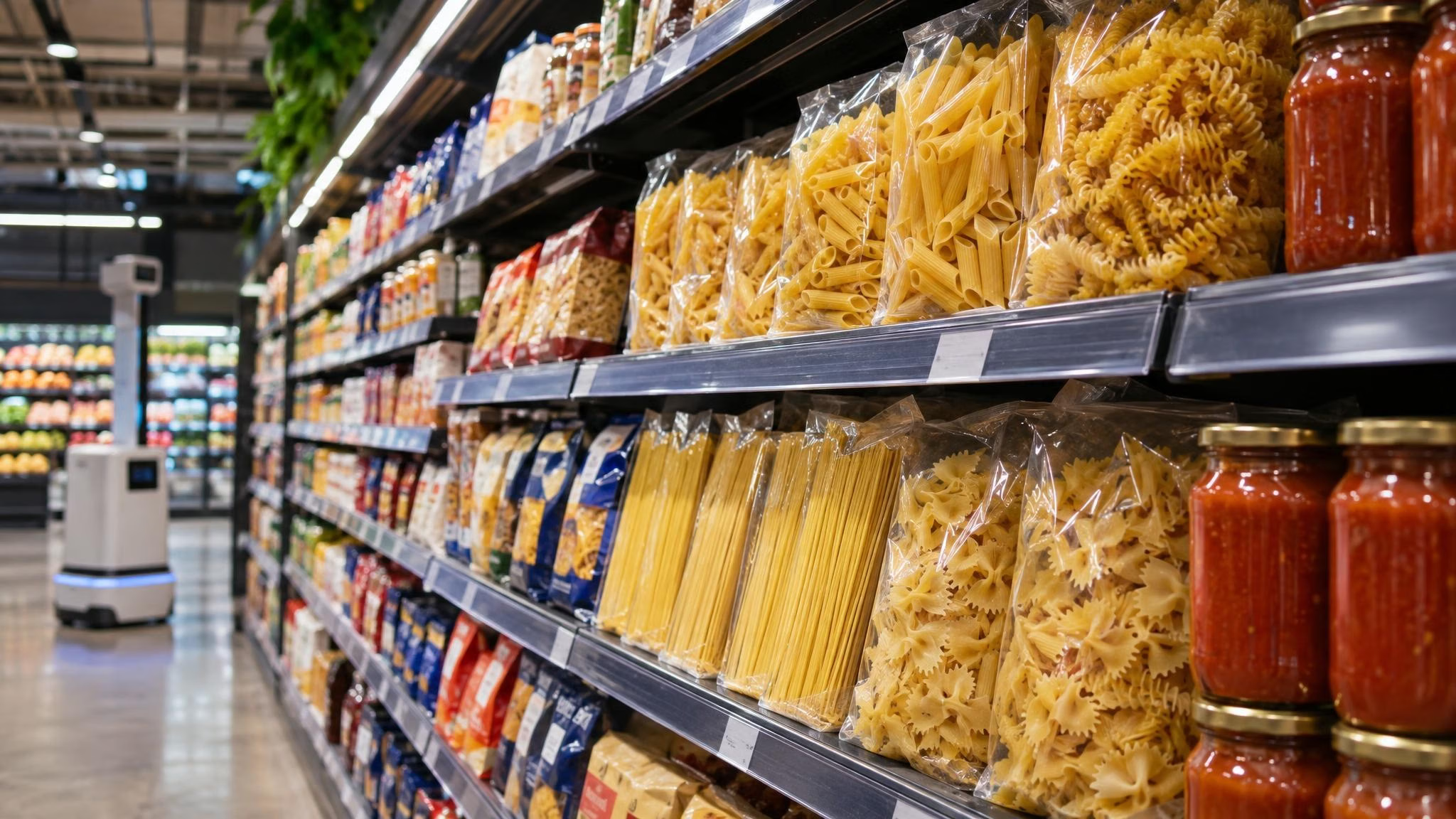
Inventory management

Queue management
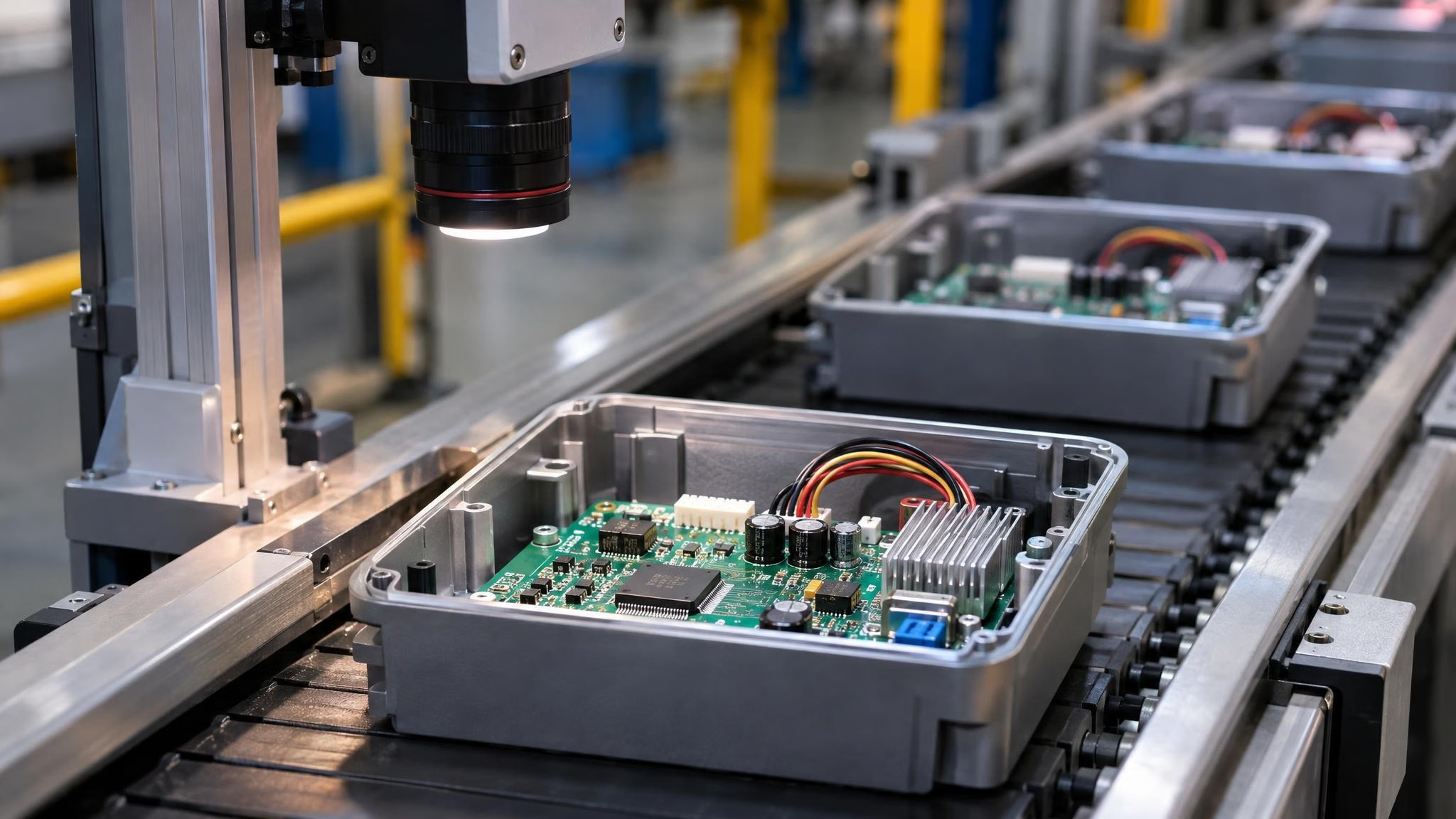
Visual inspection

Driver monitoring

Document processing

Defect detection
Your vision, realized
Join millions of developers building scalable solutions for smart use cases across industries. Annotate, train, and deploy — all from Ultralytics platform.