Introducing Ultralytics Agents: Build visual AI workflows faster
Build visual AI workflows with Ultralytics Agents. Connect YOLO, vision-language models, conditions, datasets, and actions.
Training a strong computer vision model is only part of the journey. The next challenge is deciding what should happen when that model makes a prediction: save an image, request more context, alert a team, or collect an uncertain example for review.
Historically, teams built this orchestration using separate scripts and integrations. Ultralytics Agents brings it onto a visual canvas, helping teams turn predictions into practical actions with less custom development.
Available in Ultralytics Platform, Agents connects images, Ultralytics YOLO models, deployments, conditions, language models, datasets, and actions in reusable visual workflows.
What are Ultralytics Agents?#
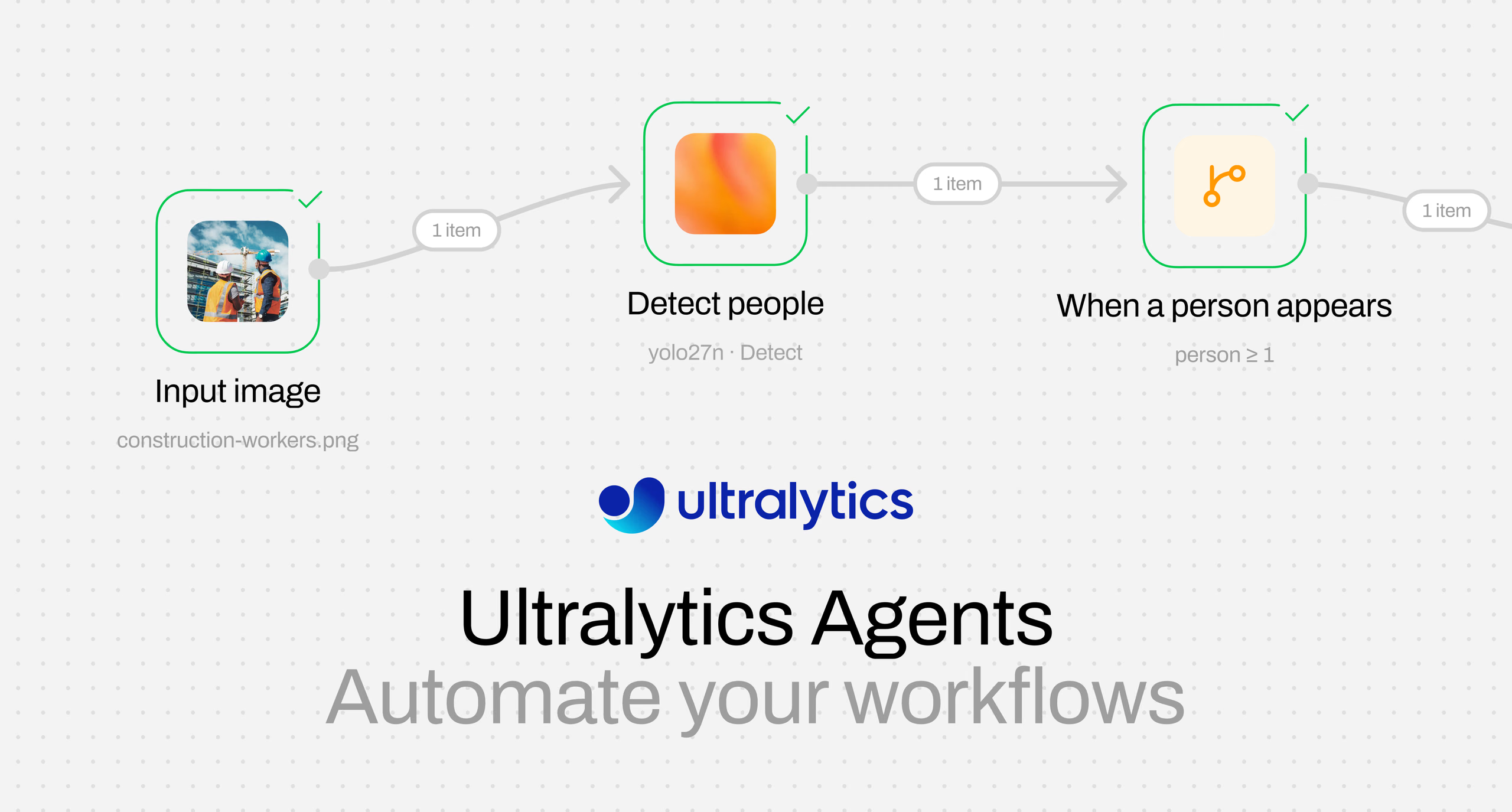
Agents provide a visual way to design and run computer vision workflows. Add blocks to the canvas, connect each step, and define what should happen when an image meets a specific condition.
A workflow can use an official YOLO26 model, a model trained in your workspace, or an existing Platform deployment. It can then filter predictions by class count or confidence, send selected images to a vision-language model, collect them in a dataset, notify a Slack channel, or display the result.
With Agents, you can:
- Build visually: Connect models, conditions, and actions without manually creating the complete workflow from scratch.
- Focus attention: Process only the images that meet the criteria you define.
- Combine visual and language intelligence: Use YOLO to identify what matters before asking a vision-language model for additional context.
- Turn predictions into action: Save relevant images, send conditional Slack alerts, or pass results to the next workflow step.
- Connect production insights to data: Collect uncertain or important images for review and future model development.
- Inspect the implementation: View the Python generated from your visual workflow.
Instead of stopping at “What did the model detect?”, teams can answer the more valuable question: “What should happen next?”
Move from detection to decision#
Many vision AI systems require multiple tools and custom connections. A model generates predictions, application logic evaluates them, another system stores relevant inputs, and a separate integration sends notifications.
Agents bring these steps into one visual workflow.
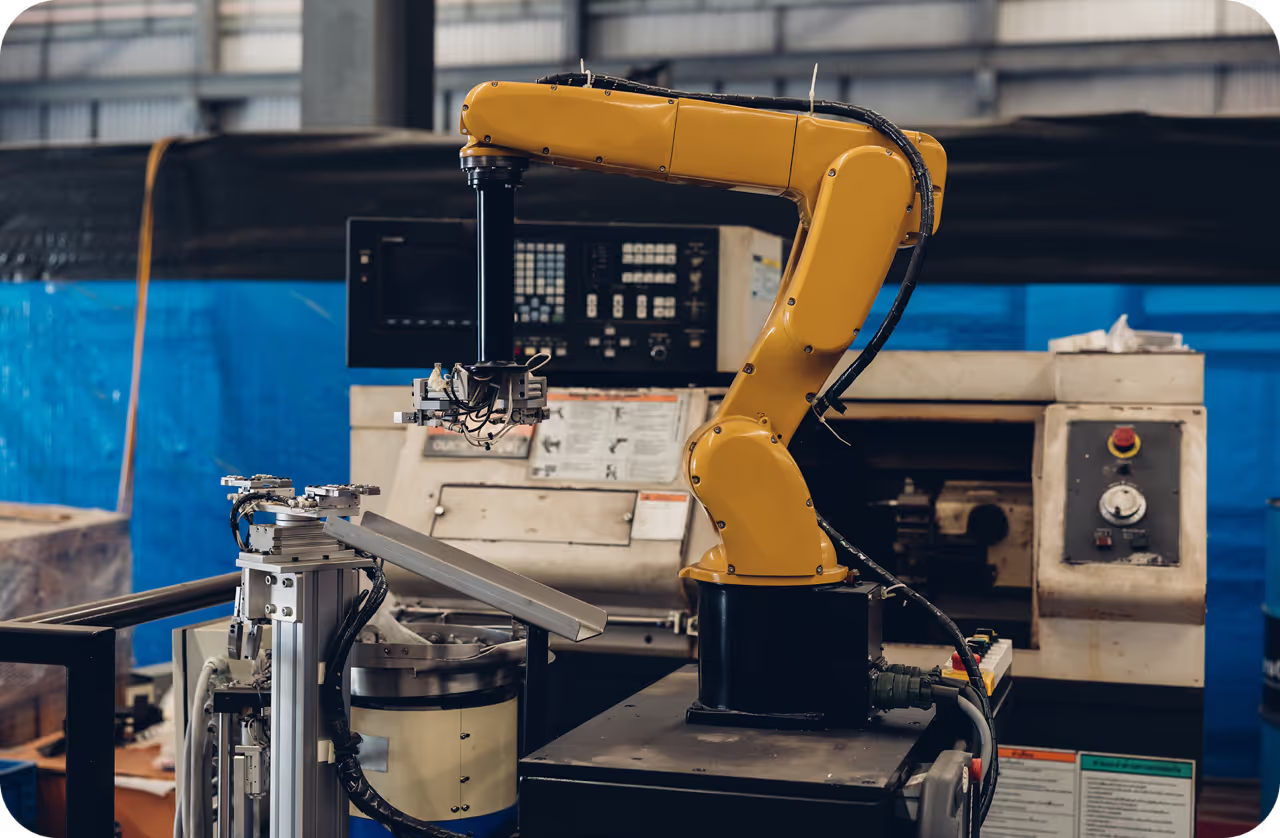
For example, a manufacturing team could run a trained inspection model, check whether a defect meets a chosen threshold, save the image for review, and alert an operations channel. A logistics team could collect low-confidence detections to identify gaps in its training data. A safety team could use YOLO to detect a person in a restricted area before asking a vision-language model to describe the wider scene.
The workflow follows conditions set by the user, making it clear why each downstream step runs, or does not run.
Use Ultralytics YOLO and vision-language models together#
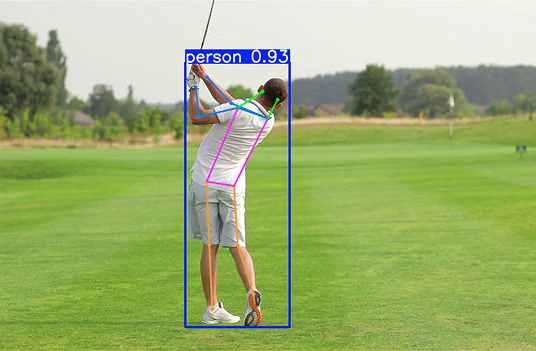
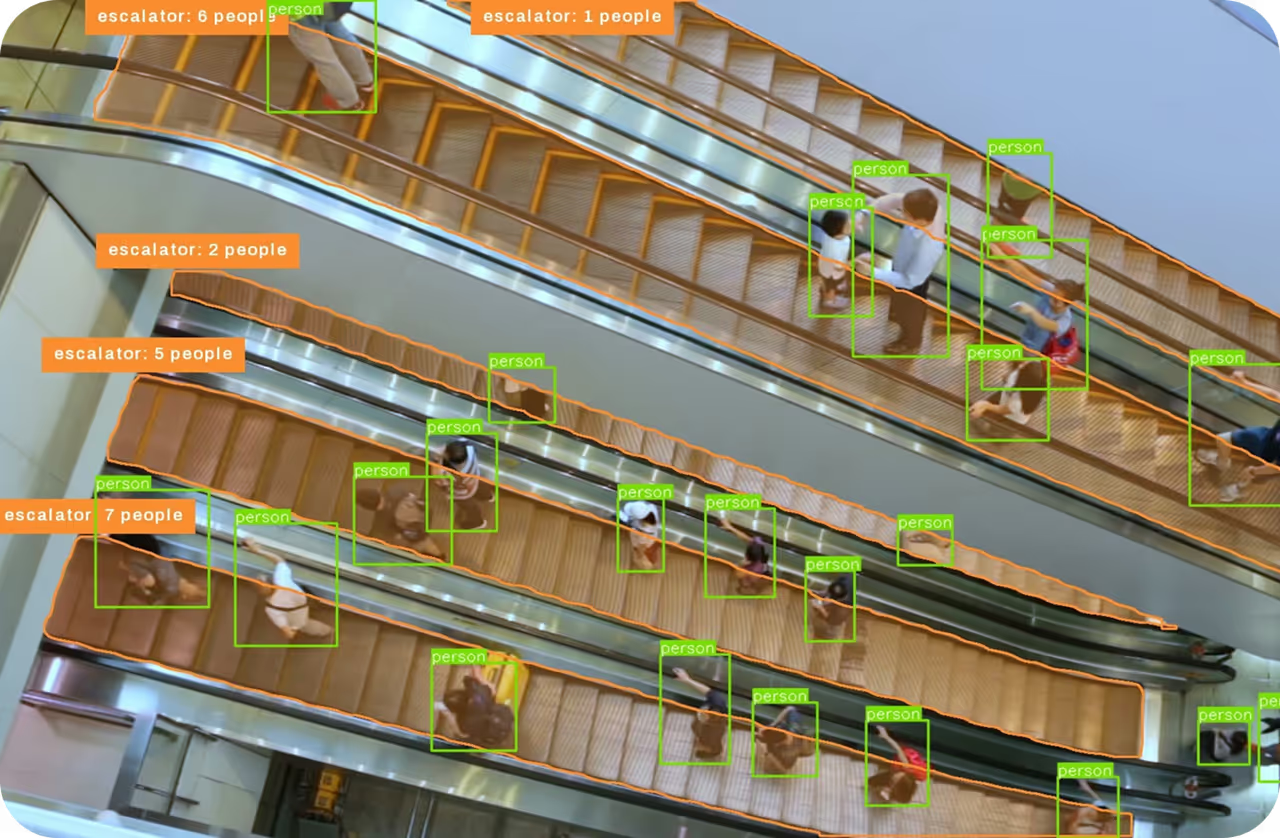
YOLO models are effective at locating, classifying, and counting objects within images. Vision-language models can add a natural-language interpretation of the broader visual context.
Agents makes it possible to combine these capabilities efficiently. YOLO can act as the first filter, allowing the workflow to call a vision-language model only when an image meets the required condition.
For example, a workflow could:
- Run YOLO26 on an image.
- Check whether at least one person was detected.
- Send matching images to a selected vision-language model.
- Ask it to describe the scene.
- Display the resulting description.
If the condition is not met, the description step does not run. This gives teams greater control over which images proceed through the workflow and when external model calls are used.
Start with an editable workflow template#
Agents include templates that help teams move quickly from an idea to a working visual AI workflow.
- YOLO → VLM Monitor: Use YOLO to identify relevant images before asking a vision-language model to describe them.
- Collect Uncertain Detections: Filter predictions by confidence and collect uncertain images in a dataset for review.
- Capture and Alert: Save an image and send a Slack notification when a detection condition is met.
Templates provide a practical starting point rather than a fixed solution. Teams can select their own images, models, deployments, conditions, prompts, destination datasets, and integrations.
Users can also inspect the Python generated by a workflow, combining the speed of visual development with the transparency technical teams need to understand the implementation.
Close the loop between deployment and model improvement#
Real-world images can reveal conditions that were missing or underrepresented during training. New environments, changing object appearances, and uncertain detections can all indicate opportunities to improve a model.
Agents helps teams turn those observations into an actionable data loop:
- Run images through an Ultralytics YOLO model or Platform deployment.
- Filter the results using class or confidence conditions.
- Collect selected original images in a destination dataset.
- Review and annotate the images in Ultralytics Platform.
- Retrain and redeploy using data informed by real-world inputs.
Images collected through Agents arrive unlabeled in the destination dataset’s train split, ready for review in the annotation editor. Teams can label these targeted examples and use them to guide the next model iteration.
This creates a more direct path from identifying a difficult example to preparing better training data.
Build workflows around real-world outcomes#
Agents can support workflows across industries and use cases:
- Manufacturing: Capture possible defects for review and notify quality teams when defined conditions are met.
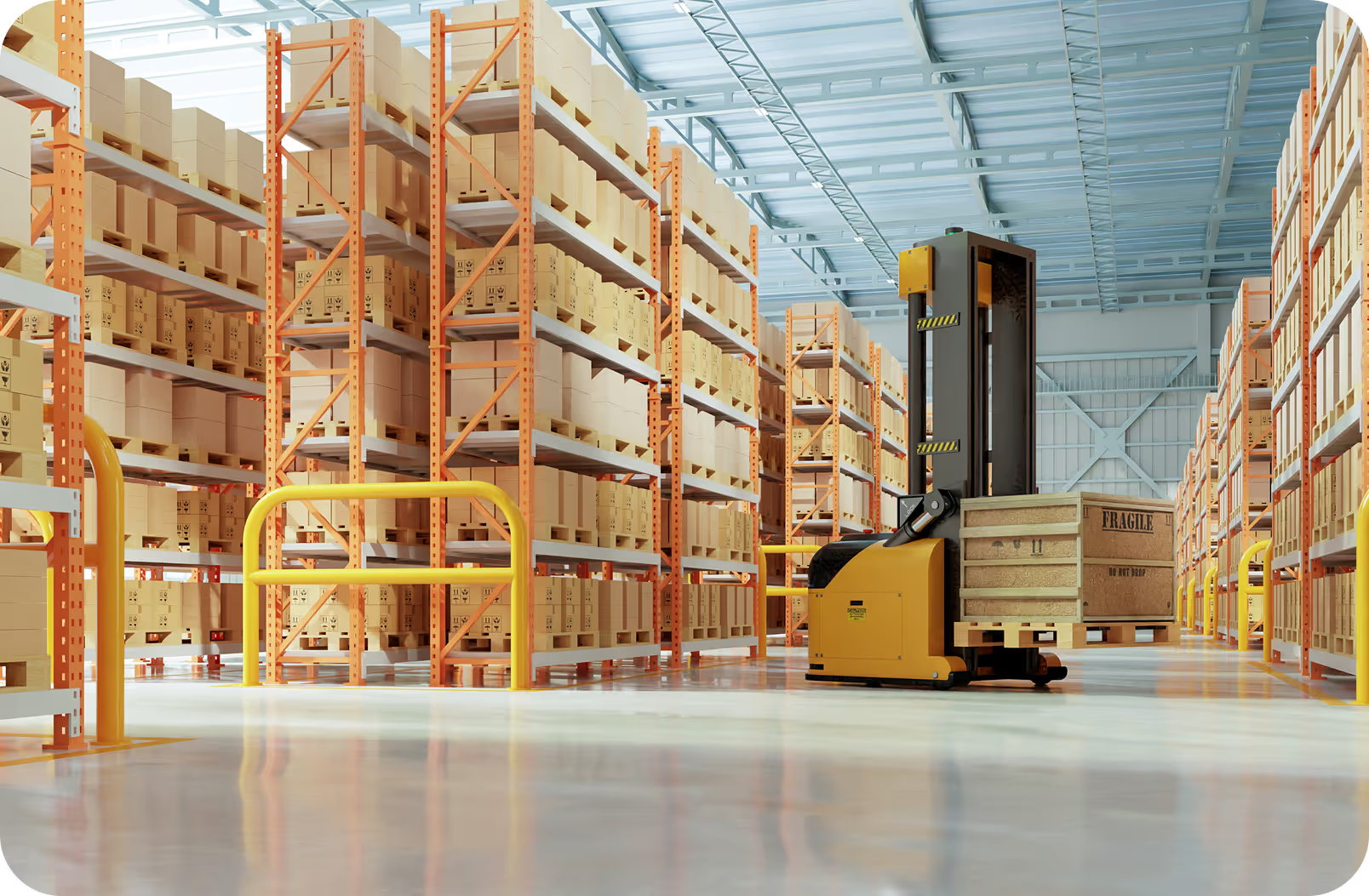
- Logistics: Collect uncertain detections involving containers, vehicles, or equipment to improve dataset coverage.
- Retail: Filter images based on detected classes or counts and send relevant results to downstream actions.
- Safety and security: Detect people or objects in specified scenarios before requesting additional scene context.
- Dataset development: Find low-confidence examples and gather them into a focused review set.
Each workflow can branch from one condition into multiple actions. For example, the same matching image can be saved to a dataset and trigger a Slack message, helping teams preserve evidence while notifying the people responsible for reviewing it.
From visual prototype to transparent Python#
Visual workflow builders can accelerate experimentation, but technical teams also need visibility into what is running.
Agents lets users inspect the Python generated from a workflow. This connects the accessibility of a visual canvas with the transparency developers need to understand the underlying implementation.
Teams can test a small workflow with the shared trial or select dedicated Platform deployment resources for larger datasets, longer runs, and trained workspace models.
Start building with Agents#
Ultralytics Agents helps teams move beyond isolated predictions and build connected visual AI workflows. By bringing YOLO, vision-language models, configurable conditions, datasets, and actions onto one canvas, Agents creates a faster path from prediction to practical outcome.
Agents is currently available through Early access. Switch to your personal workspace and enable Early access under Settings > Profile. This is a personal preference, including when you are working in a team workspace.
Then open Agents from the sidebar, start with a template, or build your own workflow on the Agents canvas. Explore supported blocks, conditions, execution options, and setup guidance in the Ultralytics Agents documentation.