Object Detection with a pre-trained Ultralytics YOLOv8 model
Learn how to run object detection with a pre-trained Ultralytics YOLOv8 model in two lines of Python, tune prediction arguments, and detect objects on a webcam.
 Nuvola Ladi3 min read
Listen to this article

In this tutorial, we explore Ultralytics YOLO models and how to use them for object detection.
Ultralytics YOLOv8 model overview#
Let's start with the features of the Ultralytics YOLOv8 model. This model represents a significant advancement in the field of object detection, offering a strong balance between speed and accuracy. Compared to previous YOLO models, YOLOv8 delivers faster inference without compromising detection accuracy.
During our exploration, we'll compare Ultralytics YOLOv8's inference speed and accuracy to other YOLO models, showing its advantages for real-time object detection. With YOLOv8, users can expect a significant improvement in performance across a wide range of applications.
Using pre-trained Ultralytics YOLOv8 models#
One of the key highlights of the Ultralytics YOLOv8 model is the ease of use, especially with pre-trained models. Whether you're an expert developer or just starting your journey in computer vision, machine learning or deep learning, using pre-trained YOLOv8 models is straightforward.
With just two lines of Python code, you can run a pre-trained Ultralytics YOLOv8 model for object detection. This makes it easy to integrate computer vision capabilities into your projects with minimal effort.
Ultralytics YOLOv8 documentation and arguments#
It also helps to know the resources available for the Ultralytics YOLOv8 model. Our future tutorials will cover a range of topics, including custom object detection, object tracking, pose estimation, and segmentation, providing comprehensive guidance for users at every level.

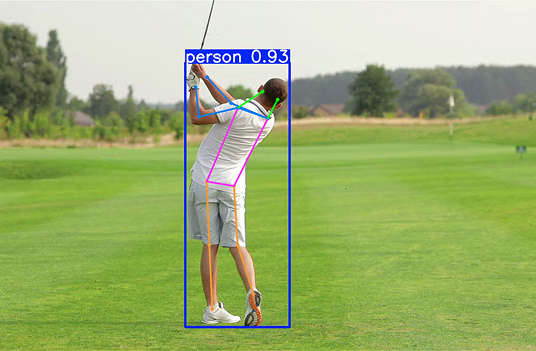
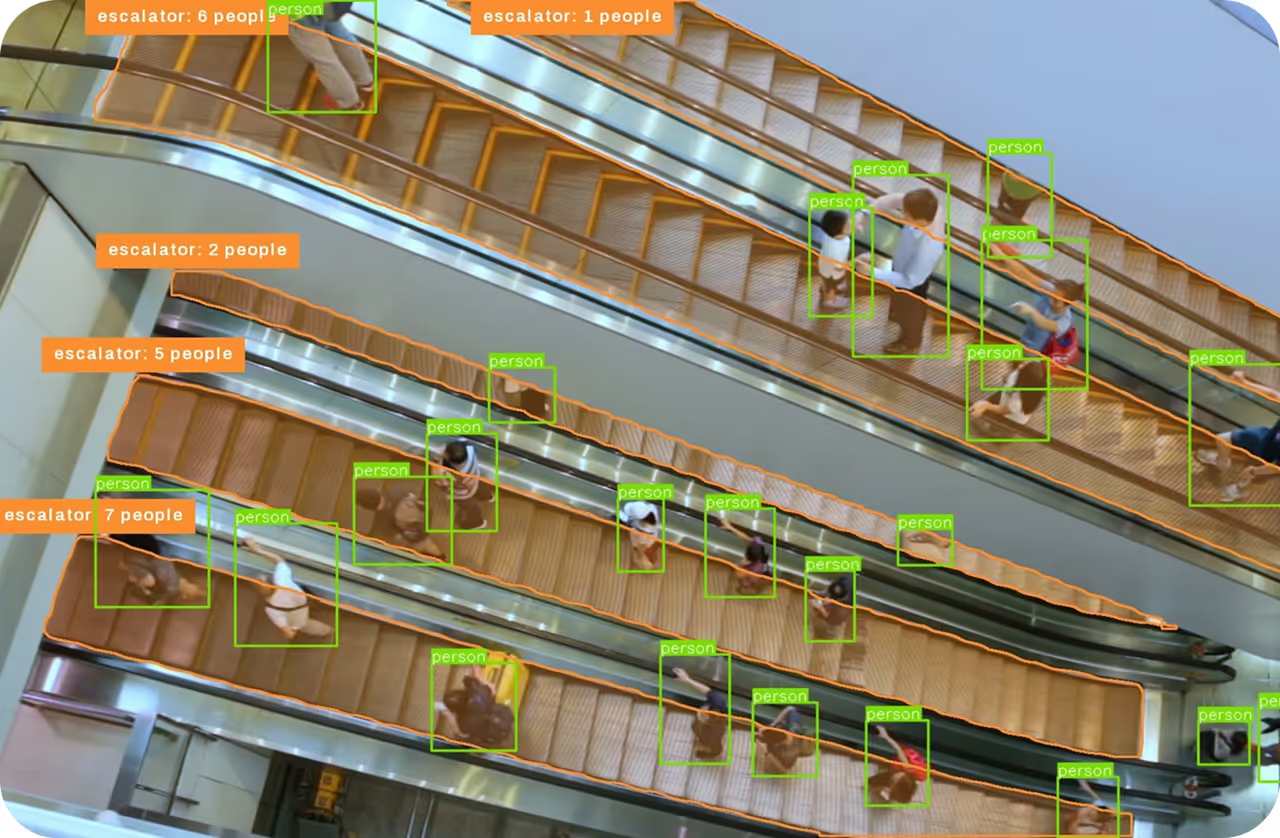
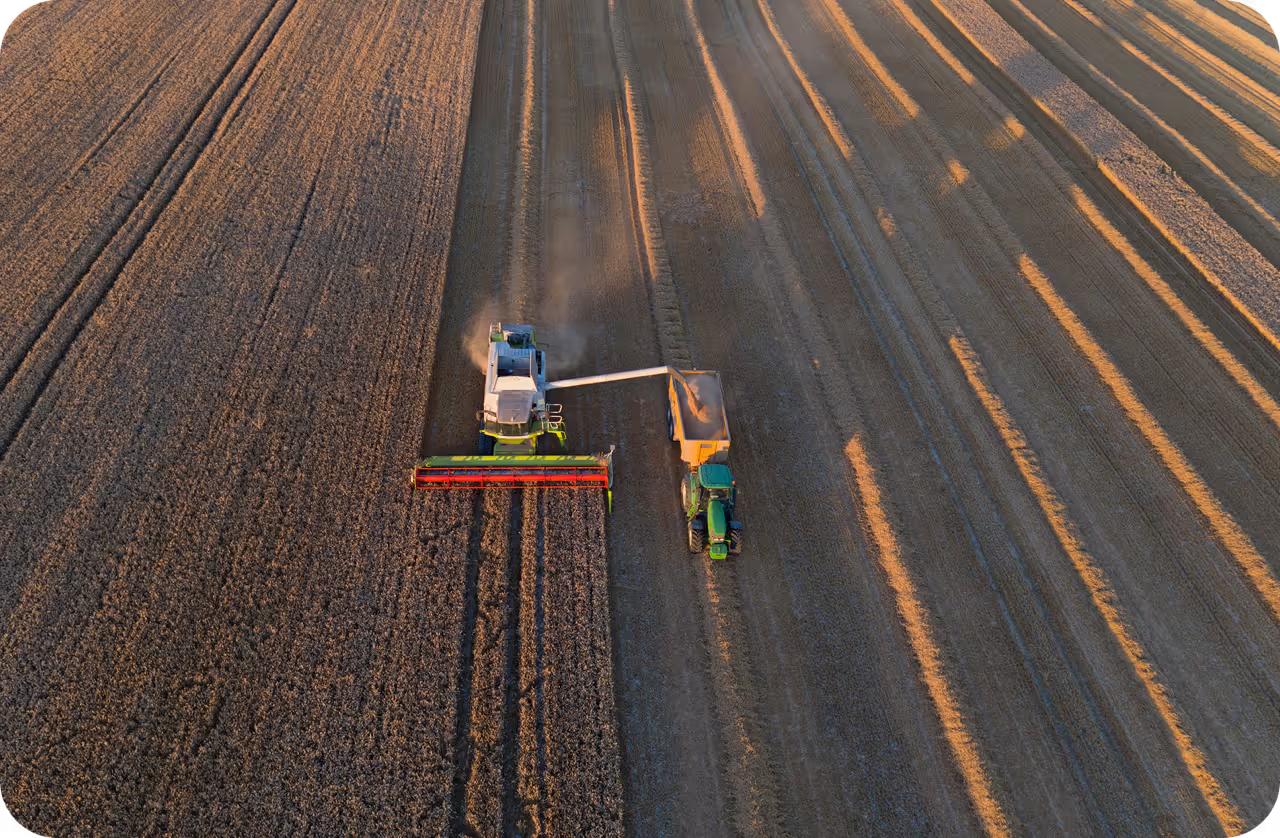
Fig 1. Main tasks performed by Ultralytics YOLO models.
Furthermore, we'll cover the key prediction arguments for getting the most out of Ultralytics YOLOv8. Understanding these arguments, such as source, confidence threshold, and device selection, will help you tailor your models to specific requirements.
Real-time object detection with webcam#
Ultralytics YOLOv8 can also run real-time object detection on a webcam. In the video, YOLOv8 detects objects in a live webcam feed at over 100 frames per second.
Whether you're monitoring a busy street or tracking objects in a chaotic environment, Ultralytics YOLOv8 performs well in real-time scenarios. With the ability to detect a wide range of objects with precision and efficiency, YOLOv8 opens up new possibilities for applications across various industries, including healthcare, agriculture and manufacturing.
Wrapping up#
In conclusion, YOLOv8 represents a significant step forward in object detection. At Ultralytics, we're committed to giving developers and researchers practical tools and resources for machine learning and artificial intelligence. YOLOv8 has since been succeeded by Ultralytics YOLO26, which you can run with the same Python API.
Watch the full video and stay tuned for more tutorials, guides, and insights. Join our community to share what you build with Ultralytics YOLO!
Written by
Digital Content Manager · Ultralytics
Comments
Ask a question, share your results, or help someone else.