Segmentation with pre-trained Ultralytics YOLOv8 models in Python
Learn how to run instance segmentation with pre-trained Ultralytics YOLOv8 models in Python, from live webcam inference to training on segmentation datasets.
 Nuvola Ladi2 min read
Listen to this article

In this post, we’ll look at object segmentation with the Ultralytics YOLOv8 model and walk through setting up and running segmentation in Python.
Setting the stage for segmentation#
Let's start with Ultralytics YOLOv8. Installing the Ultralytics package takes a single command, after which you can use the model's segmentation capabilities.
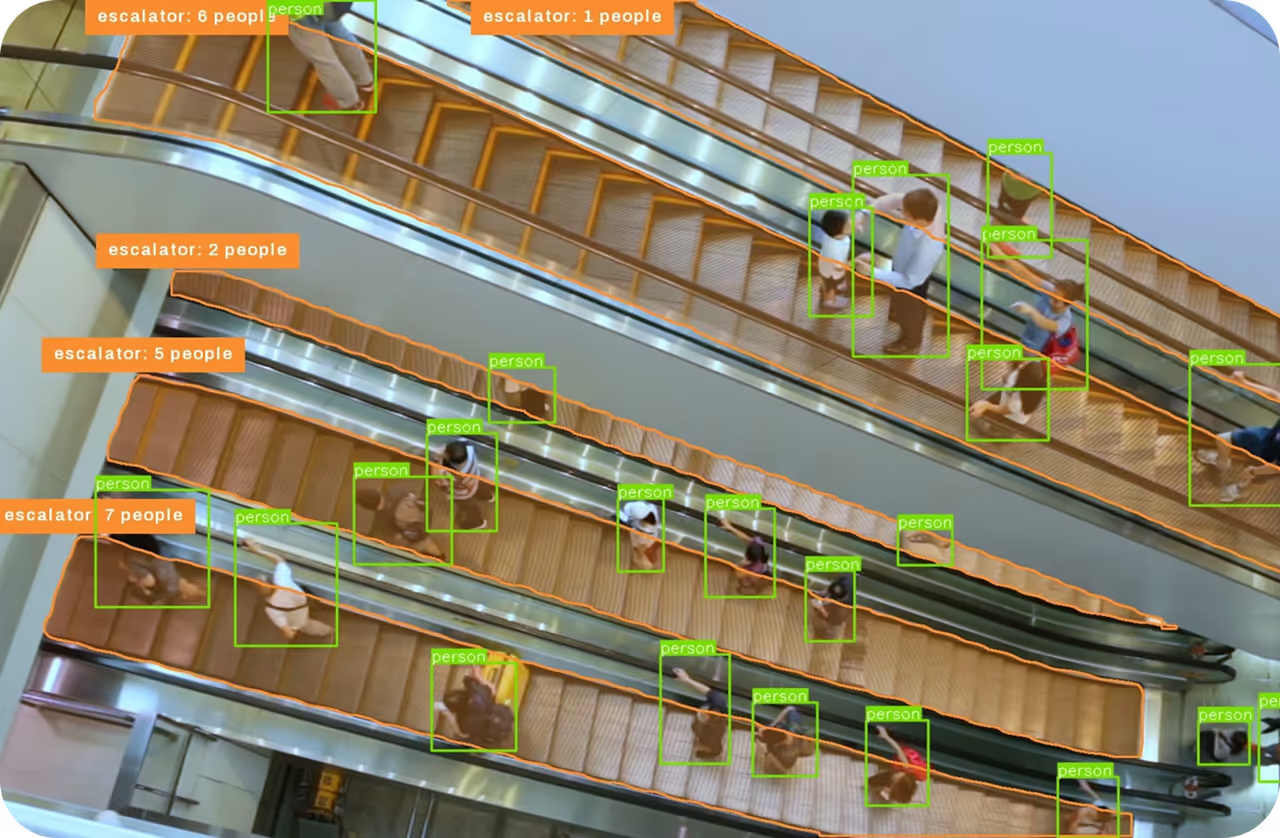
Instance segmentation goes one step further than object detection by pinpointing individual objects within an image and separating them from the background.
Its output comprises masks or contours outlining each object, accompanied by class labels and confidence scores. This technique is valuable when precise object shapes are essential, providing not just object location but also detailed information on their form.
With a few simple commands, you can run predictions from the command line.
Live segmentation: Bringing images to life#
Segmentation isn't limited to static images. With a short Python script, you can also run it in real time on a live video feed.
By using the YOLO class together with OpenCV, you can segment webcam frames and display the results as they are processed.
In the video, the model segments everyday objects, from chairs to plants.

Fig 1. Nicolai Nielsen outlining the COCO segmentation pre-trained models.
At Ultralytics, we also provide support for COCO segmentation pre-trained models, which serve as a good starting point for many use cases. You can then fine-tune these models for your specific needs.
As a whole, we offer support for various datasets, such as carparts instance segmentation, crack segmentation, and industrial package segmentation. Training segmentation models on these datasets is made simple with a single command available in our documentation:
yolo segment train data=carparts-seg.yaml model=yolov8n-seg.pt epochs=100 imgsz=640Stay tuned#
In upcoming videos, we'll go deeper into Ultralytics YOLOv8, covering custom training and inference on your own datasets.
We're committed to making AI and machine learning simpler to use, one segment at a time.
Watch the full video on YouTube.
Written by
Digital Content Manager · Ultralytics
Comments
Ask a question, share your results, or help someone else.