Vision-Guided Robotics for Assembly and Pick-and-Place
How vision-guided pick-and-place works across sensing, perception, calibration, grasp planning, motion and recovery, with a 2D versus 3D decision guide.
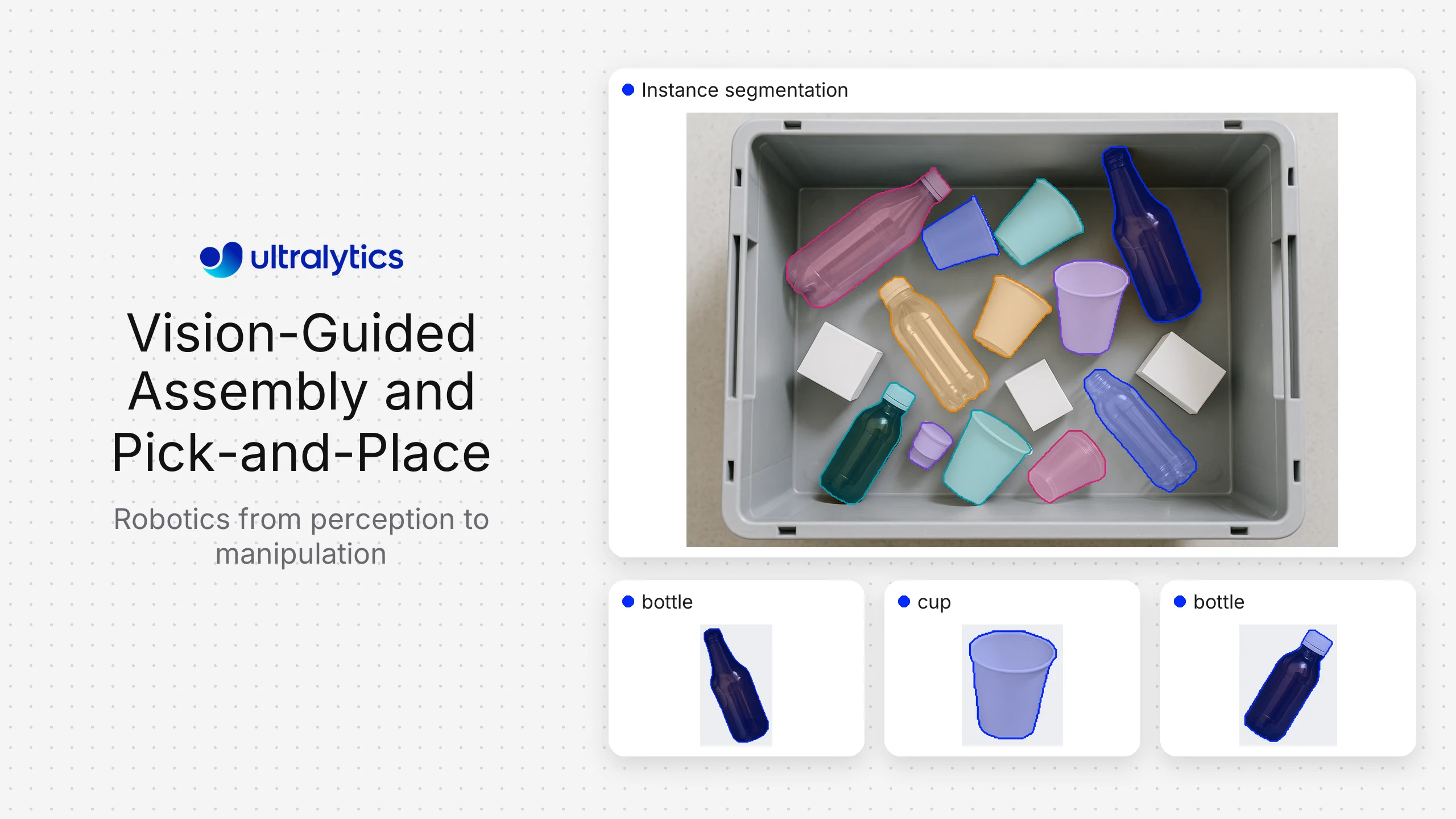
The best vision software for a pick-and-place robot depends first on the scene. Use a configurable 2D computer vision stack such as Ultralytics YOLO when objects are visually distinguishable and depth can be constrained or supplied separately. Consider integrated 3D robotic-vision products from vendors such as Pickit, Mech-Mind, Photoneo, Zivid, or Apera AI when random-bin geometry, point-cloud processing, calibration, and grasp generation need to arrive as one supported system. Traditional industrial vision suites from Cognex or Keyence can be a strong fit for tightly controlled cells and established automation environments.
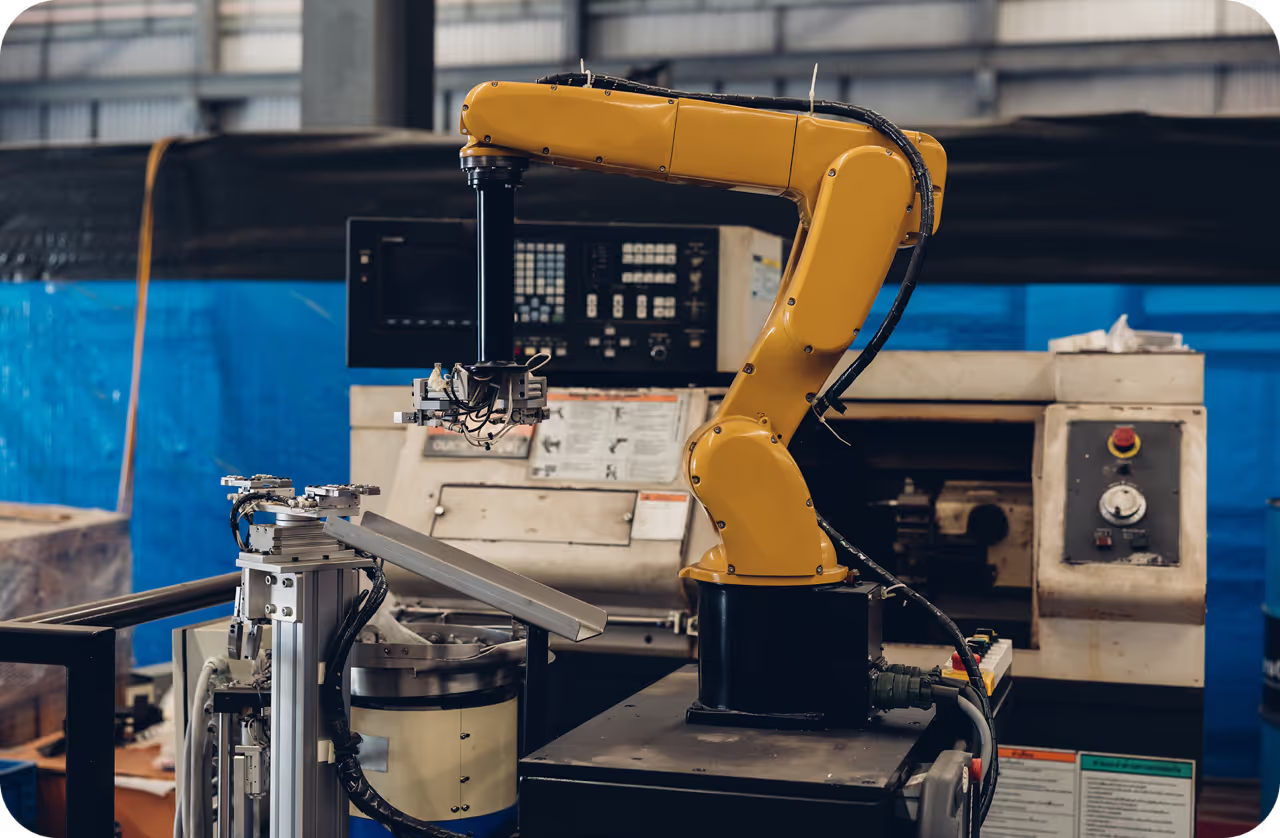
No model is a complete picking system. A production cell joins sensing, perception, coordinate transforms, grasp selection, motion planning, robot control, and failure recovery.
Pick-and-place vision options compared#
| Option | Best fit | Main strength | What the integrator still validates |
|---|---|---|---|
| Apera AI | Vision-guided robotic applications | Packaged robotic-vision software | Supported robots, objects, lighting, and exception handling |
| Cognex or Keyence | Controlled industrial automation | Mature industrial vision tools and integration ecosystem | Suitability for unstructured piles and custom learning needs |
| Mech-Mind | Industrial 3D bin picking and guidance | Combined 3D vision hardware and software ecosystem | Cell-specific performance, integration, and service model |
| Photoneo | High-detail 3D sensing and robotic guidance | 3D capture and vision-guided robotics software | Surface behavior, scanning envelope, compute, and robot path |
| Pickit | Supported 3D picking cells | Integrated 3D robot-vision workflow and robot integrations | Part suitability, cycle time, gripper, occlusion, and recovery |
| Ultralytics YOLO plus a custom robotics stack | Custom 2D detection, segmentation, tracking, or pose workflows | Flexible model training and deployment across supported environments | Depth strategy, calibration, grasp logic, motion, safety, and cell support |
| Zivid | Applications requiring color 3D point clouds | Industrial 3D cameras and SDKs | Grasp-planning layer and complete cell integration |
The vendors package different layers. Compare the complete bill of materials and operating responsibility, not only the perception interface.
Start with the picking geometry#
Classify the task before choosing software:
- Fixed 2D pick: Parts lie in known planes and the robot needs an image location plus orientation.
- Conveyor pick: Objects move, so detection, tracking, timing, and encoder synchronization matter.
- Structured tray: Known pockets constrain position but variants or orientation still need verification.
- Random bin picking: Parts overlap at different depths and require 3D perception plus collision-aware grasp planning.
- Flexible or deformable objects: Shape changes between picks, making segmentation and grasp selection more difficult.
- Assembly insertion: Tolerance and final alignment may require additional sensing beyond coarse object localization.
A 2D system can be the simplest reliable option for constrained geometry. Random bins usually need depth or multi-view reconstruction because image position alone does not provide a safe robot target.
The six layers of a vision-guided robot#
1. Sensing#
Choose area-scan, line-scan, stereo, structured-light, time-of-flight, or other sensors from the evidence required. Record field of view, smallest feature, working distance, depth range, surface properties, motion, and environmental constraints.
Reflective, dark, transparent, and textureless parts can challenge depth sensing. Test the actual parts, bins, liners, and lighting. Vendor demonstrations with favorable objects are not substitutes for a cell trial.
2. Perception#
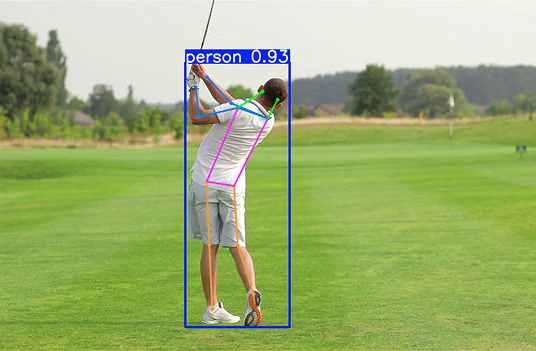
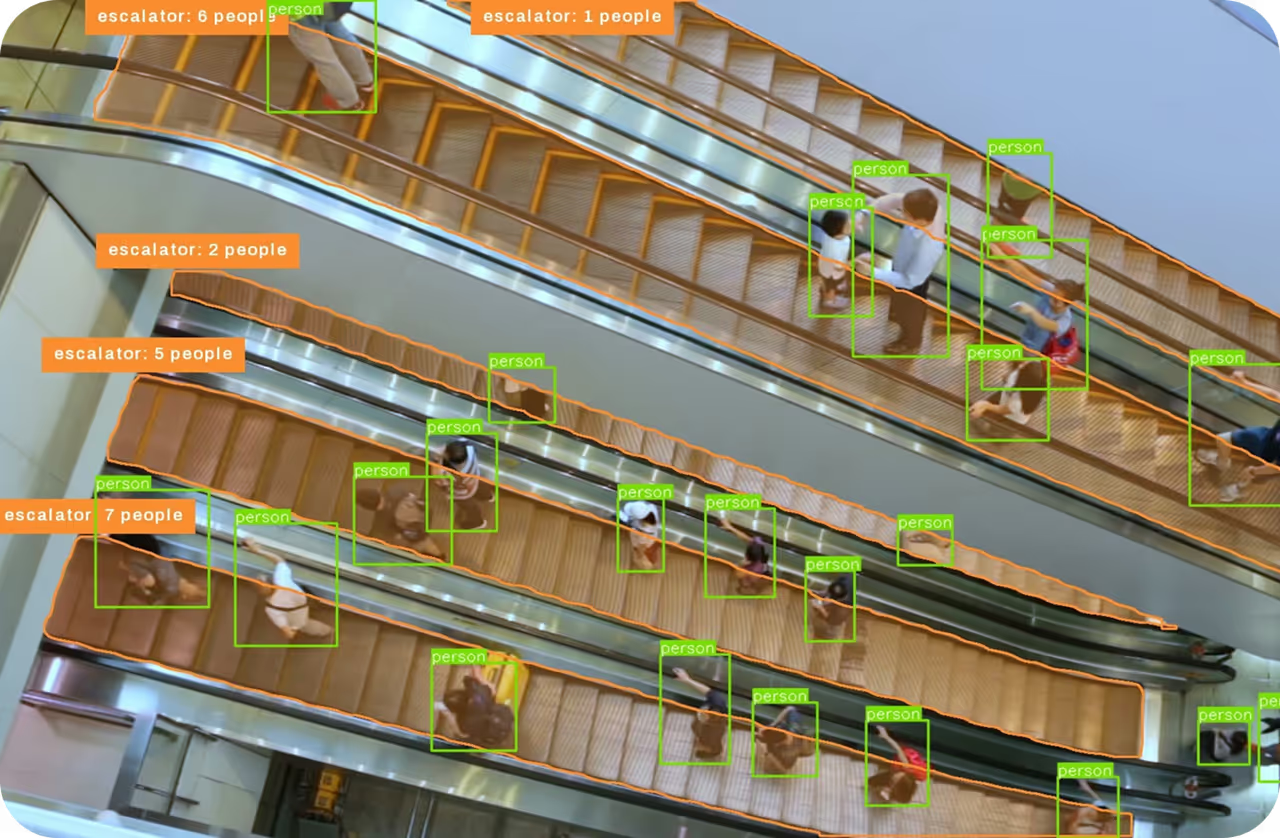
Detection locates and classifies objects; segmentation provides object contours; oriented bounding boxes estimate rotated extents; pose models can identify keypoints; tracking associates objects over time. Ultralytics YOLO supports several of these computer vision tasks in one model ecosystem.
The perception output must be stable enough for the downstream grasp planner. Evaluate localization error, missed and duplicate objects, mask quality, orientation error, and behavior under overlap: not only a dataset-wide score.
3. Calibration and coordinates#
The system transforms observations from camera coordinates into robot or cell coordinates. Hand-eye calibration, camera mounting, lens effects, depth alignment, and tool-center-point calibration all influence pick error.
Treat calibration as a maintained production asset. Record the procedure and accepted residuals, protect camera mounts, and define when tooling or maintenance triggers recalibration.
4. Grasp planning#
Grasp selection considers reachable surfaces, gripper geometry, object stability, collision risk, neighboring parts, and the destination pose. A 2D model may supply object location and orientation to rule-based grasp logic. A 3D solution may generate ranked grasp candidates from point clouds.
The highest-confidence detection is not necessarily the safest pick. Keep perception confidence, grasp quality, and path feasibility as separate signals.
5. Motion and robot integration#
Robot adapters or APIs pass targets to the controller. The integrator must manage timing, coordinate frames, speed, zones, collision models, conveyor motion, and acknowledgments. Safety functions belong in the validated robot and cell safety architecture, not in an unverified model output.
6. Recovery#
Design expected failure states: no valid object, uncertain class, no safe grasp, dropped part, failed pickup, moved bin, stale frame, camera unavailable, or repeated attempt. A cell that succeeds on easy picks but requires manual reset after every exception will not scale.
Where Ultralytics fits#
Ultralytics Platform can organize and annotate image data, train Ultralytics YOLO models, and manage model versions. Models can then be deployed through Platform endpoints or exported for integration into a robotics runtime close to the cell.
This approach is useful when the differentiation lies in custom object classes, changing SKUs, unusual visual conditions, or application-specific perception. It also lets teams choose the surrounding camera, depth source, grasp planner, and robot framework.
It is not a replacement for every component of an integrated 3D bin-picking product. Organizations without robotics perception and integration expertise may prefer a supported package that includes calibration, 3D processing, grasp logic, and certified robot adapters.
How to evaluate vendors#
Use the same parts and cell conditions for every trial. Include full and nearly empty bins, worst-case overlap, damaged packaging, variant mixes, reflective surfaces, normal contamination, and expected lighting changes.
Measure:
- Valid pick rate by part and bin state.
- Cycle time distribution, including perception and recovery.
- First-attempt pickup confirmation.
- Misclassification, duplicate target, and collision-risk events.
- Manual interventions and reset time.
- Calibration stability after maintenance or vibration.
- Time to add a new SKU and validate the update.
- Logs and evidence available for diagnosis.
Ask each vendor to identify which measurements come from the camera, model, grasp planner, robot, and external sensors. This makes architecture and ownership visible.
2D versus 3D decision guide#
Choose 2D first when parts remain on a known plane, the grasp height is fixed, overlap is limited, and clear visual features determine class and orientation. It is often easier to light, label, debug, and operate.
Choose 3D when height varies, piles create significant overlap, surface geometry determines the grasp, collision clearance is tight, or the robot must reason about a cluttered volume. Some cells combine 2D learned perception with registered depth to preserve custom classification while obtaining 3D coordinates.
Do not decide from sensor fashion. Use the lowest-complexity sensing configuration that passes the cell's worst-case tests.
Implementation checklist#
- Define object, pose, cycle, and recovery requirements.
- Capture real parts across the full bin and environment range.
- Select sensing from geometry and surface behavior.
- Validate calibration and coordinate transforms independently of model accuracy.
- Test the grasp planner with the actual gripper and neighboring objects.
- Separate robot safety functions from learned perception.
- Log detections, transforms, grasp candidates, controller responses, and outcomes.
- Provide human recovery for uncertain or exhausted cases.
- Regression-test every new model, SKU, gripper, camera, and cell configuration.
Frequently asked questions
Yes. A YOLO model can detect, segment, track, or estimate relevant visual features. The robotics application must transform those observations into robot coordinates and combine them with grasp planning, motion control, and safety systems.
Not always. Fixed-plane and structured-tray applications may work well with 2D vision. Random bins and variable heights commonly require depth or multi-view information.
Robot guidance is the broader use of vision to provide targets or alignment. Bin picking adds clutter, overlap, grasp selection, and collision-aware extraction from a container.
Measure from the production trigger through capture, perception, planning, robot execution, confirmation, and recovery. Report a distribution under realistic bin states rather than one best-case model latency.
Buy an integrated system when supported 3D sensing, calibration, grasp planning, and robot adapters reduce risk. Build when custom perception is strategic and the organization can own robotics integration, infrastructure, validation, and support.