YOLO TensorRT INT8: why entropy calibration beat max for Ultralytics YOLO26
Ultralytics 8.4.217 switches TensorRT 11 INT8 calibration to entropy, recovering up to 29.76 pose and 20.10 box mAP50-95 points with 128 images.
 Onuralp Sezer11 min read
Listen to this article
If you export Ultralytics YOLO to a TensorRT INT8 engine, the calibration method decides how much accuracy you keep. Until this week, our TensorRT 11 path calibrated with max, and on some models that cost a lot. On an NVIDIA RTX PRO 6000 Blackwell, an Ultralytics YOLO26s segmentation engine calibrated on 128 images scored 0.2675 box mAP50-95 on COCO val2017, against 0.4750 in FP16. Ultralytics 8.4.217, released November 23, 2026, calibrates with entropy instead, and a newly built engine of the same model scores 0.4685.
The short answer to "why": max lets a handful of outlier activations set each tensor's INT8 range, so the values that matter lose resolution. entropy clips those outliers and keeps the shape of the distribution. This post explains the change, shows the measured results across tasks, covers the configurations where the gain did not carry over, and walks through exporting and checking an INT8 engine yourself.
A community benchmark started the switch#
The change began with issue #27334, opened by a community developer on November 23. They noticed that our TensorRT 11 export passed calibration_method="max" to NVIDIA ModelOpt, even though ModelOpt's own INT8 default is entropy, as its quantize API reference lists. Changing only that one argument on 8.4.216 gave higher accuracy on all three detection models they tried:
- Ultralytics YOLO11n (T4, COCO val2017, calibrated on coco128): FP16 0.3878, INT8
max0.3764, INT8entropy0.3824 mAP50-95 - YOLO26n (T4, COCO val2017, calibrated on coco128): FP16 0.4032, INT8
max0.3843, INT8entropy0.3936 - Ultralytics YOLOv8m, one class (L4, calibrated on 346 custom validation images, evaluated on 225 custom test images): FP16 0.6374, INT8
max0.6033, INT8entropy0.6316
In a separate L4 run with four calibration images, they built each nano model's max engine twice from scratch and got the same mAP to four decimals. The Ultralytics team reproduced the result across all seven tasks the same day, and PR #27340 shipped it in 8.4.217 with the issue author credited as co-author.
Max calibration lets a few outliers set every range#
INT8 quantization maps each tensor's values onto 256 levels. Calibration runs sample images through the model to decide where those levels sit, and the method decides how.
max sets each tensor's range from the single largest value seen during calibration. If one activation spikes far above the rest, the whole range stretches to cover it, and the ordinary values that carry most of the signal get squeezed into a few levels. entropy instead picks the clipping range that best preserves each tensor's distribution, measured by minimum KL divergence, and saturates the rare outliers.
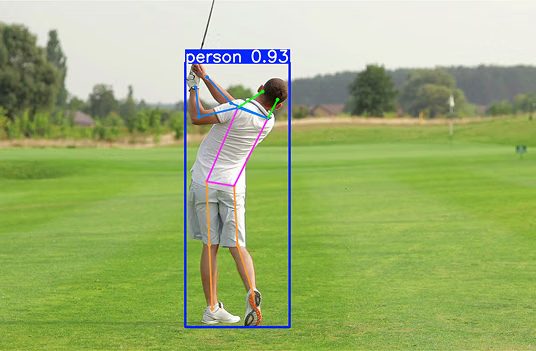
That explains a result that looked backwards. More calibration images bring more outliers, so following the docs' advice to calibrate on more data made max engines worse. On YOLO26s-pose, going from 4 calibration images to 128 dropped the max engine from 0.6103 to 0.3130 pose mAP50-95 on COCO val2017, while the entropy engine held steady, 0.6118 and 0.6106.
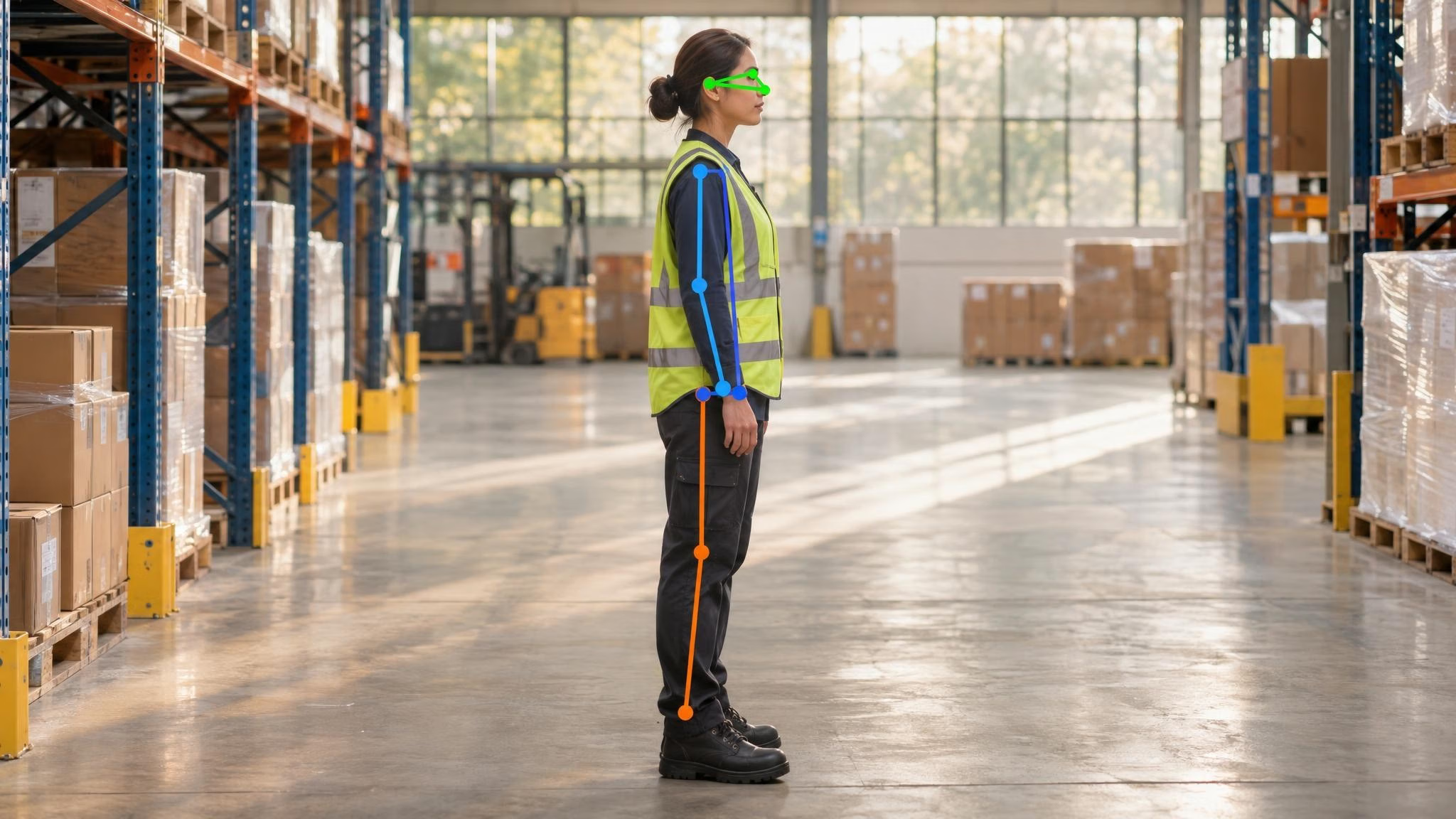 Illustrative. Pose models lost the most accuracy under max calibration.
Pose and segmentation recover the most#
The team's reproduction ran on an NVIDIA RTX PRO 6000 Blackwell with TensorRT 11.5.0.63, ModelOpt 0.48.0 and static batch 1 engines, each validated at batch 1 on the full validation set: COCO val2017 for detection, segmentation and pose, DOTAv1 for OBB, ImageNet for classification, NYU Depth V2 for depth and Cityscapes for semantic segmentation. With 128 calibration images, accuracy improved on every model tested.
The largest gains of entropy over max, in mAP50-95 points:
- Pose (YOLO26s-pose, pose mAP50-95): 29.76
- Segmentation (YOLO26s-seg, box mAP50-95): 20.10, and 16.48 on mask mAP50-95
- OBB: up to 1.85
- Detection: up to 0.90
As the team summarized on the issue, max cost pose models up to 31 mAP50-95 points and segmentation up to 21, and entropy brings both back to within about 2.5 points of FP16. YOLO26s-seg shows the gap most clearly:
Box mAP50-95 on COCO val2017, RTX PRO 6000 Blackwell, TensorRT 11.5, calibrated on coco128-seg. Source: PR #27340.
That gap explains a number readers of our TensorRT integration docs may have noticed. In the docs' FP32, FP16 and INT8 benchmark, measured with 8.4.211 before this change, the YOLO26n-pose INT8 engine fell from 56.7 to 33.4 pose mAP. That is the pattern max produces on pose estimation models.
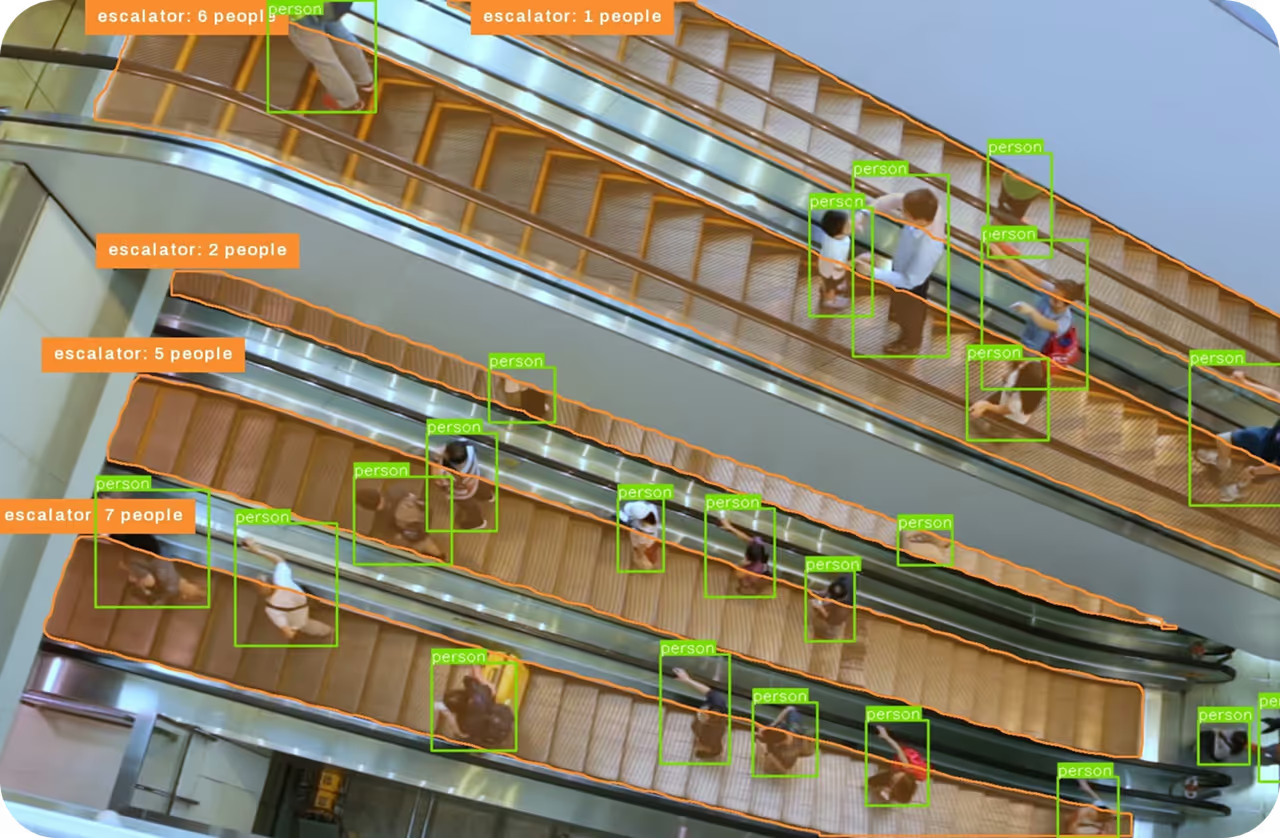
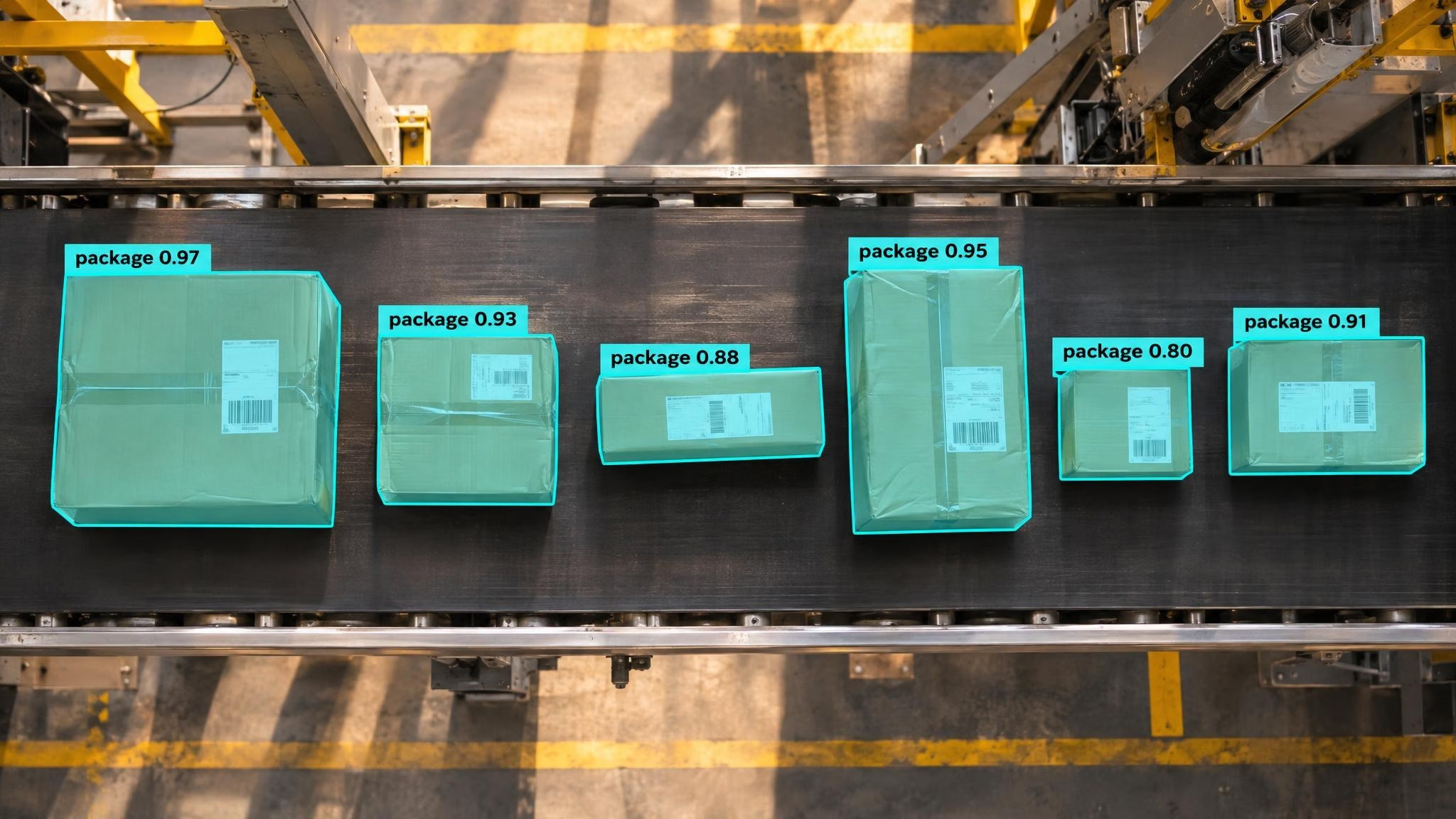 Illustrative. Segmentation engines were the second-biggest winners from entropy calibration.
Detection gains are smaller#
For plain detection the gains are smaller, because max was already doing less damage there. These rows, plus the smaller YOLO26n-seg mask result, come from the same 128-image reproduction, with FP16 drops in parentheses:
| Model | Calibration data | Metric | FP16 | INT8 max | INT8 entropy | Gain |
|---|---|---|---|---|---|---|
| YOLO26n | coco128 | mAP50-95 (box) | 0.4032 | 0.3849 (−1.83) | 0.3939 (−0.93) | +0.90 |
| YOLO26s | coco128 | mAP50-95 (box) | 0.4793 | 0.4644 (−1.49) | 0.4680 (−1.13) | +0.36 |
| YOLO26m | coco128 | mAP50-95 (box) | 0.5267 | 0.5156 (−1.11) | 0.5187 (−0.80) | +0.31 |
| YOLO11n | coco128 | mAP50-95 (box) | 0.3876 | 0.3773 (−1.03) | 0.3820 (−0.56) | +0.47 |
| RT-DETR-L | coco128 | mAP50-95 (box) | 0.5228 | 0.5188 (−0.40) | 0.5201 (−0.27) | +0.13 |
| YOLO26n-seg | coco128-seg | mAP50-95 (mask) | 0.3350 | 0.3191 (−1.59) | 0.3280 (−0.70) | +0.89 |
RTX PRO 6000 Blackwell, TensorRT 11.5.0.63, ModelOpt 0.48.0, static batch 1, full COCO val2017. Source: PR #27340.
For YOLO26n, the INT8 cost roughly halves, from 1.83 points to 0.93. On a model that already sits close to its FP16 score, that can decide whether INT8 passes your accuracy gate.
Embedded NMS, RT-DETR on a T4 and export time saw no gain#
The community developer's follow-up on a T4 marks the limit of this change. With nms=True, which embeds non-maximum suppression in the engine, the gain mostly disappeared:
- YOLO11n,
nms=True: 0.3181 withmax, 0.3177 withentropy, −0.04 points - YOLO26n,
nms=True: 0.3212 withmax, 0.3242 withentropy, +0.30 points - RT-DETR-L: 0.5201 with
max, 0.5192 withentropy, −0.09 points, against +0.13 in the RTX reproduction
With embedded NMS, entropy traded recall for precision at the export's default conf=0.25: precision rose 1.9 points on YOLO11n and 3.0 on YOLO26n, while recall fell 0.8 points on both. These mAPs are lower than the earlier rows because the embedded NMS uses conf=0.25, iou=0.5 instead of the validator's conf=0.001, iou=0.7. In the PR's four-image runs, OBB results also fell with entropy, so calibrate on a realistic number of images.
Export also takes longer. Ultralytics runs ModelOpt calibration on the CPU, and in the issue's Colab runs entropy added about 75 s per export for the nano models with 128 images, and about 12 minutes for a 25.8M-parameter model calibrated on 346 images. It is a one-time cost per engine, not an inference cost.
The change touches only post-training calibration on the TensorRT 11 ModelOpt path. TensorRT 7 to 10 exports still use the IInt8Calibrator with MINMAX_CALIBRATION, or ENTROPY_CALIBRATION_2 for DLA, and checkpoints trained with quantization-aware training skip calibration altogether.
How to export a more accurate YOLO TensorRT INT8 engine#
You get entropy calibration automatically: there is no new argument. The workflow follows the TensorRT INT8 section of our docs.
- Upgrade. Run
pip install -U ultralyticsand confirm you are on 8.4.217 or later. Check for TensorRT 11 withpython -c "import tensorrt; print(tensorrt.__version__)"; ModelOpt installs itself on first use. - Pick calibration images from your deployment. Pass your own dataset YAML with
data. Calibration uses itsvalsplit unless you setsplit, andfractionlimits the count. NVIDIA recommends at least 500 representative images, the export warns below 300, and the TensorRT 11 path uses about 512 images in shuffled order, or every full batch of a smaller split. Keep them separate from the images you validate on. - Export FP16 and INT8 engines of the same checkpoint on the target GPU, with the TensorRT version and batch size you will deploy. An engine runs only on the GPU model and TensorRT version it was built for.
- Validate both on your own validation set at your deployment batch size.
- Re-pick the confidence threshold from the INT8 engine's own F1 curve, since INT8 can shift confidence values.
from pathlib import Path

from ultralytics import YOLO

model = YOLO("yolo26n-pose.pt")

# FP16 baseline, no calibration dataset needed; rename it before the INT8 export overwrites it
Path(model.export(format="engine", quantize=16)).rename("yolo26n-pose-fp16.engine")

# INT8 with entropy calibration (TensorRT 11, ultralytics>=8.4.217), calibrated on the val split
Path(model.export(format="engine", quantize=8, data="calib_dataset.yaml")).rename("yolo26n-pose-int8.engine")

# Compare both engines on a separate validation set
for engine in ["yolo26n-pose-fp16.engine", "yolo26n-pose-int8.engine"]:
    metrics = YOLO(engine, task="pose").val(data="eval_dataset.yaml", batch=1)
    print(engine, metrics.pose.map)
If you have post-training INT8 engines built with TensorRT 11 on 8.4.216 or earlier, re-export them. Ultralytics does not reuse a calibration cache, so each new post-training export calibrates with the new method.
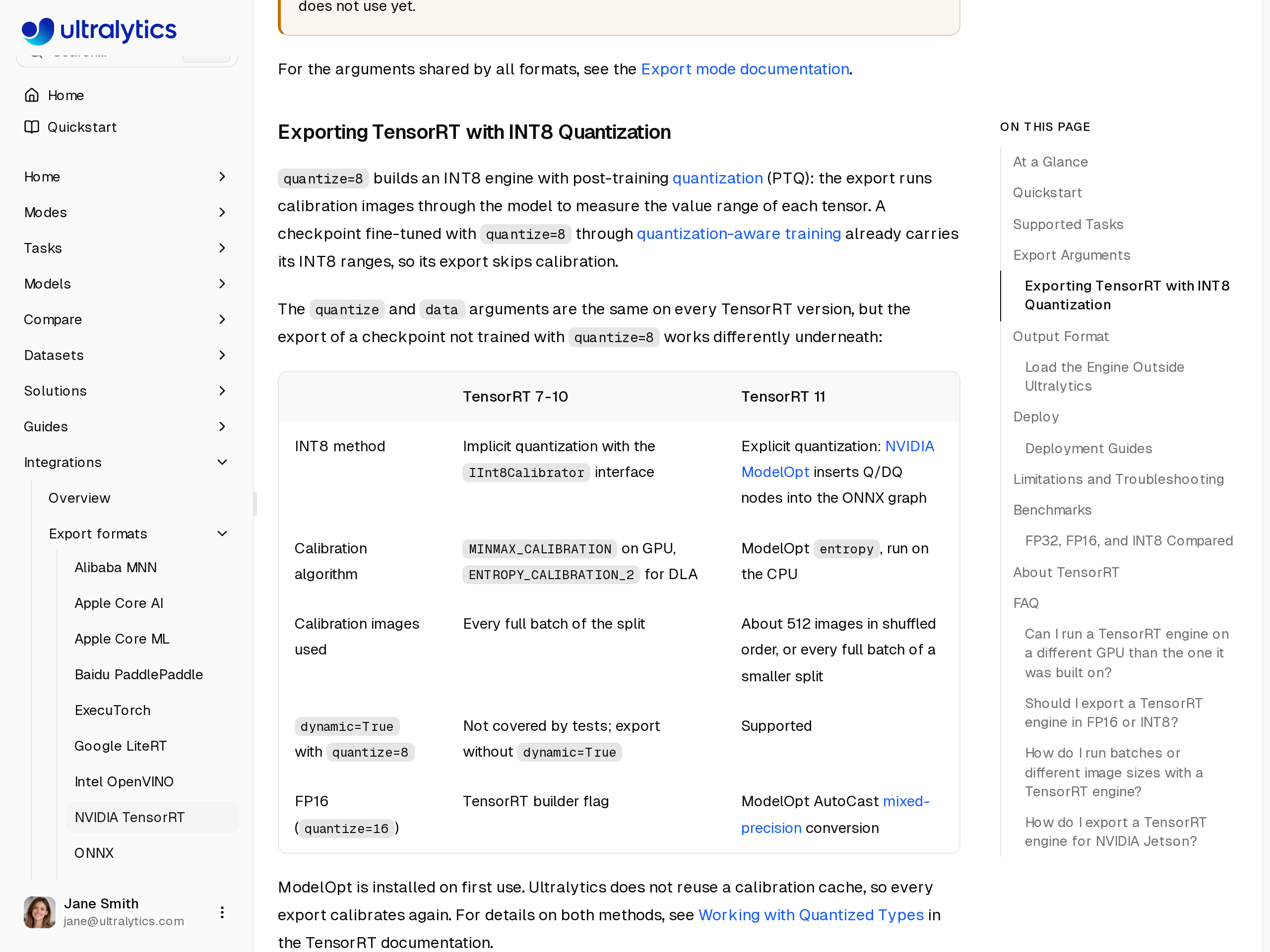 The TensorRT INT8 docs now list ModelOpt
entropy as the TensorRT 11 calibration algorithm.
If calibration alone still costs too much, quantization-aware training is the next step: train with quantize=8 and the checkpoint carries its own INT8 ranges. The Export mode docs cover it, and the Optimize with TensorRT lesson in Ultralytics Academy shows QAT landing YOLO26s and YOLO26m within 1 to 2 points of FP32.
Choose INT8 only where it is faster on your device#
Better calibration makes INT8 more accurate; it does not make it faster than FP16 everywhere. In our docs benchmark on the RTX PRO 6000 Blackwell (8.4.211, TensorRT 11.4, batch 1, inference only, before the entropy change), INT8 ran within 12% of FP16 latency on the detection models and was faster than FP16 only for YOLO26l, YOLO26x and YOLO26n-cls, and the YOLO26x INT8 engine's accuracy was unstable across builds. On NVIDIA DGX Spark (8.4.192, TensorRT 11.2.1.2, COCO val2017, 640 pixels, batch 1), INT8 was slower than FP16 for YOLO26n and YOLO26s.
INT8 often matters most on embedded hardware, and the NVIDIA Jetson benchmarks list FP16 and INT8 results side by side. Jetson exports use the TensorRT release that ships with JetPack, below TensorRT 11, so this calibration change does not apply there. Measure both precisions on the device you will ship. Our ONNX vs TensorRT comparison and Jetson Orin Nano Super vs Raspberry Pi 5 benchmark help with the wider runtime and hardware choice.
 Illustrative. An edge computer running an inspection camera, where teams weigh FP16 against INT8.
Who should re-export now#
Re-export if you deploy pose or segmentation models as TensorRT 11 post-training INT8 engines. Those are the tasks where max did the most damage, and with 128 calibration images 8.4.217 recovered 29.76 pose mAP50-95 points on YOLO26s-pose and 20.10 box mAP50-95 points on YOLO26s-seg. In the 128-image RTX tests, detection and OBB models gained less, for the price of a slower export.
In the tested configurations with nms=True and RT-DETR-L on a T4, entropy showed little or no gain, and the TensorRT 7 to 10 calibration path is unchanged, so keep validating as you do today. Everyone else can start from the Ultralytics YOLO26 model page, train on your own data in Ultralytics Platform and export with the same quantize=8 call.
Frequently asked questions
Call
model.export(format="engine", quantize=8, data="your_dataset.yaml")with images that represent your deployment. Calibration uses thevalsplit, andfractionlimits the number of images. Validate the INT8 engine against an FP16 export on separate data before deploying it.maxsets each tensor's INT8 range from the largest value seen during calibration, so rare outliers stretch the range.entropychooses the clipping range that minimizes KL divergence from the original distribution and saturates outliers. In the 8.4.217 tests with 128 calibration images,entropywas more accurate on every model.On ultralytics 8.4.216 or earlier with TensorRT 11,
maxcalibration is a likely cause, especially for pose and segmentation models. Upgrade to 8.4.217 or later, calibrate on several hundred representative images and re-export. If the drop is still too large, use quantization-aware training or stay on FP16.No. Since 8.4.217, TensorRT 11 post-training INT8 exports use ModelOpt's default
entropymethod with no new argument. Exports take longer, because calibration runs on the CPU; TensorRT 7 to 10 exports keep their existing calibrator, and QAT checkpoints skip calibration.It depends on the GPU. In our RTX PRO 6000 Blackwell benchmark (8.4.211, TensorRT 11.4, batch 1), INT8 beat FP16 only for YOLO26l, YOLO26x and YOLO26n-cls, and on DGX Spark (8.4.192, TensorRT 11.2.1.2, batch 1) it was slower for YOLO26n and YOLO26s. Benchmark both on your deployment device before choosing INT8.
Written by
Senior Machine Learning Engineer · Ultralytics
Comments
Ask a question, share your results, or help someone else.