Generative UI
Generative UI is an interface that an AI model builds at runtime for each user and request, from charts and forms to complete mini-apps, not fixed screens.
Generative UI (GenUI) is a user interface that an AI model creates or assembles at runtime for a specific user and request, instead of screens that developers fixed in advance. Asked to compare mortgage terms, a generative UI system can return a calculator with sliders rather than a paragraph of numbers; asked to plan a trip, it can lay out a map, a day-by-day itinerary, and booking buttons. Nielsen Norman Group's Kate Moran and Sarah Gibbons described generative UI in 2024 as an interface dynamically generated in real time by AI to fit the user's needs and context. In November 2025, Google Research reported that Gemini 3 Pro generated complete interactive experiences for arbitrary prompts that human raters strongly preferred over plain text and markdown answers, and began rolling the capability out in Gemini app experiments and AI Mode in Google Search. Generative UI builds on large language models (LLMs), function calling, and structured outputs.
How Generative UI Works#
Production systems use three approaches, from most constrained to most open:
- Tool calls rendered as prebuilt components: The model calls a tool, such as a weather or flight-search function, and the app renders a component designed for that tool with the tool's result as its data. The AI SDK from Vercel works this way, turning each tool call into a typed message part that React code renders differently while the call is running, after it returns, and when it fails. MCP Apps, an extension of the Model Context Protocol, lets a tool declare its own interactive HTML interface, which hosts such as VS Code's GitHub Copilot, Microsoft 365 Copilot, and Goose render in a sandboxed iframe inside the conversation.
- Declarative UI specs: The model returns a structured description of the interface, built only from components in a catalog that the client approves, and the client renders it with its own native widgets. Google's open-source A2UI protocol defines such specs as data rather than executable code, so an agent can send a rich interface across a trust boundary without running code on the client.
- Generated code: The model writes HTML, CSS, and JavaScript for a one-off interface, and the host renders it in an isolated sandbox. Google's generative UI in Gemini produces complete interactive pages this way, using tool access and detailed system instructions to keep results usable.
In the declarative approach, the client treats the model's output as untrusted data. It renders each requested component from its own template, escapes all text, and drops anything outside the catalog, so a prompt injection hidden in retrieved content cannot add a script to the page. This Python code renders a spec that a model returned as structured output:
import html
import json

# The client's component catalog: the only UI the model is allowed to request
catalog = {
    "heading": lambda c: f"<h2>{html.escape(c['text'])}</h2>",
    "slider": lambda c: (
        f'<label>{html.escape(c["label"])} <input type="range" min="{int(c["min"])}" max="{int(c["max"])}"></label>'
    ),
    "button": lambda c: f"<button>{html.escape(c['label'])}</button>",
}

# A UI spec a model returned as structured output for "compare mortgage terms"
spec = json.loads("""[
  {"type": "heading", "text": "Mortgage calculator"},
  {"type": "slider", "label": "Term in years", "min": 10, "max": 30},
  {"type": "script", "src": "https://example.com/tracker.js"},
  {"type": "button", "label": "Compare 15 and 30 years"}
]""")

# Render requested components from trusted templates and drop anything outside the catalog
page = [catalog[c["type"]](c) for c in spec if c["type"] in catalog]
print("\n".join(page))
It prints three lines of HTML, a heading, a labeled range slider from 10 to 30, and a button, and the script entry is silently dropped because the catalog has no such component.
Generative UI vs. Related Concepts#
- AI-assisted UI design and vibe coding: AI tools that write interface code help developers build an application before release, and every user then sees the same fixed screens. Generative UI produces the interface while the application runs, separately for each user and request.
- Adaptive interfaces: Rule-based personalization picks among layouts that designers prepared, such as reordering a menu by usage. Generative UI can compose a layout that nobody designed in advance.
- Chatbots: A conventional chatbot answers in text. Generative UI lets the same conversation return charts, forms, tables, and controls the user can operate.
Design Considerations#
- Consistency: Interfaces that change with every request can disorient users, so teams constrain generation with design-system components, layout rules, and brand tokens. Nielsen Norman Group calls this shift outcome-oriented design, in which designers define goals and constraints rather than every screen.
- Security: Generated code runs in sandboxes with restricted network access, and declarative specs accept only approved components, because retrieved web pages or documents can carry instructions aimed at the model.
- Latency: Generating a complete interactive page takes far longer than a text reply. Google's preference study did not factor in generation speed, and streaming partial interfaces as they are generated reduces the wait.
- Accessibility and testing: No fixed set of screens exists to review before release, so accessibility comes from components that are accessible by construction and from automated checks on what the model produces.
Real-World Applications#
- Search and assistants: Gemini's dynamic view and AI Mode in Google Search build custom interactive layouts, such as explainers with diagrams or comparison tools, for individual questions.
- Business analytics: An analyst asks for sales by region and receives a chart with date filters and an export button instead of a written summary.
- Commerce and travel: Shopping and booking assistants return comparison tables, product carousels, and checkout forms inside the conversation.
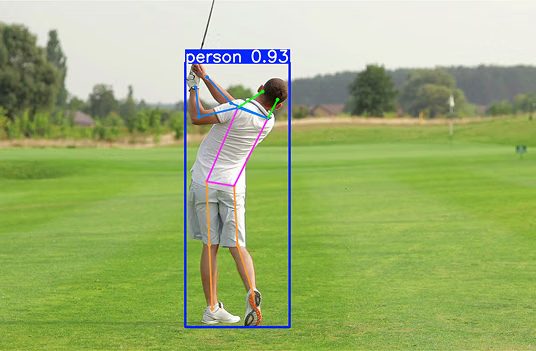
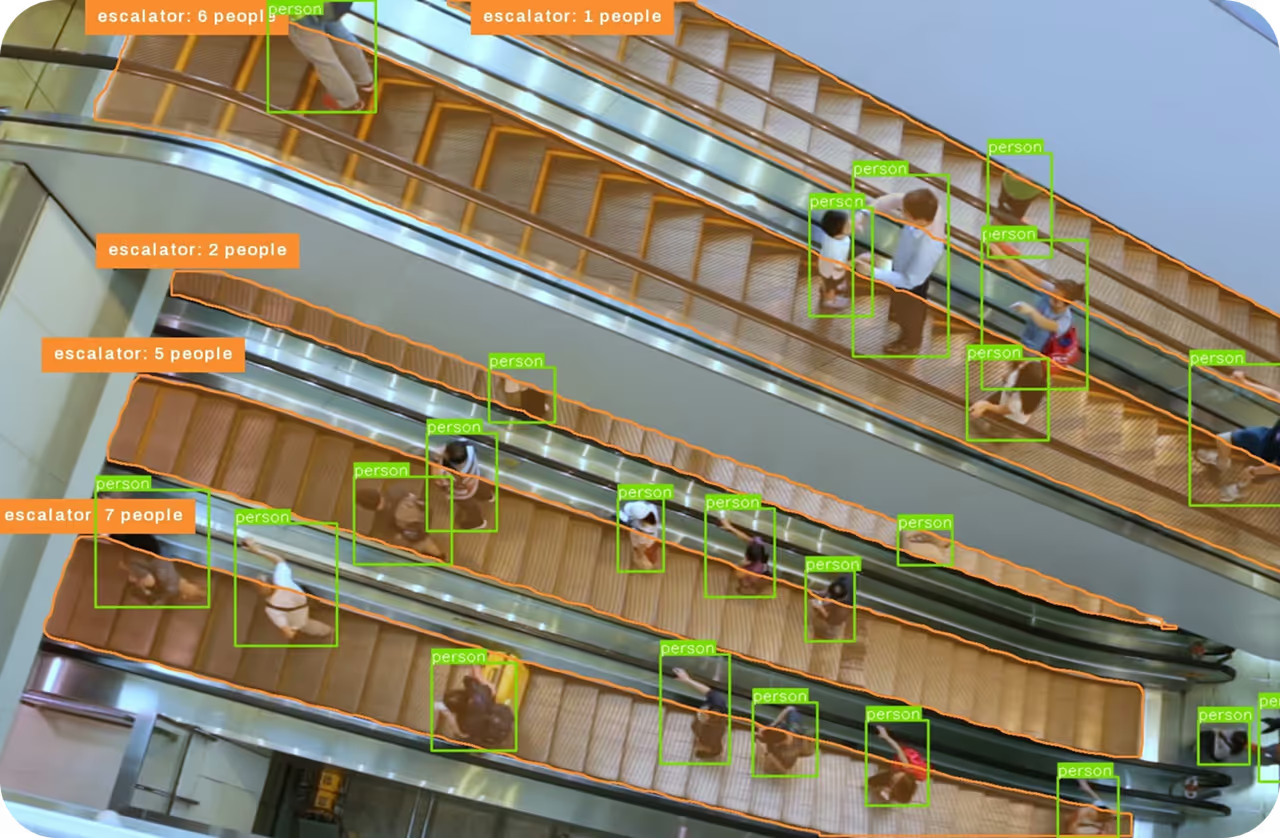
- Vision-driven apps: Computer vision results give the model structured context for the interface. Ultralytics YOLO26 detections, returned by
Results.summary()as a list of dictionaries with each object's class name, confidence, and box, let a shelf-audit app generate a restock form for exactly the products a camera found missing.