How to choose an edge AI device for computer vision, with measured Ultralytics YOLO26 results
Measured YOLO26 results on Jetson, DGX Spark, Raspberry Pi 5 with Hailo-8 or DEEPX, RK3588, Snapdragon, iPhone, Apple M4 and STM32, each with its setup.
 Onuralp Sezer15 min read
Listen to this article
Which edge AI device should run your computer vision model? It depends on the model size you need, how many cameras feed it, and the power and space you have. NVIDIA Jetson suits larger models and several streams, a Raspberry Pi 5 with a Hailo-8 or DEEPX accelerator suits compact single-board builds, Rockchip RK3588 boards suit low-cost Linux gateways, phones with Snapdragon or Apple silicon suit handheld apps, and STM32N6 microcontrollers suit battery-powered sensors.
Ultralytics publishes this guide and makes the model, Ultralytics YOLO26, not the devices. Our docs now link to every published YOLO26 device benchmark from one device benchmarks table, with each result on its device's own page. This guide groups those edge AI devices by class and gives, for each, the model, precision and image size its page reports.
Setups differ between pages: the runtime, the dataset, the Ultralytics version and whether pre- and post-processing are timed. So we compare numbers within one device's table, and never rank devices across pages.
Pick an edge device by workload, not by TOPS#
A spec sheet's TOPS figure tells you little about how fast your detector will run. Four questions decide most projects:
- Model size. A nano model that finds large objects runs almost anywhere. Small objects, crowded scenes or fine-grained classes push you toward YOLO26m or larger, which only some devices run in real time.
- Cameras and frame rate. One camera at a modest frame rate is a different job from four streams at 30 FPS.
- Power and form factor. A battery-powered sensor, a fanless box on a production line and a robot's onboard computer each set a different power budget.
- Runtime and tasks. Each accelerator has its own export format and compiler, and not every compiler takes every task. Most neural processing units also need INT8 quantization, so check accuracy after export.
Our earlier guide to picking the right edge device covers these trade-offs in general terms. The table below, listed alphabetically, adds what each results page reports.
| Device class | Hardware measured | Format and precision | YOLO26 models | Image size | Accuracy measured on | Results page |
|---|---|---|---|---|---|---|
| Apple | iPhone 17 Pro; Apple M4 | Core ML INT8 (iPhone); FP32, FP16, INT8 (M4) | n to x detection; n for 7 tasks (iPhone) | 640 (iPhone classifier 224) | COCO val2017 (M4); latency only (iPhone) | CoreML integration |
| NVIDIA DGX Spark | GB10 | TensorRT FP16 and INT8 | n, s, m | 640, batch 1 | COCO val2017 | DGX Spark guide |
| NVIDIA Jetson | AGX Thor, AGX Orin 64GB, Orin NX 16GB, Orin Nano Super | 11 formats, including TensorRT FP32, FP16 and INT8 | n to x | 640 | COCO128 | NVIDIA Jetson guide |
| Raspberry Pi 5 CPU | Raspberry Pi 5 | 8 formats, FP32 | n, s | 640 | COCO128 | Raspberry Pi guide |
| Raspberry Pi 5 with DEEPX | DX-M1 M.2 module | DEEPX, INT8 | n (5 tasks) | Not stated | COCO128 and task datasets | DEEPX integration |
| Raspberry Pi 5 with Hailo-8 | AI HAT+ (Hailo-8) | Hailo HEF, INT8 | n (4 tasks) | Not stated | COCO128 and task datasets | Hailo integration |
| Rockchip | Radxa Rock 5B (RK3588) | RKNN FP16 and INT8 | n to x | Not stated | COCO128 | Rockchip RKNN integration |
| Snapdragon | Xiaomi 17; Snapdragon X Elite laptop | QNN W8A16 on the Hexagon NPU | n, 7 tasks (Xiaomi); n, 6 tasks (laptop) | Xiaomi: 640, classify 224. Laptop: 640, semantic and OBB 1024, classify 224 | Latency only | Qualcomm QNN integration |
| STM32 microcontrollers | STM32N6, compiled by STMicroelectronics | ST Edge AI float or whole-graph INT8 | n, 7 INT8 tasks compiled by ST | Host results: 640; semantic 1024; depth 768 | Host only, 6 tasks with 4 to 8 images each; no on-device latency yet | ST Edge AI integration |
Each page also states its Ultralytics version, and runtime versions where reported. Pages checked November 25, 2026.
The four Jetson modules we tested run every YOLO26 size as TensorRT engines#
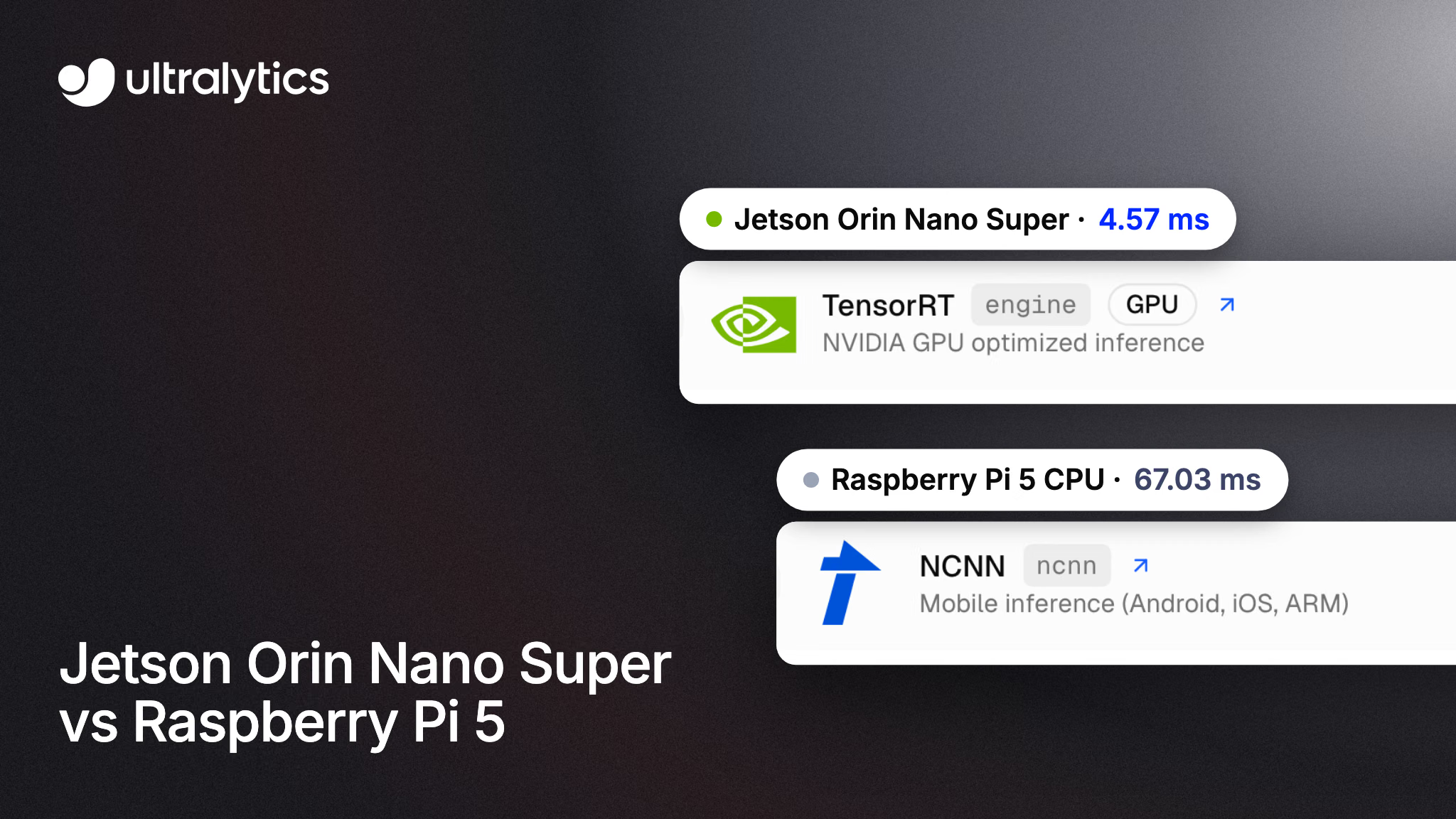
Jetson is the class to choose when you need larger models, several cameras or GPU headroom for the rest of a robot's software. The Jetson guide benchmarks YOLO26n through YOLO26x on four modules at 640 pixels on COCO128, timing inference only, without pre- and post-processing. As a TensorRT FP16 engine, YOLO26n takes between 1.39 ms and 4.57 ms per image across the four:
Fig 1. From the Ultralytics Jetson guide: 640-pixel input, COCO128, inference only. Ultralytics 8.4.7 (AGX Thor), 8.4.32 (AGX Orin 64GB) and 8.4.33 (Orin NX 16GB, Orin Nano Super).
Larger models stay practical. On the Orin Nano Super, YOLO26m reaches 0.6225 mAP50-95 at 13.59 ms as an FP16 engine, and on the Orin NX 16GB, YOLO26x runs at 26.76 ms with 0.6632 mAP50-95.
Start with FP16. INT8 trims YOLO26n on the Orin Nano Super from 4.57 ms to 3.80 ms, but mAP50-95 drops from 0.4800 to 0.4490, and on the AGX Thor the INT8 engine (1.52 ms) was slower than FP16 (1.39 ms). If you need INT8, our post on INT8 entropy calibration in TensorRT shows how to keep more of the accuracy.
Ultralytics Platform builds TensorRT engines in the cloud for eight Jetson targets. The six Orin targets are built on an AGX Orin 64GB, so validate each engine on your module with a matching TensorRT and CUDA runtime.
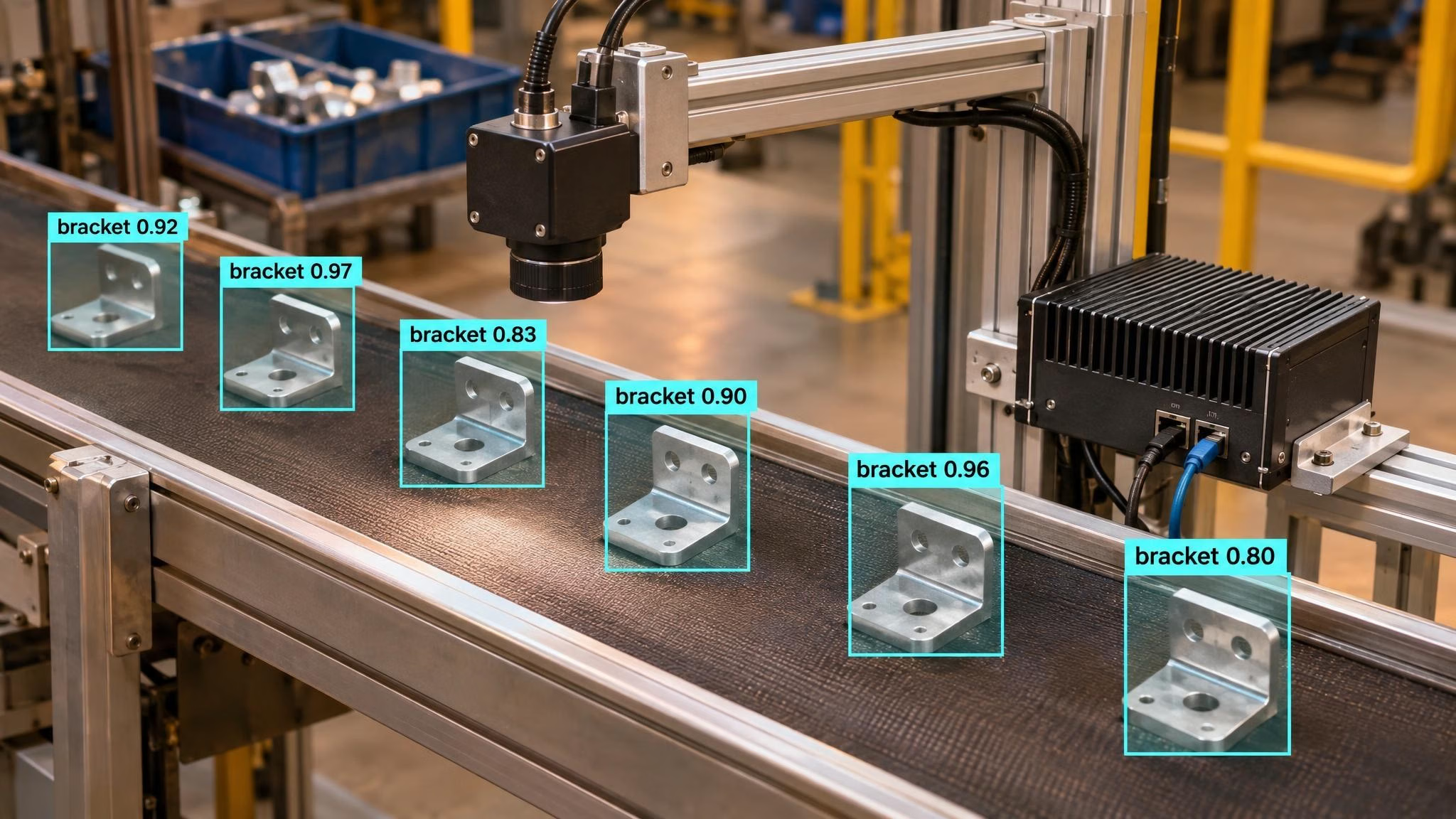
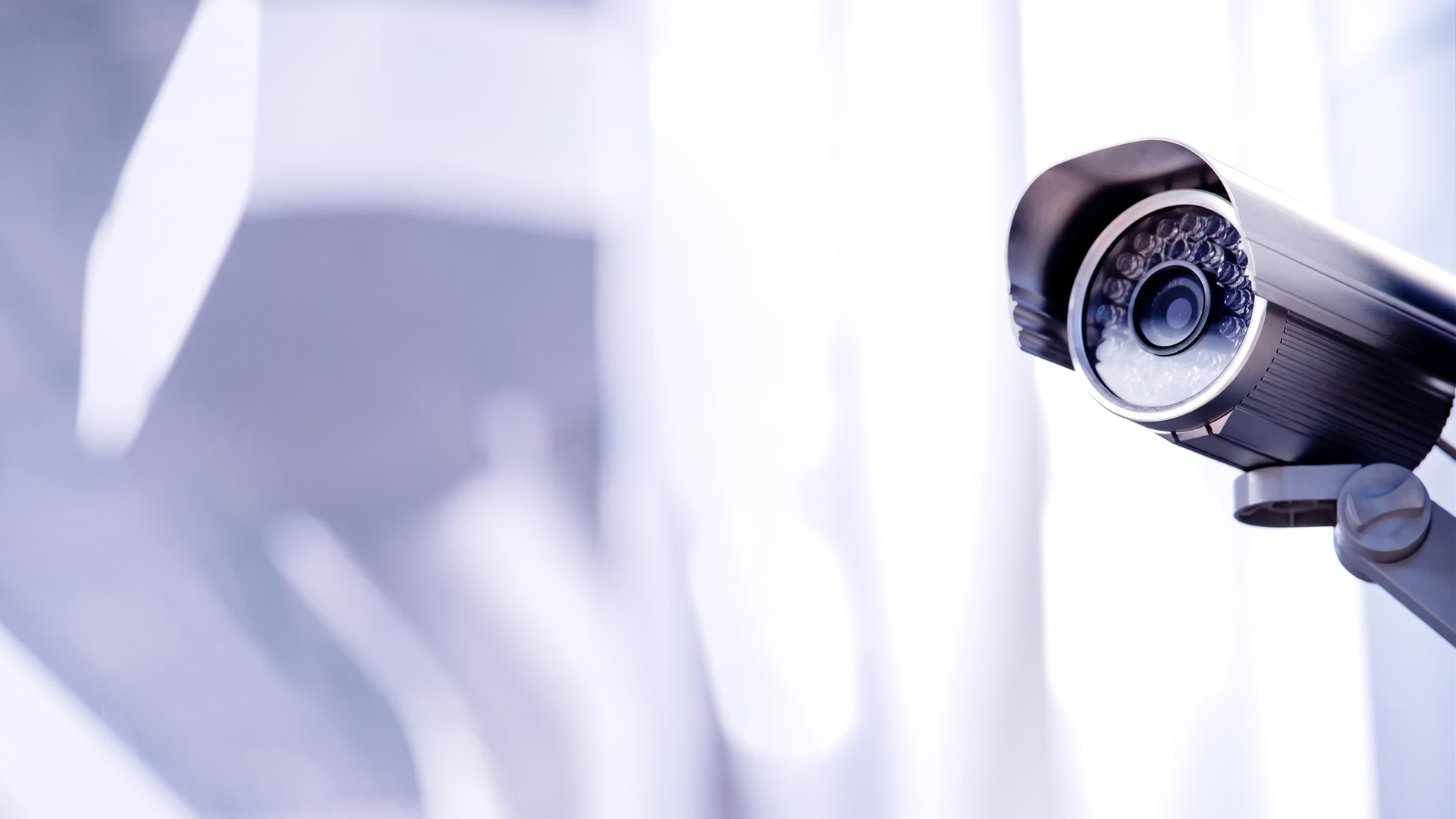
Fig 2. Illustrative: a line-side inspection camera feeding a fanless edge computer, a real-time job where Jetson's GPU headroom pays off.
DGX Spark handles the heaviest jobs from a desk#
NVIDIA DGX Spark is a desktop AI machine with 128 GB of unified memory rather than an embedded module, so it fits a lab or an on-premises video server. On the full COCO val2017 set at 640 pixels and batch 1 (Ultralytics 8.4.192, TensorRT 11.2.1.2), YOLO26n runs at 0.79 ms with 0.4032 mAP50-95 as a TensorRT FP16 engine, and YOLO26m at 2.70 ms with 0.5266. INT8 was slower than FP16 here for YOLO26n (1.43 ms) and YOLO26s and lost 0.011 to 0.018 mAP50-95, so the guide recommends FP16.
A Raspberry Pi 5 covers one camera, and an accelerator adds headroom#
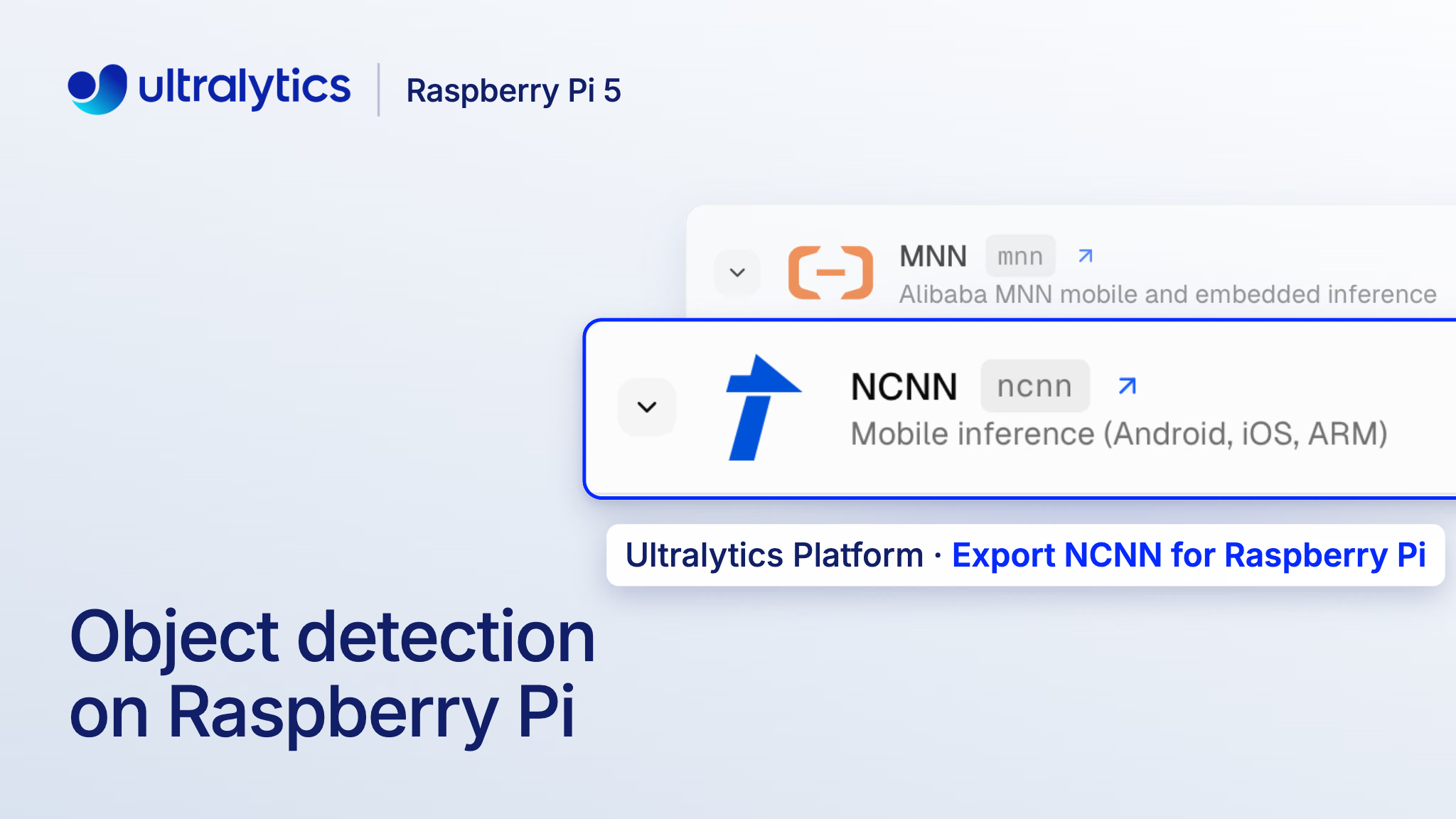
A Raspberry Pi 5 on its own handles single-camera detection at a modest frame rate. In the Raspberry Pi guide (FP32, 640 pixels, Ultralytics 8.4.108, inference only), NCNN was the fastest of eight formats: YOLO26n takes 67.03 ms per image at 0.4784 mAP50-95, and YOLO26s takes 172.88 ms at 0.5684. The guide's eight-format comparison covers n and s, because larger sizes run too slowly on the Pi CPU to be practical. Our walkthrough of Raspberry Pi object detection covers the setup, and the Jetson vs Raspberry Pi 5 comparison shows where each board makes sense.
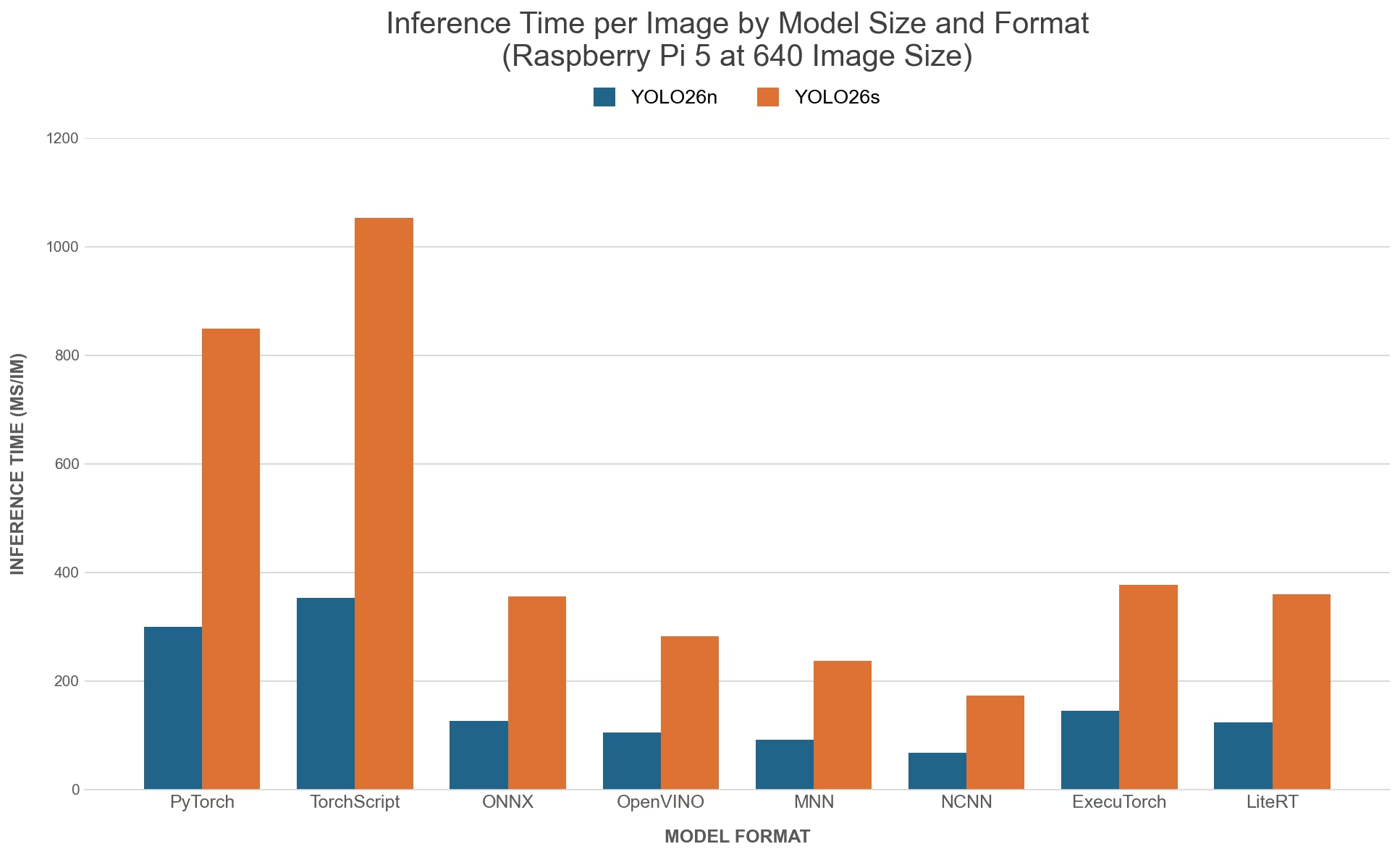
Fig 3. YOLO26 on a Raspberry Pi 5 CPU across export formats, from the Ultralytics Raspberry Pi guide (FP32, 640 pixels, Ultralytics 8.4.108).
When you need more frames per second or CPU time left for your application, an accelerator runs the supported model operations. Both of these run INT8 models from an Ultralytics export, and neither table states its input size:
- Hailo-8 on the AI HAT+. The Hailo integration (Ultralytics 8.4.174) measures YOLO26n detection at 21.7 ms and 0.455 mAP50-95 on COCO128 on the Raspberry Pi AI HAT+, against 364.6 ms and 0.477 for the unexported PyTorch model on the same Pi. It also measures semantic segmentation at 34.8 ms (Cityscapes8), depth at 29.6 ms (Depth8) and classification at 2.0 ms (ImageNet100). For YOLO26, the Hailo export covers detection, semantic segmentation, depth and classification, but not instance segmentation, pose or OBB. The exporter also targets the Hailo-8L, 10H, 15H and 15L: select the chip with
namewhen exporting. - DEEPX DX-M1. The DEEPX integration (Ultralytics 8.4.48) measures YOLO26n detection at 34.6 ms and 0.4660 mAP50-95 (COCO128), segmentation at 53.8 ms (COCO128-seg), pose at 37.6 ms (COCO8-pose) and OBB at 56.4 ms (DOTA128). The compiler splits detection, segmentation, pose and OBB between the NPU and the host CPU. Classification is the task to validate carefully: ImageNet100 top-1 accuracy fell from 0.431 in PyTorch to 0.333 after compilation. The DEEPX compiler runs on x86-64 Linux, so export there or on Ultralytics Platform and copy the model to the Pi.
Rockchip RK3588 brings an NPU to low-cost Linux boards#
RK3588 boards suit Linux gateways and smart-camera boxes that need an NPU at a lower cost. On a Radxa Rock 5B, the Rockchip RKNN integration (Ultralytics 8.4.60, COCO128, inference only) measures:
- YOLO26n: 58.5 ms at 0.477 mAP50-95 in FP16, 41.2 ms at 0.463 in INT8.
- YOLO26s: 93.8 ms in FP16, 61.9 ms in INT8.
- YOLO26m: 226.3 ms in FP16, 122.0 ms at 0.603 in INT8.
The INT8 rows were measured with an earlier export path, and the page will refresh them once the current one is validated on Rockchip hardware. RKNN export covers all seven tasks and 11 Rockchip chips, selected with the name argument. A model built for one chip doesn't run on another, so export once per chip.
Phones run YOLO26 on their NPUs through QNN and Core ML#
For handheld apps, the phone's own accelerator is the edge device. The phone tables below report single-image latency for the whole prediction, including pre- and post-processing, which the Jetson, Pi and RKNN tables leave out; the Apple M4 table times inference only.
Snapdragon: the Hexagon NPU through QNN#
On a Xiaomi 17 with the Snapdragon 8 Elite Gen 5, the Qualcomm QNN integration measures YOLO26n detection at 640 pixels at 10.2 ms in total with the Hexagon NPU (QNN W8A16), of which 6.0 ms is inference. The same phone takes 10.6 ms on its GPU and 36.9 ms on its CPU with LiteRT W8A32 models. These were measured with the Ultralytics Flutter plugin 0.7.1 on Ultralytics 8.4.188 exports.
On a Snapdragon X Elite laptop, an earlier sweep (Ultralytics 8.4.67, 640 pixels, full predict() wall time) ran YOLO26n at 27.2 ms with QNN W8A16 on the NPU, against 91.4 ms for PyTorch FP32 on the CPU. QNN export runs on supported Linux or Windows hosts with Python 3.11 to 3.14, with no Qualcomm account or Snapdragon device.
iPhone 17 Pro and Apple M4: the Neural Engine through Core ML#
On an iPhone 17 Pro (iOS 26.6), the CoreML integration measures the official INT8 models of the Ultralytics iOS SDK at 640 pixels. With the CPU and Neural Engine compute units, YOLO26n detection takes 4.7 ms per image, against 9.7 ms on the CPU alone. Detection stays fast up the size range: YOLO26m takes 11.8 ms and YOLO26x 20.5 ms.
On an Apple M4 Mac (macOS 27.2, COCO val2017, Ultralytics 8.4.215, inference only), YOLO26n takes 6.0 ms in both FP16 (0.409 mAP50-95) and INT8 (0.408), while YOLO26x in INT8 takes 24.3 ms at 0.573. Export in FP16 or INT8: the FP32 package barely benefits from the Neural Engine.
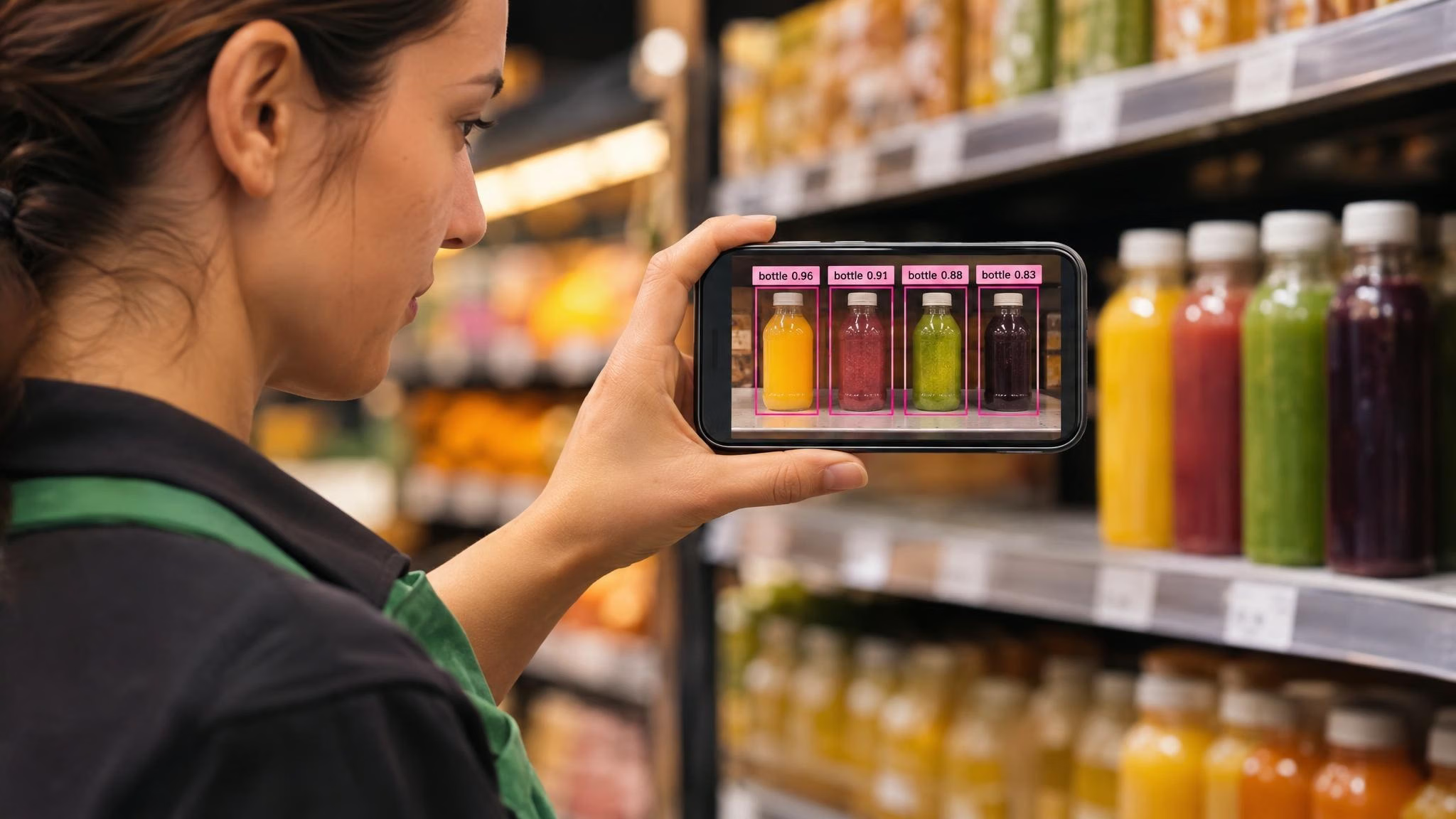
Fig 4. Illustrative: on-device shelf detection on a phone, where the NPU keeps inference local and the camera preview smooth.
ST Edge AI compiles whole-graph INT8 YOLO26 for STM32N6#
Microcontrollers are the smallest class, for battery-powered sensors and always-on cameras. The STM32N6 pairs an Arm Cortex-M55 with a 600 GOPS NPU and 4.2 MB of RAM, as our TinyML glossary entry explains. The ST Edge AI export writes a float or fully quantized INT8 ONNX model shaped for ST Edge AI Core, and STMicroelectronics compiled the INT8 exports of all seven YOLO26 tasks for the STM32N6.
Those exports were compiled and validated on a host, not timed on a board, so our page publishes no on-device latency yet. You check accuracy on your computer with yolo val, then measure speed and memory with ST's tools. On the docs' tiny default datasets (4 to 8 images, so read them as indications), YOLO26n detection goes from 0.686 to 0.639 mAP50-95 under whole-graph INT8, while segmentation and pose lose the most.
For a sense of scale on the board itself, ST's own measurement in our STMicroelectronics customer story ran the older YOLOv8n, not YOLO26, at 256 by 256 pixels at about 29 ms per inference and 9.4 mJ. Our post on YOLO26 on the STM32N6 explains why the whole graph has to be INT8.
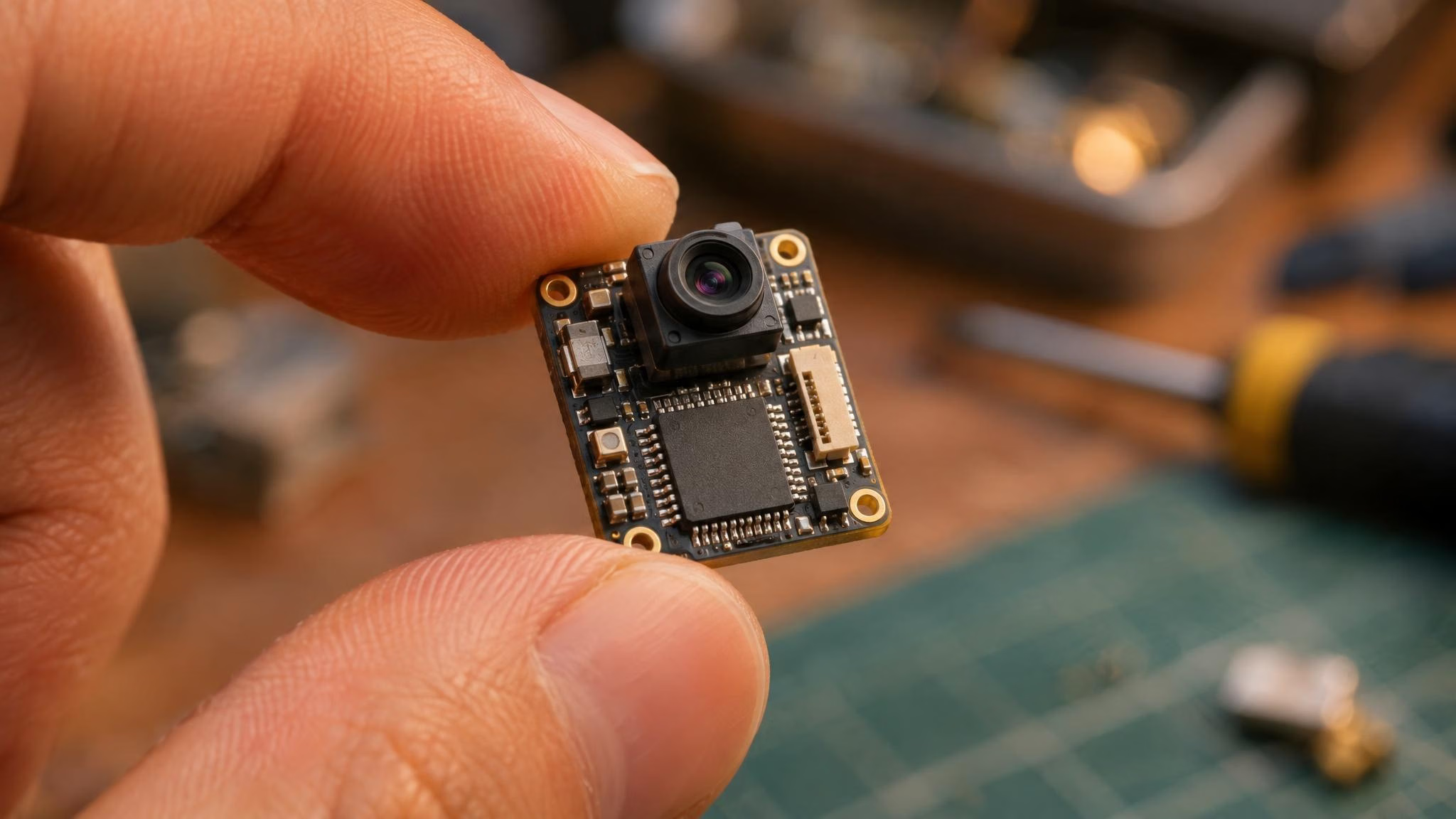
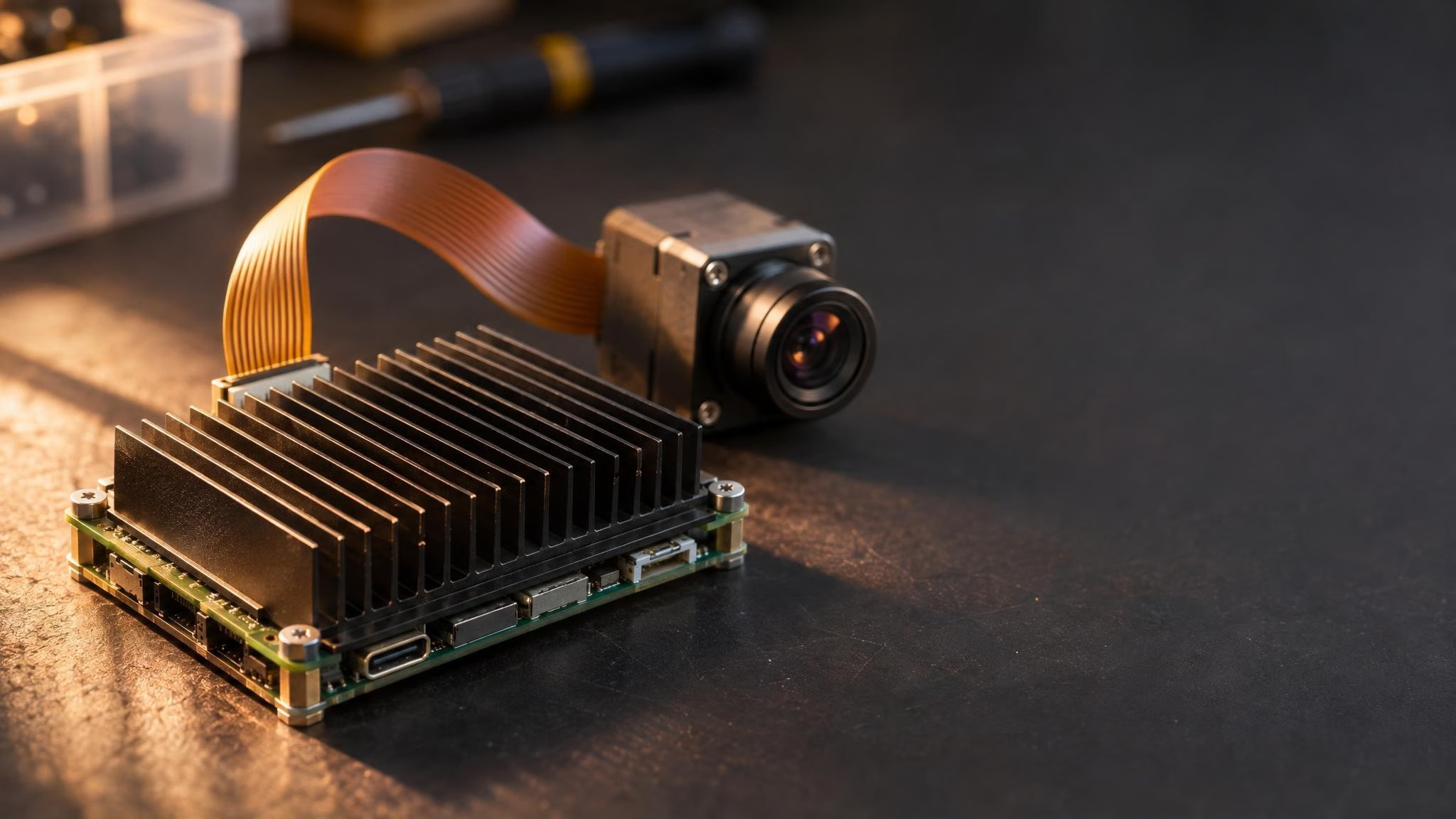
Fig 5. Illustrative: a microcontroller camera board, the class of device the ST Edge AI export targets.
The table also covers Intel, AMD, Axelera, MediaTek and more#
The device benchmarks table goes beyond these classes. It links results for Intel Core Ultra processors with OpenVINO on the CPU, GPU and NPU, an AMD Radeon 8060S, Axelera Metis cards (Axelera's own figures), and Android phones with MediaTek, Google Tensor and Samsung Exynos chips through LiteRT. The Sony IMX500 page measures only YOLOv8 and YOLO11 nano models, and the Huawei Ascend, AMD Xilinx and NXP pages don't publish on-device latency yet. Our partners page lists the hardware companies we build these integrations with.
Measure your own model on your target device#
Published tests use datasets or sample images that vary by task, with our pretrained checkpoints. Your model, classes and images decide the result you'll get, so measure on the device before you buy in volume.
On devices where the Ultralytics package exports and runs the model itself, such as a Jetson, a Raspberry Pi CPU or an Apple Mac, use Benchmark mode with a dataset YAML of your own validation images:
from ultralytics import YOLO

model = YOLO("yolo26n.pt")  # or your trained best.pt

# Speed and accuracy for every export format that runs on this device
model.benchmark(data="your_data.yaml", imgsz=640)

# One format and precision, such as a TensorRT FP16 engine on a Jetson
model.benchmark(data="your_data.yaml", imgsz=640, format="engine", quantize=16)
For accelerators whose compiler runs on a separate host, the path has three steps:
- Export locally on the host each integration page names, with
datapointing at your calibration images, for exampleyolo export model=best.pt format=deepx data=your_data.yaml. Or use Ultralytics Platform, which calibrates on the task's default dataset. - Copy the exported model directory to the device with its runtime installed (HailoRT, DX-RT or the Rockchip runtime).
- Run
yolo val model=best_deepx_model data=your_data.yamlon the device to check accuracy, and time your full pipeline there.
STM32 models follow ST's own tooling: validate the _stedgeai.onnx file on your computer, then compile and measure with ST Edge AI Core. Since benchmark and validation inference time excludes pre- and post-processing, always time the full camera pipeline as well. The Academy lesson on choosing a deployment target maps the common targets (Jetson, Apple, Android, Snapdragon, Raspberry Pi and STM32) to their format= values; the Hailo, DEEPX and RKNN pages give theirs.
Where Ultralytics fits#
Ultralytics doesn't sell edge hardware. We make the model and the path to each device:
- One model family for every class above. The same YOLO26 checkpoint exports to TensorRT, NCNN, Hailo, DEEPX, RKNN, QNN, Core ML and ST Edge AI with one
formatargument, and you validate each export with the sameyolo valcommand. - Train and export in one place. Ultralytics Platform takes you from labeled data to a device-ready model: train YOLO26 in the cloud, then export to 24 formats without a local build environment.
- Published measurements with their conditions. Each benchmark page reports its model and precision, and its image size and versions where stated.
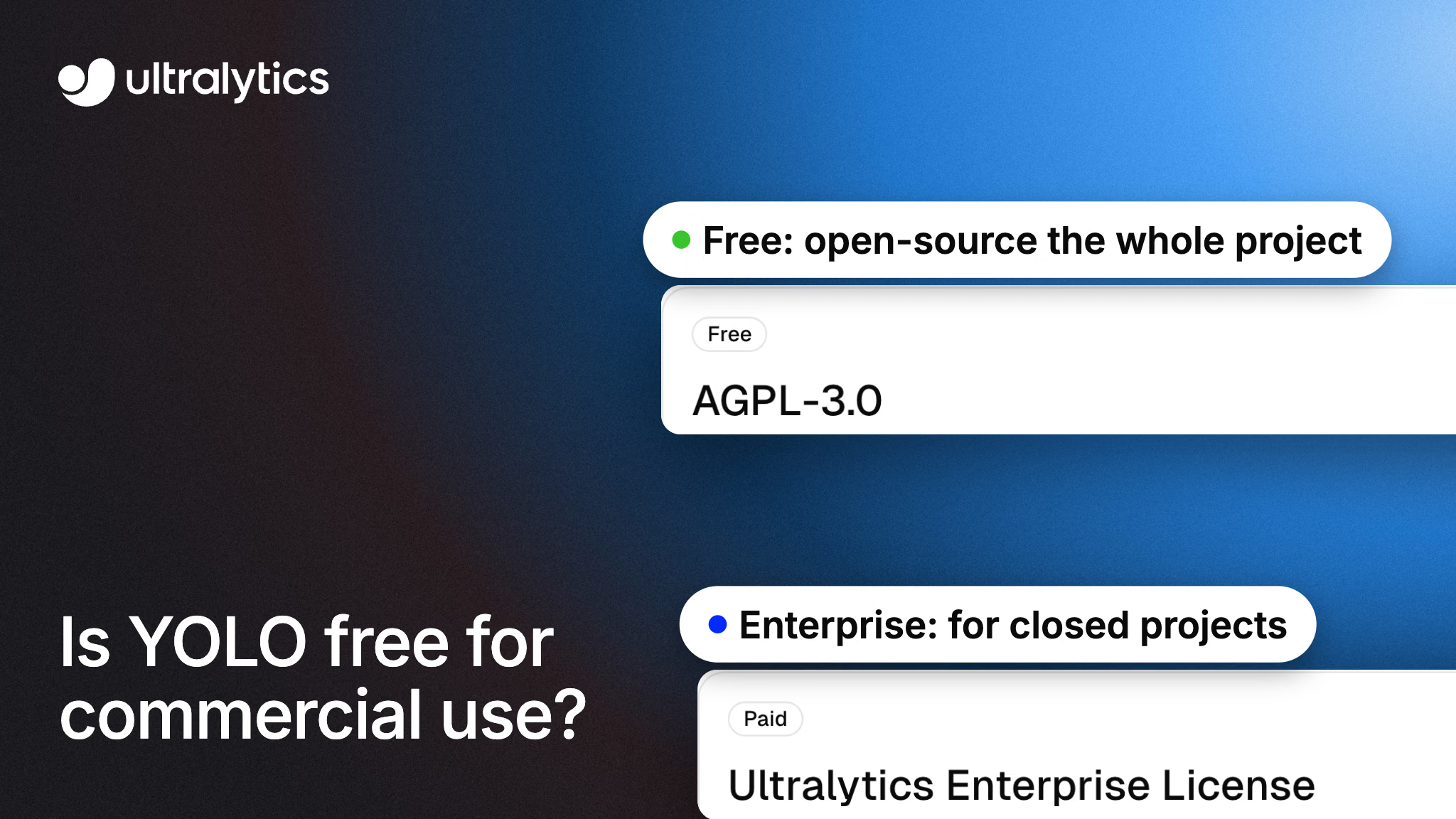
The limits are just as concrete. Our numbers compare formats within one device, not devices against each other, and several pages leave out input size or on-device latency. Hailo's YOLO26 export doesn't cover instance segmentation, pose or OBB. Platform calibrates INT8 exports that require calibration on the task's default dataset, so export with data in Python or the CLI to calibrate on your own images. Ultralytics YOLO is available under AGPL-3.0 or an Enterprise License; see our licensing options for what a product deployment needs.
Frequently asked questions
There is no single best device. In our tests, four Jetson modules ran every YOLO26 size as TensorRT engines and suit multi-camera and robotics work, a Raspberry Pi 5 suits single-camera nano models, and NPU accelerators, Rockchip boards, phones and STM32N6 microcontrollers fill the space between. Choose by model size, camera count, power and the runtime you can deploy, then benchmark your own model on it.
Yes, for one camera at a modest frame rate. In our benchmark, YOLO26n exported to NCNN takes 67.03 ms of inference per image on the Pi 5 CPU at 640 pixels in FP32. For more streams or larger models, a Hailo-8 AI HAT+ or a DEEPX DX-M1 module moves supported operations onto an NPU.
No. On the Jetson AGX Thor and on DGX Spark, a YOLO26n INT8 TensorRT engine was slower than FP16 and less accurate. INT8 helped more on the Orin Nano Super and on the RK3588, and the Ultralytics Hailo and DEEPX exports use INT8 quantization. Measure both precisions on your device and validate accuracy on your own data.
Yes, on microcontrollers with an NPU such as the STM32N6. The ST Edge AI export writes a whole-graph INT8 model that ST Edge AI Core compiles for the chip, and STMicroelectronics compiled all seven YOLO26 tasks this way; those YOLO26 exports were validated on a host, and the published on-board figure (about 29 ms and 9.4 mJ) is ST's measurement of YOLOv8n. Check accuracy on your computer first, then measure speed and memory on the board with ST's tools.
On a Jetson, Raspberry Pi or Mac, install
ultralyticsand runmodel.benchmark(data="your_data.yaml", imgsz=640), addingformatandquantizeto test one export. For Hailo, DEEPX or Rockchip, export on a host or in Ultralytics Platform, copy the model to the device and runyolo valthere. Then time your full camera pipeline, since benchmark inference time excludes pre- and post-processing.
Written by
Senior Machine Learning Engineer · Ultralytics
Comments
Ask a question, share your results, or help someone else.