Why YOLO mAP and pycocotools disagreed, and how Ultralytics 8.4.219 closed the gap
Ultralytics 8.4.219 computes AP with COCO's 101 recall thresholds, matching pycocotools within 2.8e-17 in box, mask and pose tests. What still differs.
 Glenn Jocher12 min read
Listen to this article
Before Ultralytics 8.4.219, a YOLO model that found every object in a dataset at the matching IoU threshold, with no false alarms, could not score a perfect 1.0 AP. It topped out at 0.995. That ceiling was one visible symptom of a question users have asked for years: why does YOLO's built-in mAP differ from what pycocotools, the reference COCO evaluator, reports on the same predictions?
The short answer: the two turned the precision-recall curve into a number differently. Ultralytics 8.4.219, released November 25, 2026, adopts COCO's own rule. Given the same matches and ignore decisions, its AP calculation now agrees with pycocotools to machine precision, and it scores detection and segmentation about 2.6x faster on CPU than the previous native scorer. This post explains COCO's 101 recall thresholds, why the old method stopped at 0.995, why full COCO runs can still differ by about half a point, and how to compare runs fairly, including what mAP50 and mAP50-95 each tell you.
COCO scores AP at 101 recall thresholds, and YOLO now does too#
Mean average precision (mAP) starts with one class. Every detection of that class is sorted by confidence, and walking down the list traces a precision-recall curve: precision is the share of detections that are correct, and recall is the share of labeled objects found so far. Average precision (AP) summarizes that curve as one number, and mAP averages AP over classes.
The COCO evaluation sets 101 recall thresholds, 0.00, 0.01 and so on up to 1.00, and gives each one equal weight. At each threshold it takes the highest precision the detector reaches at that recall or beyond, or zero if the detector never gets there. AP is the mean of those 101 values. In pycocotools, that logic lives in COCOeval.accumulate().
Since 8.4.219, Ultralytics applies exactly that rule to AP and to the plotted precision-recall curve, with a stable ordering for detections that tie on confidence. The Ultralytics YOLO performance metrics guide now documents it: a perfect detector scores 1.0.
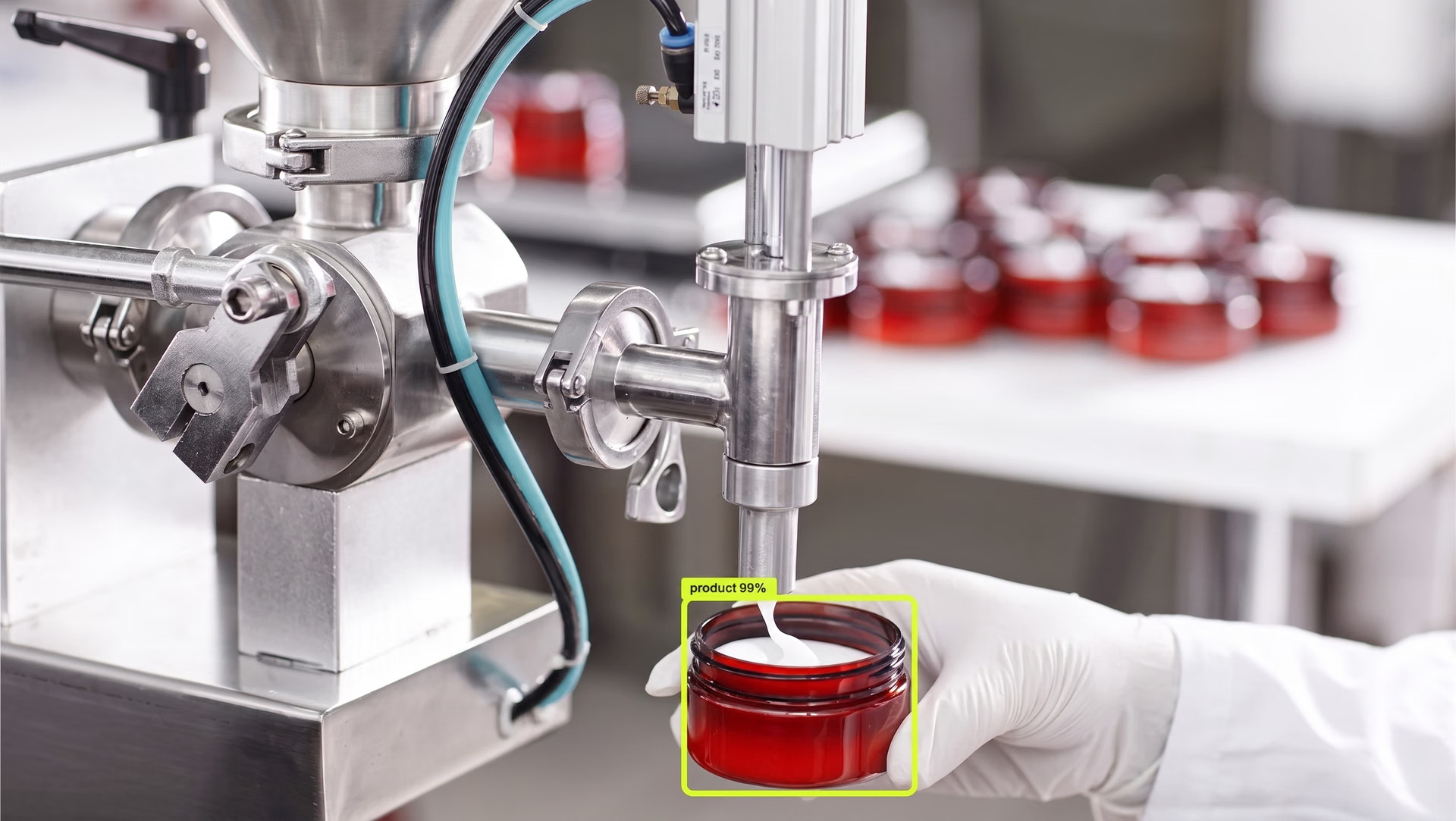
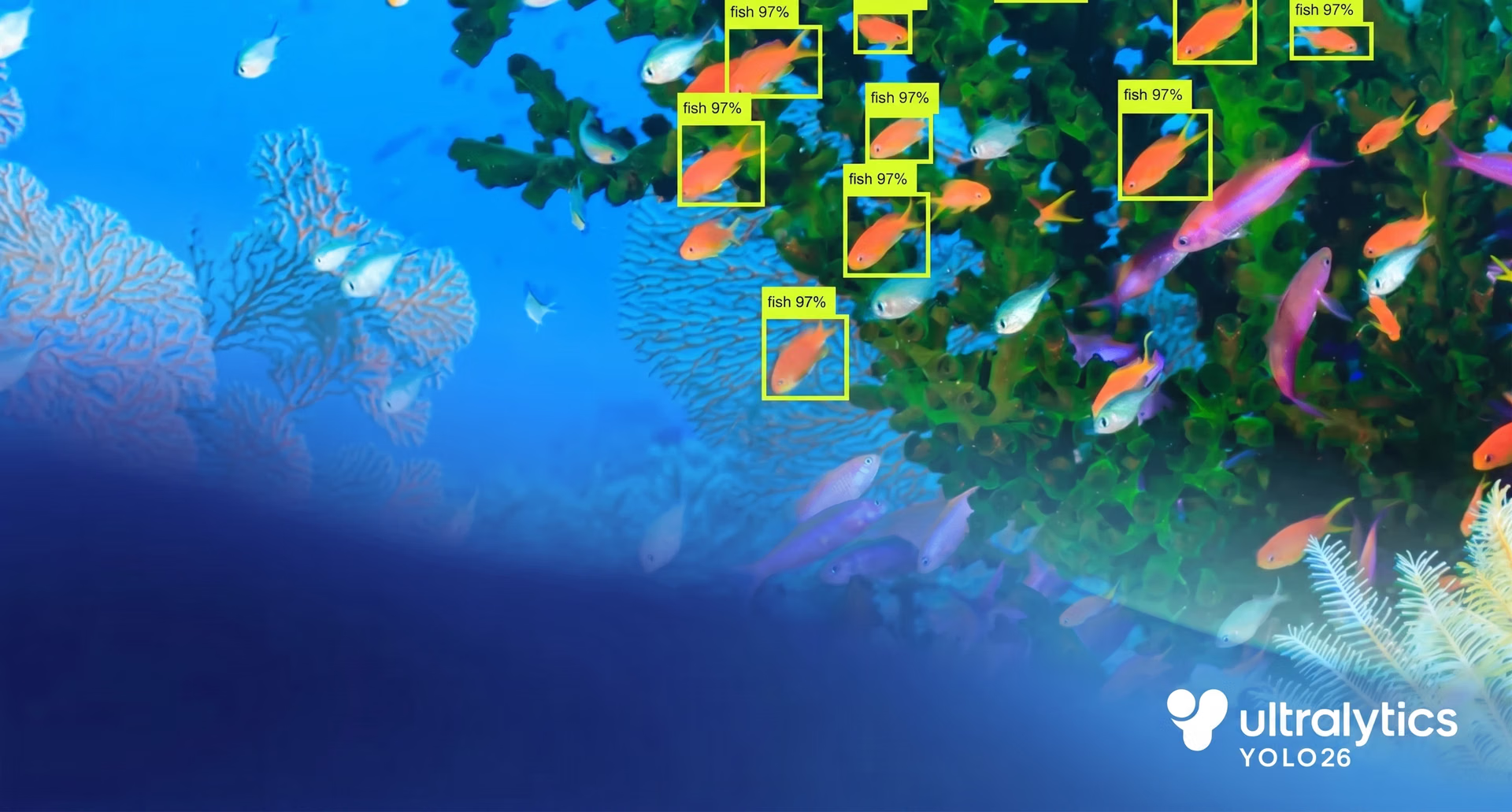
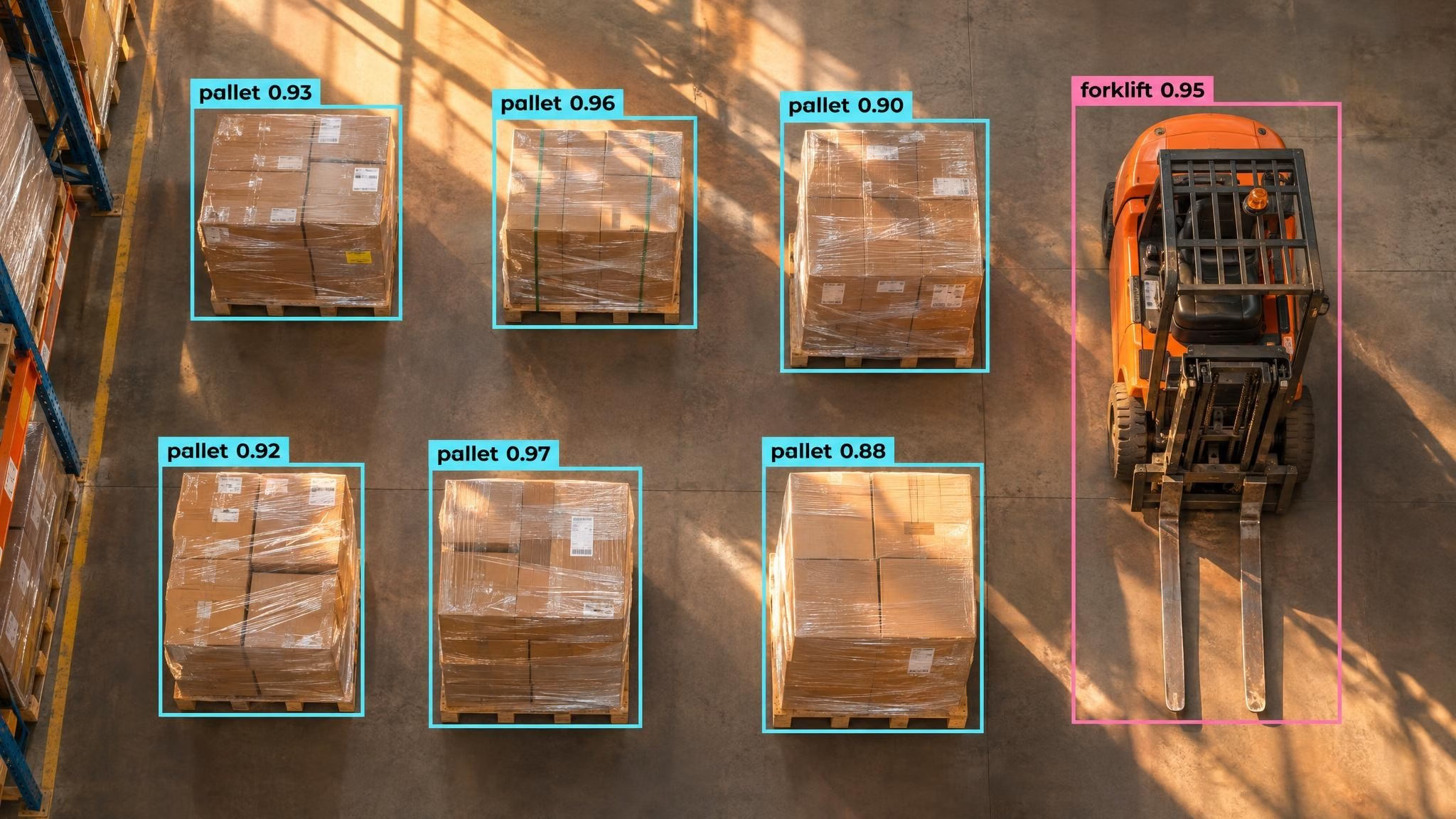 Fig 1. Illustrative: when every object is found and every box is correct, AP should be exactly 1.0.
Why a perfect detector used to score 0.995#
Ultralytics' previous scorer built the same precision envelope but integrated it differently. As PR #27370 describes, it dropped to zero precision at recall 1 and integrated the final interval as a triangle. That last sliver of area was always missing, so even a flawless detector capped at 0.995 AP.
PR #27368, from community contributor MohammadHijjawi97, had already traced that endpoint error to its cause in the same function. It used np.interp with the trapezoid rule, and np.interp resolves duplicate recall values to the last entry. When a recall level landed exactly on one of the 101 thresholds, that point could be scored with the zero sentinel or the lowest trailing precision instead of the envelope. The contributor's visible example: yolo26n-obb on the DOTA8 sample reported mAP50 0.995 instead of 1.0.
The gap did not always point the same way. The authors of the Roboflow100-VL paper report a difference of up to 2.7 points in Ultralytics' favor on their benchmark, where they ran pycocotools with up to 500 detections per image, and offer the integration method as a preliminary explanation. On full COCO, the old native scorer came out lower than the official evaluator, as the end-to-end runs below show. The disagreement itself is old: a 2021 Ultralytics YOLOv5 issue showed YOLOv5x at 49.6 local mAP50-95 against 50.7 from pycocotools.
A first fix was merged and reverted before the release#
PR #27368 replaced the interpolation with COCO's lookup. On the 4-image COCO8 validation split, Ultralytics YOLO26n's mAP50 moved from 0.9427 to 0.9482, identical to pycocotools; on COCO128, mAP50 matched and mAP50-95 came within 0.0002. It was merged, then reverted in PR #27369 the same day.
The reason was scale. On the full COCO val2017 set, scoring identical predictions, the change lowered mAP50 on every YOLO26 model (YOLO26x from 0.7447 to 0.7425) and moved mAP50-95 by -0.0027 to +0.0013, so its effect on every user's numbers needed a fuller check than 4 or 128 images. PR #27370 then reimplemented COCO's rule, credited the contributor for finding the endpoint error, and verified it against pycocotools on every task and on full datasets. The release notes state that the earlier change is not part of 8.4.219.
The AP calculation now matches pycocotools to machine precision#
On identical matches and ignore decisions, the new scorer agrees with pycocotools within 2.8 x 10^-17 across all 2,420 class and IoU results, covering all three standard COCOeval types: boxes (bbox), instance masks (segm) and pose keypoints (keypoints). For oriented boxes, where Ultralytics supplies the rotated-box matches, an independent COCOeval.accumulate() check on all 150 DOTA class and IoU combinations agrees within 8.9 x 10^-16.
It is also faster and lighter than the scorer it replaces. These are CPU scoring times for 372,055 YOLO26n detections, medians of seven warm calls on an AMD EPYC 9655, with peak traced allocations excluding input arrays:
| Output | Max AP error before | Max AP error after | CPU scoring time | Peak allocations |
|---|---|---|---|---|
| Detection boxes | 0.00784 | 2.8e-17 | 134.0 to 51.3 ms (2.61x) | 40.6 to 9.7 MiB (76% less) |
| Segmentation masks | 0.00833 | 2.8e-17 | 132.5 to 50.4 ms (2.63x) | 39.6 to 9.5 MiB (76% less) |
| Pose keypoints | 0.00425 | 0 | 4.2 to 2.8 ms (1.50x) | 12.9 to 2.7 MiB (79% less) |
| Oriented boxes | 0.00530 | 8.9e-16 | 38.0 to 20.5 ms (1.85x) | 21.3 to 4.7 MiB (78% less) |
The largest AP error before the fix was under 0.01 on any single class and threshold: small, but enough for two evaluators to disagree on the same predictions.
What changed on full datasets#
We ran end-to-end validation for PR #27370: YOLO26n detection and segmentation on the 5,000 COCO val2017 images at 640 pixels and max_det=100, YOLO26n-pose on the 2,346-image COCO pose split at 640 pixels and max_det=20, and YOLO26n-obb on 5,278 single-scale DOTA-v1 validation tiles at 1,024 pixels and max_det=300. Each before-and-after pair scores the same saved predictions; the independent column scores the exported predictions against the official COCO annotations.
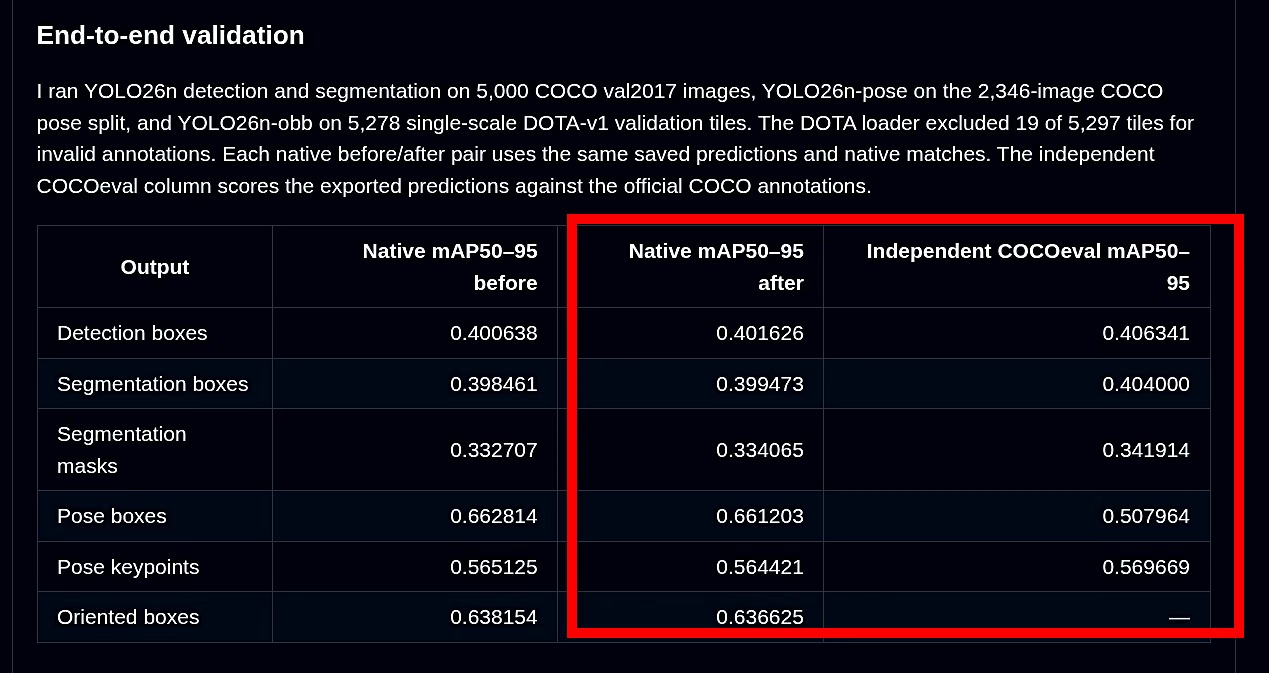 End-to-end validation from PR #27370: YOLO26n models, inference on an RTX PRO 6000.
For detection boxes, native mAP50-95 moved from 0.400638 to 0.401626, toward the independent COCOeval result of 0.406341. Mask mAP50-95 moved 0.00136 closer, from 0.332707 to 0.334065 against 0.341914.
Not every number moved closer. Keypoint mAP50-95 moved 0.00070 farther away, even though the AP calculation now agrees exactly on the reference keypoint matches, and at AP50 several outputs moved slightly away. With the arithmetic identical, the remaining gap comes from matching, ignored crowd annotations, different label populations and different detection limits, covered next.
Why full COCO runs can still differ by about half a point#
Both evaluators now score AP at the same 101 thresholds, so the remaining difference on COCO, about half a point of mAP50-95 for YOLO26n on val2017 per the docs, comes from what each one counts. The performance metrics guide names three sources:
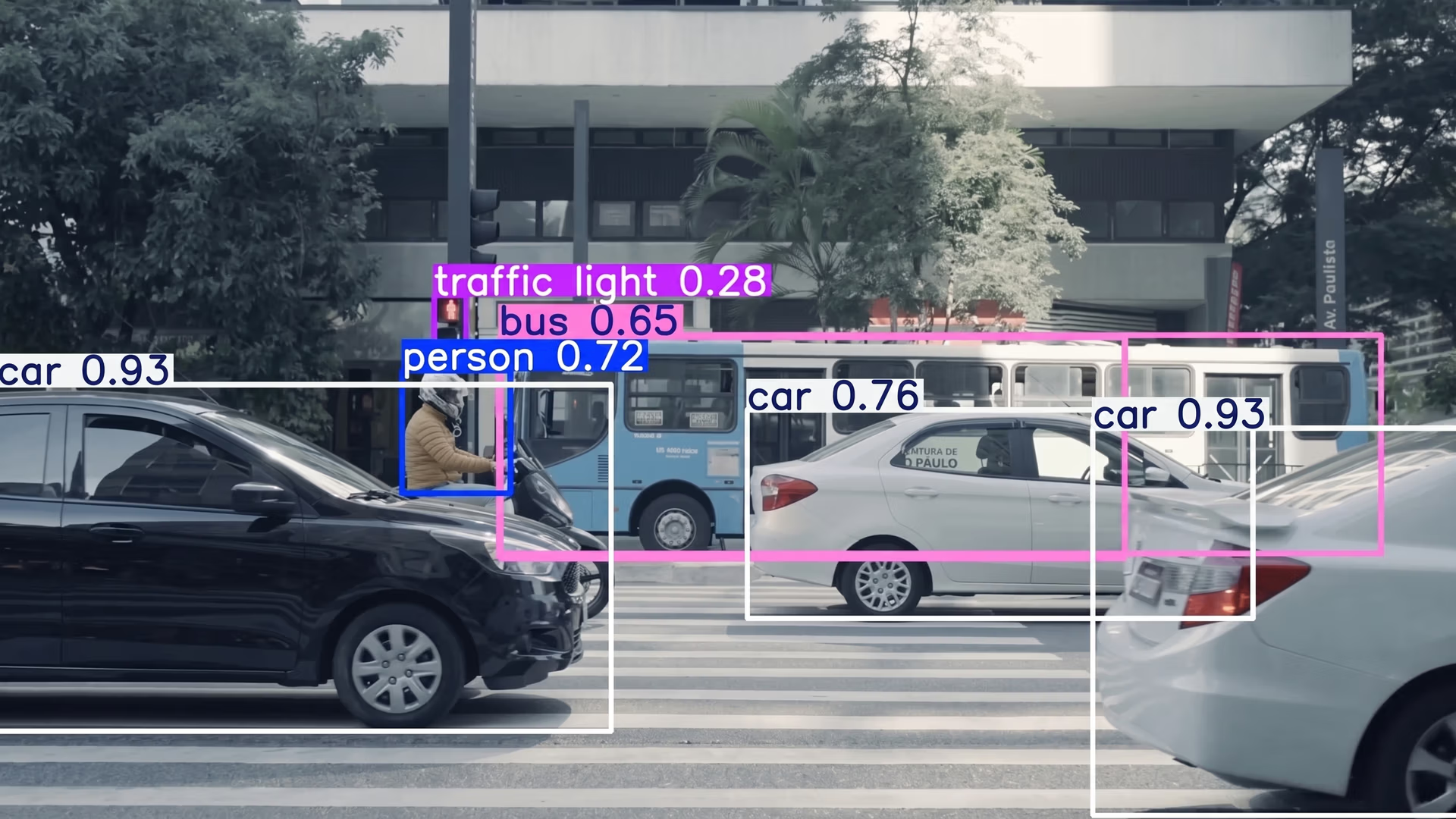
- Crowd annotations. The official COCO annotations mark dense groups, such as a packed audience, as crowd regions. COCOeval ignores detections matched to those crowd annotations instead of counting them as false positives. YOLO labels omit crowd regions, so the native scorer can count the same detections as false positives.
- Detection limits. COCOeval's default cap is 100 detections per image and category for boxes and masks, and 20 for keypoints. Native validation keeps up to
max_detpredictions per image across all classes, 300 by default, so the two caps select different prediction sets. - Matching. How detections are assigned to labeled objects differs between the two pipelines.
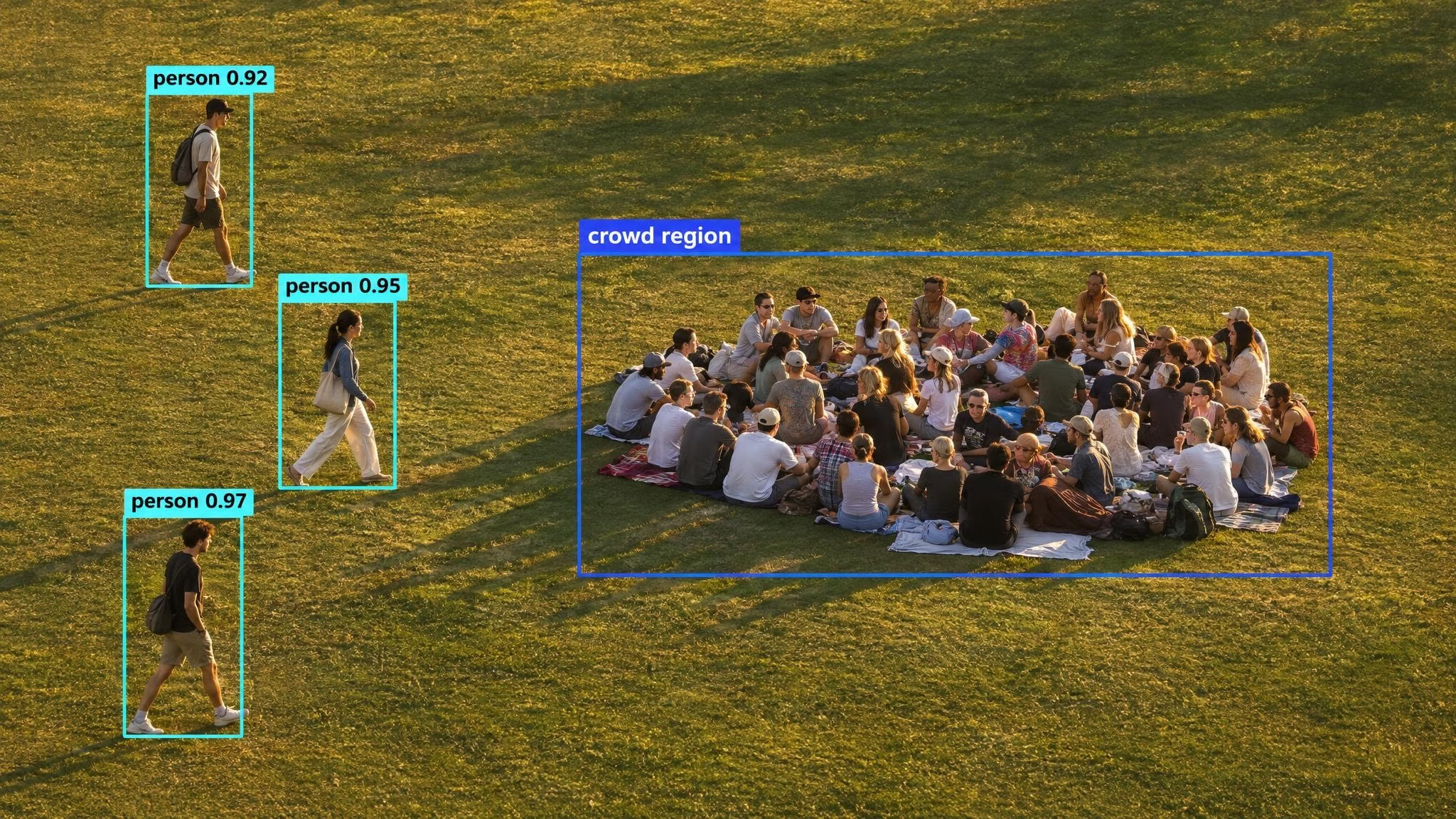 Fig 2. Illustrative: COCO can label a dense group as one crowd annotation, and COCOeval ignores detections matched to it; YOLO labels have no such annotation.
Pose shows how much the label set matters. In the PR's run, YOLO has 6,352 people with labeled keypoints on the pose split, while COCO's box evaluation includes 9,349 non-crowd people. Native pose-box mAP50-95 of 0.661 and COCOeval's 0.508 measure different populations, so neither is wrong. On a custom dataset converted from your own labels, crowd annotations usually do not exist, which removes that source of difference.
mAP50 vs mAP50-95: what each number tells you#
Both metrics use the same AP calculation; they differ in how tight a box must be to count. Intersection over union (IoU) measures the overlap between a predicted box and a labeled one.
- mAP50 counts a detection as correct at IoU 0.50 or above. It answers "did the model find the object and name it correctly?" and is the most lenient score.
- mAP50-95 averages mAP over ten IoU thresholds, 0.50 to 0.95 in steps of 0.05. It rewards boxes that fit tightly, and it is what COCO calls simply "AP." When training an object detector, Ultralytics keeps
best.ptfrom the epoch with the highest validation box mAP50-95.
Read mAP50 when rough localization is enough, such as counting large, well-separated items. Read mAP50-95 when box placement matters, such as measuring objects or cropping them for a second model. Our mAP in object detection explainer covers the basics of mAP and IoU thresholds, and the Academy lesson on reading detection metrics shows how each prediction is scored.
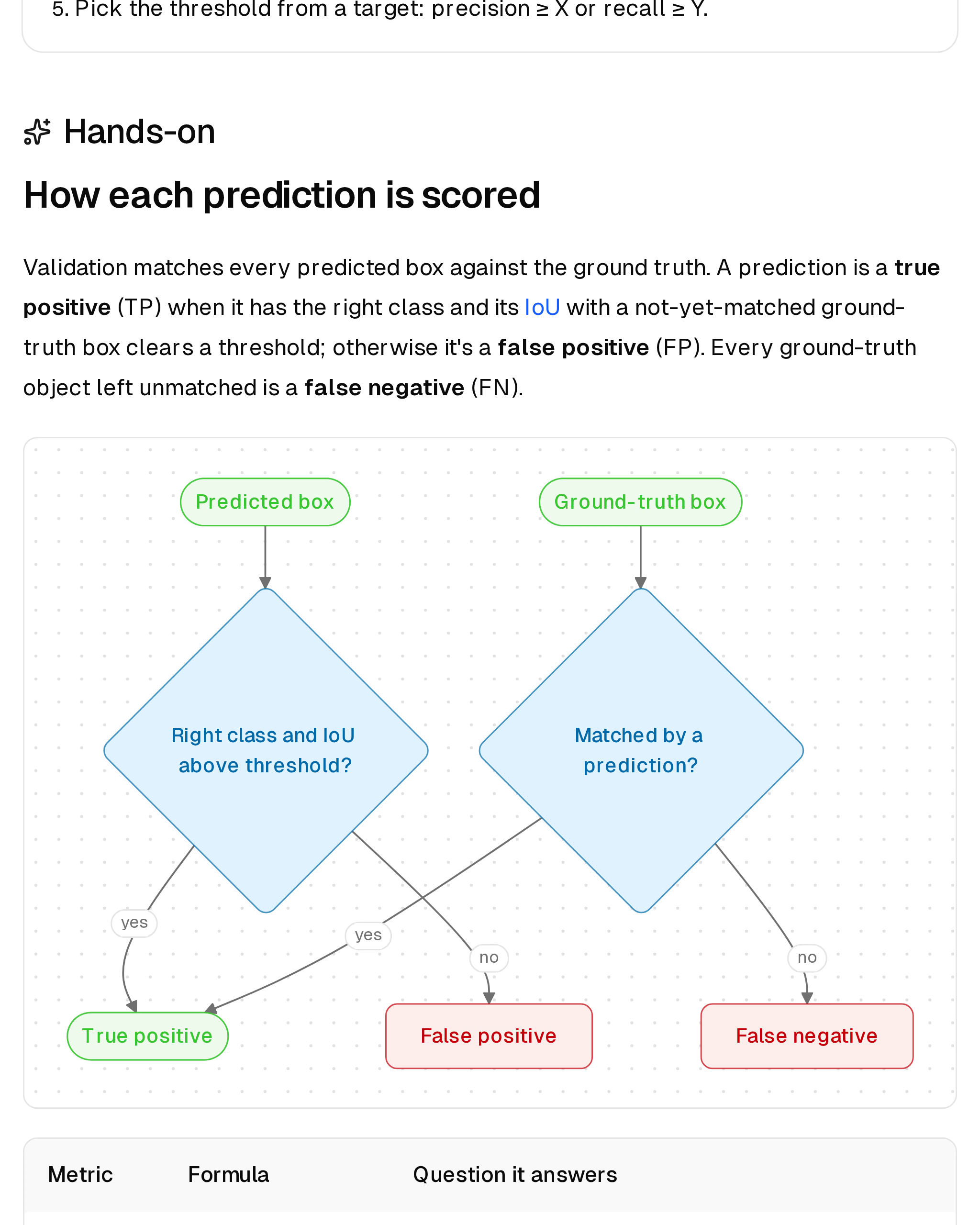 Ultralytics Academy, Reading Detection Metrics: how each prediction is scored.
Three habits keep both numbers honest:
- Validate at the default
conf. mAP needs the low-confidence detections that form the high-recall end of the curve. For YOLO26n on COCO, mAP50-95 dropped from 0.402 at the defaultconf=0.001to 0.336 atconf=0.25, per the docs. - Check object sizes. A strong overall score can hide weak small-object performance. Since 8.4.219,
model.val(save_json=True)returns small-, medium- and large-object mAP alongside the headline metrics when the COCO-style evaluator produces them. - Look at precision and recall separately. P and R in the results table come from one operating point, the confidence selected from the smoothed mean F1 curve. Our guide to choosing a VLM for auto-annotation by precision and recall shows why the split matters.
How to compare runs after upgrading#
The AP rule changed, so the same weights can now score slightly higher or lower than they did on earlier versions. The docs put the rule simply: compare runs made with the same package version. If you track a model over time, re-validate your baseline on 8.4.219 or later before comparing it with a new run.
- Upgrade with
pip install -U ultralyticsand confirm the version. - Re-run validation on your baseline and your new weights with the same dataset, image size and
max_det. - Add
save_json=Trueto writepredictions.jsonwhen the run produces detections, plus the object-size metrics when the evaluator returns them. - Optionally, score that file with pycocotools for an independent check.
import ultralytics
from ultralytics import YOLO

print(ultralytics.__version__)  # 8.4.219 or later

model = YOLO("path/to/best.pt")
metrics = model.val(data="path/to/your/data.yaml", save_json=True)

print(f"mAP50:    {metrics.box.map50:.4f}")
print(f"mAP50-95: {metrics.box.map:.4f}")
print({k: v for k, v in metrics.results_dict.items() if "mAP_" in k})  # small, medium, large
print(metrics.save_dir)  # predictions.json is written here
The size metrics appear in results_dict as metrics/mAP_small(B), metrics/mAP_medium(B) and metrics/mAP_large(B). When you validate with coco.yaml, Ultralytics saves predictions.json and runs the COCO-style evaluation automatically through faster-coco-eval; the printed COCO AP can still differ slightly from metrics.box.map, for the reasons in the previous section.
To score the same custom dataset with pycocotools, convert your labels to a COCO JSON that uses the IDs Ultralytics writes: the image file stem as the image ID and category IDs numbered from 1 for custom classes. Name your images with unique stems that are either all numeric or all non-numeric, because COCOeval sorts image IDs and fails on a mix of integers and strings.
from pycocotools.coco import COCO
from pycocotools.cocoeval import COCOeval

gt = COCO("annotations/instances_val.json")  # your labels in COCO format
dt = gt.loadRes(f"{metrics.save_dir}/predictions.json")  # from the validation run above

coco_eval = COCOeval(gt, dt, "bbox")
coco_eval.evaluate()
coco_eval.accumulate()
coco_eval.summarize()
If you train in Ultralytics Platform, validation runs at the end of every cloud training job, so the same-version rule applies to Platform runs too.
Who this matters for#
Anyone who reports YOLO accuracy next to other models gets a native number computed with COCO's AP rule, without exporting predictions first. Researchers comparing Ultralytics YOLO26 with other detectors on custom data, where no official COCO annotations exist, benefit most: the AP arithmetic is no longer a variable.
Teams that pick models by validation mAP get faster scoring with about three quarters less peak memory on detection and segmentation. And a perfect detector now scores 1.0. Start with the performance metrics guide, then validate a YOLO26 model on your own data.
Frequently asked questions
Before Ultralytics 8.4.219, the native scorer integrated the precision-recall curve with a trapezoid rule instead of averaging COCO's 101 recall thresholds, so AP could differ for any class. Since 8.4.219, the AP calculation matches pycocotools within 2.8 x 10^-17 in the box, mask and keypoint tests, and within 8.9 x 10^-16 for oriented boxes, on identical matches and ignore decisions. On full COCO, a gap of about half a point of mAP50-95 remains because of crowd annotations, different detection limits and matching differences.
mAP50 counts a detection as correct when its IoU with a labeled object is at least 0.50. mAP50-95 averages mAP over ten IoU thresholds from 0.50 to 0.95, so it also rewards tight boxes. For the same predictions, mAP50 is never lower than mAP50-95.
The previous scorer dropped to zero precision at recall 1 and integrated the last interval as a triangle, which capped even a perfect detector at 0.995. Ultralytics 8.4.219 averages the precision envelope at COCO's 101 recall thresholds, so a perfect detector now scores 1.0.
It can change. The same weights can score a little higher or lower than on earlier versions; YOLO26n box mAP50-95 on COCO val2017 moved from 0.4006 to 0.4016. Re-validate your baseline on the new version and compare runs made with the same package version.
Run
model.val(save_json=True). It writespredictions.jsonand adds small-, medium- and large-object mAP to the returned metrics when the COCO-style evaluator produces them; oncoco.yamlthe COCO-style evaluation runs automatically. You can also scorepredictions.jsonwith pycocotools against a COCO-format annotation file.
Written by
Founder & CEO · Ultralytics
Comments
Ask a question, share your results, or help someone else.