What are Diffusion Models? A quick and comprehensive guide
Learn how diffusion models generate images, video, and audio through forward and reverse diffusion, plus popular models and uses in design, music, and film.
 Abirami Vina8 min read
Listen to this article
Using generative AI tools like Midjourney and Sora to create content is becoming increasingly common, and there is a rising interest in looking under the hood of these tools. In fact, a recent study shows that 94% of individuals are prepared to learn new skills to work with generative AI. Understanding how generative AI models work can help you use these tools more effectively and get the most out of them.
At the heart of tools like Midjourney and Sora are advanced diffusion models - generative AI models that can create images, videos, text, and audio for various applications. For example, diffusion models are a great option for producing short marketing videos for social media platforms like TikTok and YouTube Shorts. In this article, we’ll explore how diffusion models work and where they can be used.
The inspiration behind advanced diffusion models#
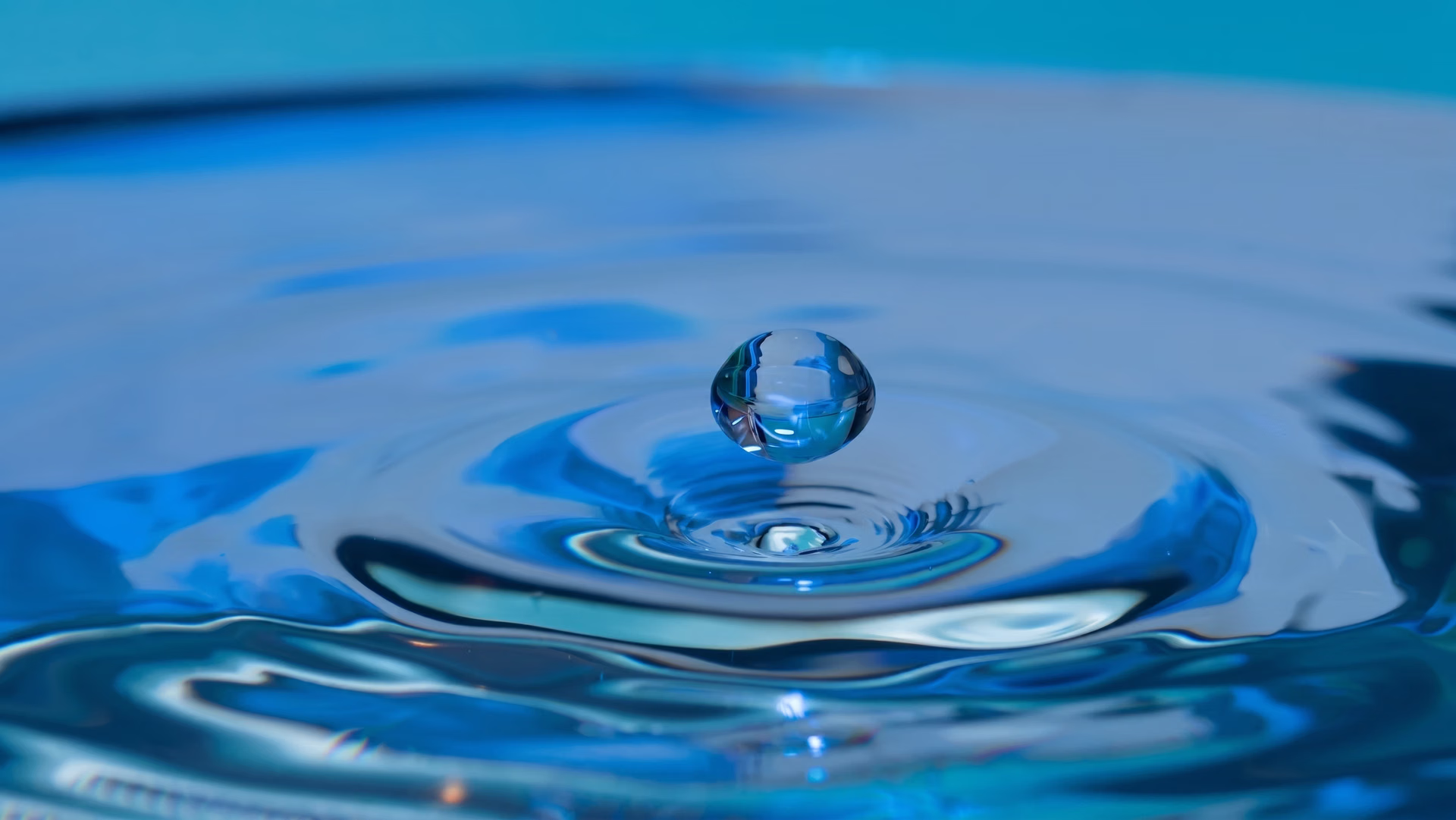
In physics, diffusion is the process by which molecules spread out from areas of higher concentration to areas of lower concentration. The concept of diffusion is closely related to Brownian motion, where particles move randomly as they collide with molecules in a fluid and gradually spread out over time.
These concepts inspired the development of diffusion models in generative AI. Diffusion models work by gradually adding noise to data and then learning to reverse that process to generate new, high-quality data like text, images, or sound. It is similar to the idea of reverse diffusion in physics. Theoretically, diffusion can be tracked backward to return particles to their original state. In the same way, diffusion models learn to reverse the added noise to create realistic new data from noisy inputs.

Looking under the hood of diffusion models#
Generally, a diffusion model’s architecture involves two main steps. First, noise is gradually added to the training data in a fixed forward process. Then, the model is trained to reverse this process and bring the data back to its original state. Let’s take a closer look at how this works.
Data preprocessing#
Before we dive into the core of a diffusion model, it’s important to remember that any data the model is trained on should be preprocessed. For example, if you are training a diffusion model to generate images, the training dataset of images needs to be cleaned up first. Preprocessing image data can involve removing any outliers that could affect the results, normalizing the pixel values so that all the images are on the same scale, and using data augmentation to introduce more variety. Data preprocessing steps help guarantee the quality of training data, and this is true not just for diffusion models but any AI model.
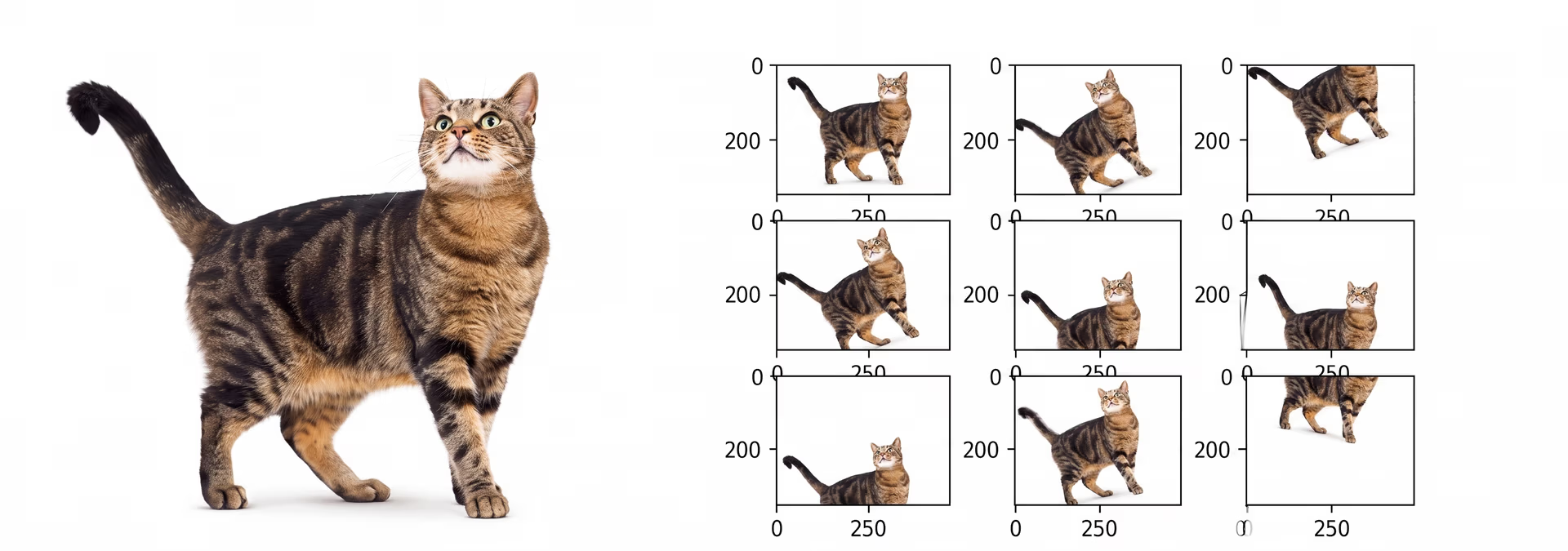
Fig 2. Examples of Image Data Augmentation.
Forward diffusion process#
After data preprocessing, the next step is the forward diffusion process. Let’s focus on training a diffusion model to generate images. At each step, random noise is sampled from a simple distribution, such as a Gaussian distribution, and added to the image. As shown in the image below, the image is gradually transformed in a series of steps. The image starts off clear and becomes increasingly noisy as it progresses through each step, eventually turning into almost complete noise by the end.
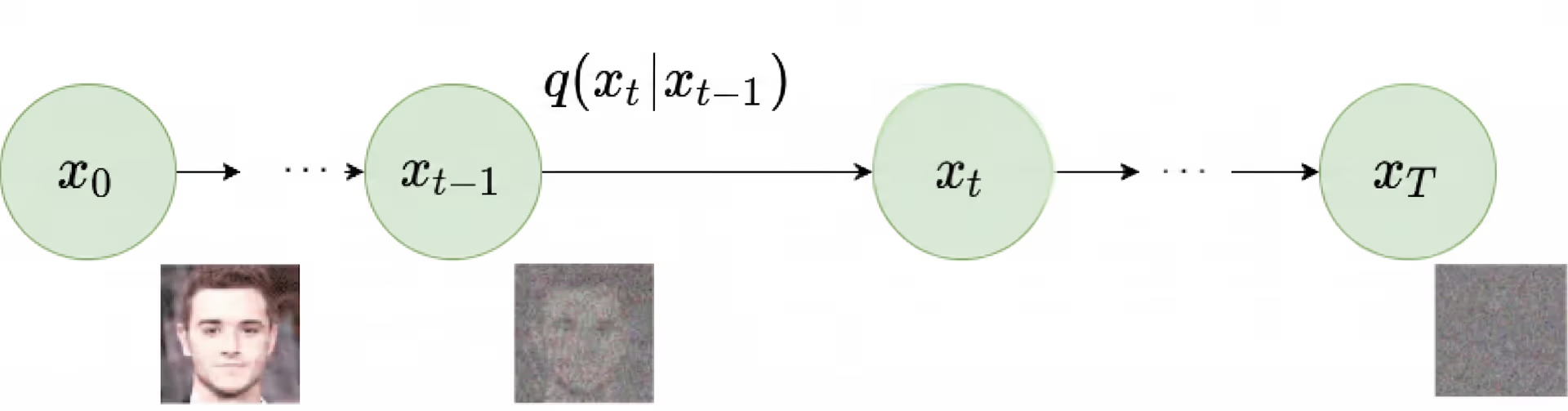
Fig 3. Forward Diffusion Process.
Each step builds on the previous one, and noise is added in a controlled, incremental way using a Markov chain. A Markov chain is a mathematical model where the probability of the next state depends only on the current state. It's used to predict future outcomes based on present conditions. As each step adds complexity to the data, we can capture the most intricate patterns and details of the original image data distribution. The addition of Gaussian noise also generates diverse and realistic samples as the diffusion unfolds.
Reverse diffusion process#
The reverse diffusion process begins once the forward diffusion process has transformed a sample into a noisy, complex state. It gradually maps the noisy sample back to its original state using a series of inverse transformations. The steps that reverse the noise-adding process are guided by a reverse Markov chain.

Fig 4. Reverse Diffusion Process.
During the reverse process, diffusion models learn to generate new data by starting with a random noise sample and gradually refining it into a clear, detailed output. The generated data ends up closely resembling the original dataset. This capability is what makes diffusion models great for tasks like image synthesis, data completion, and denoising. In the next section, we'll explore more applications of diffusion models.
The applications of diffusion models#
The step-by-step diffusion process makes it possible for a diffusion model to efficiently generate complex data distributions without being overwhelmed by the data's high dimensionality. Let’s take a look at some applications where diffusion models excel.
Graphic design#
Diffusion models can be used to generate graphical visual content quickly. Human designers and artists can provide input sketches, layouts, or even some simple rough ideas of what they want, and the models can bring these ideas to life. It can speed up the entire design process, offer a wide range of new possibilities from the initial concept to the final product, and save a lot of valuable time for human designers.
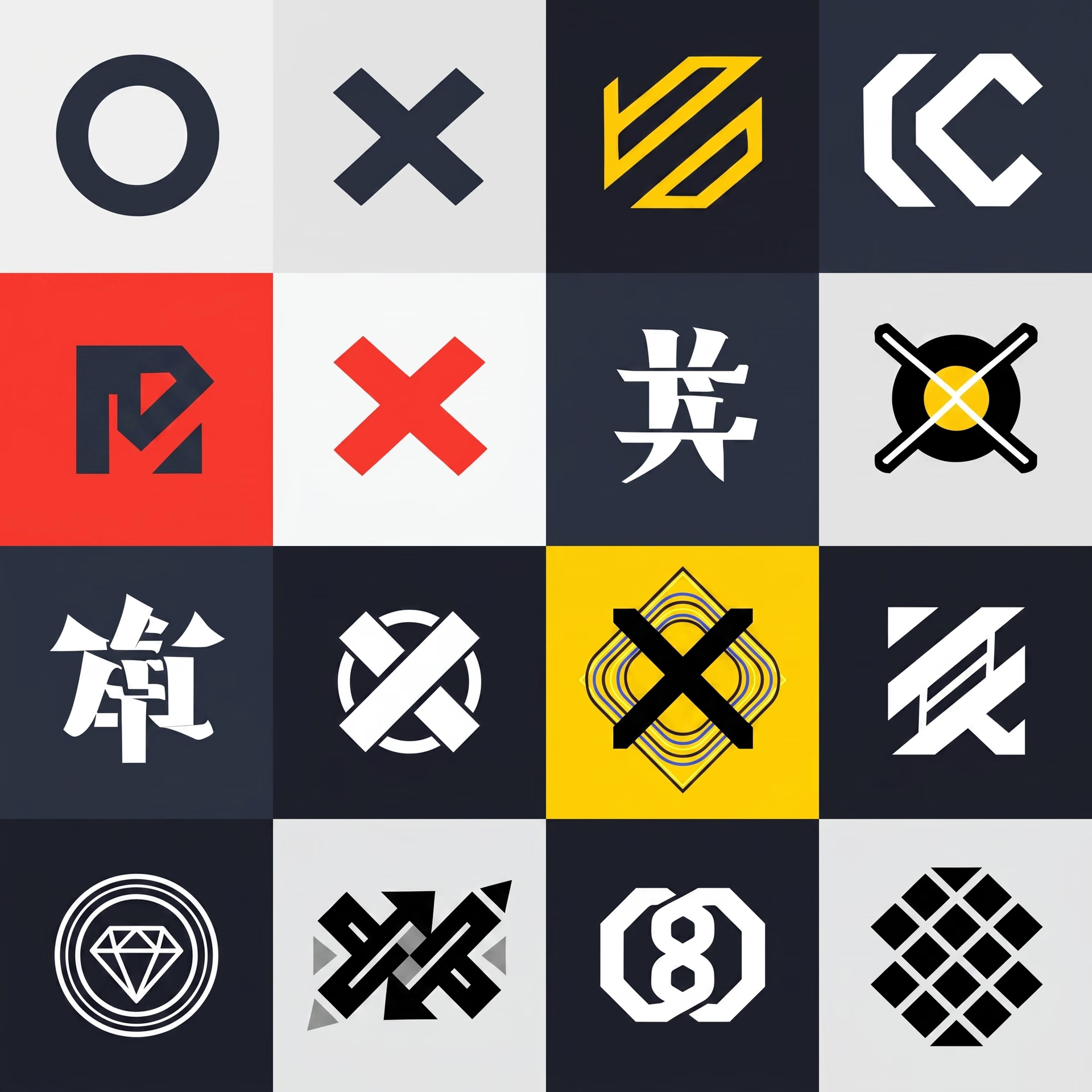
Fig 5. Graphic Designs Created By Diffusion Models.
Music and sound design#
Diffusion models can also be adapted to generate unique soundscapes or music notes. It offers new ways for musicians and artists to visualize and create auditory experiences. Here are some of the use cases of diffusion models in the field of sound and music creation:
- Timbre transfer: Diffusion models can be used to transform one sound into another, such as converting a kick drum sample into a snare sound for unique sound combinations.
- Sound variability and humanization: Audio diffusion can bring slight variations in sounds to add a human element to digital audio by simulating live instrument performances.
- Sound design adjustments: These models can be used to subtly alter a sound (such as enhancing a door slam sample) to modify its characteristics at a deeper level than traditional EQ or filtering.
- Melody generation: They can also help generate new melodies and inspire artists in a way similar to browsing sample packs.
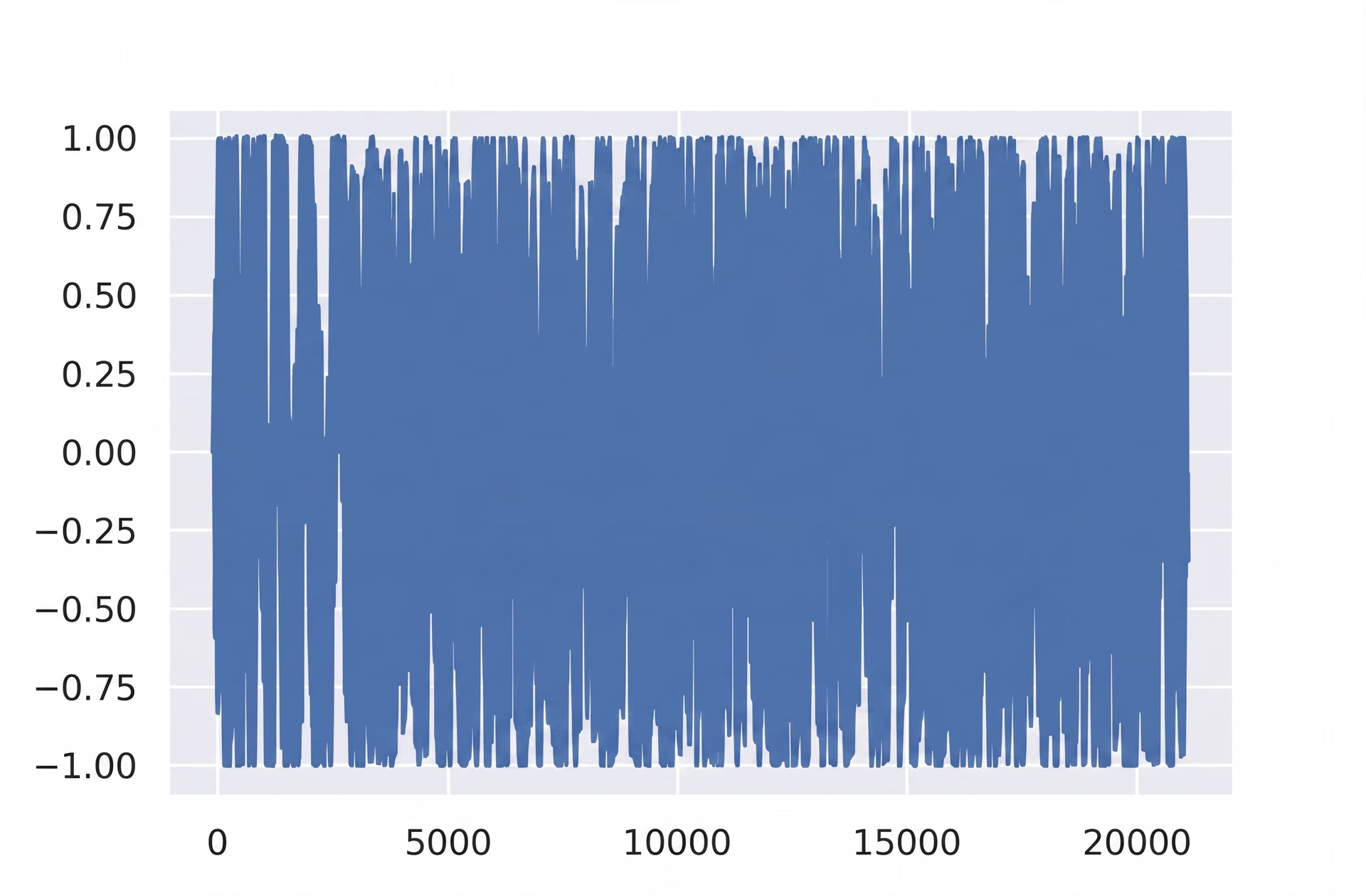
Fig 6. A Visualization of Audio Diffusion.
Film and animation#
Another interesting use case of diffusion models is in creating film and animation clips. They can be used to generate characters, realistic backgrounds, and even dynamic elements within scenes. Using diffusion models can be a big advantage for production companies. It streamlines the overall workflow and makes way for more experimentation and creativity in visual storytelling. Some of the clips made using these models are comparable with actual animated or film clips. It is even possible to use these models to create entire movies.
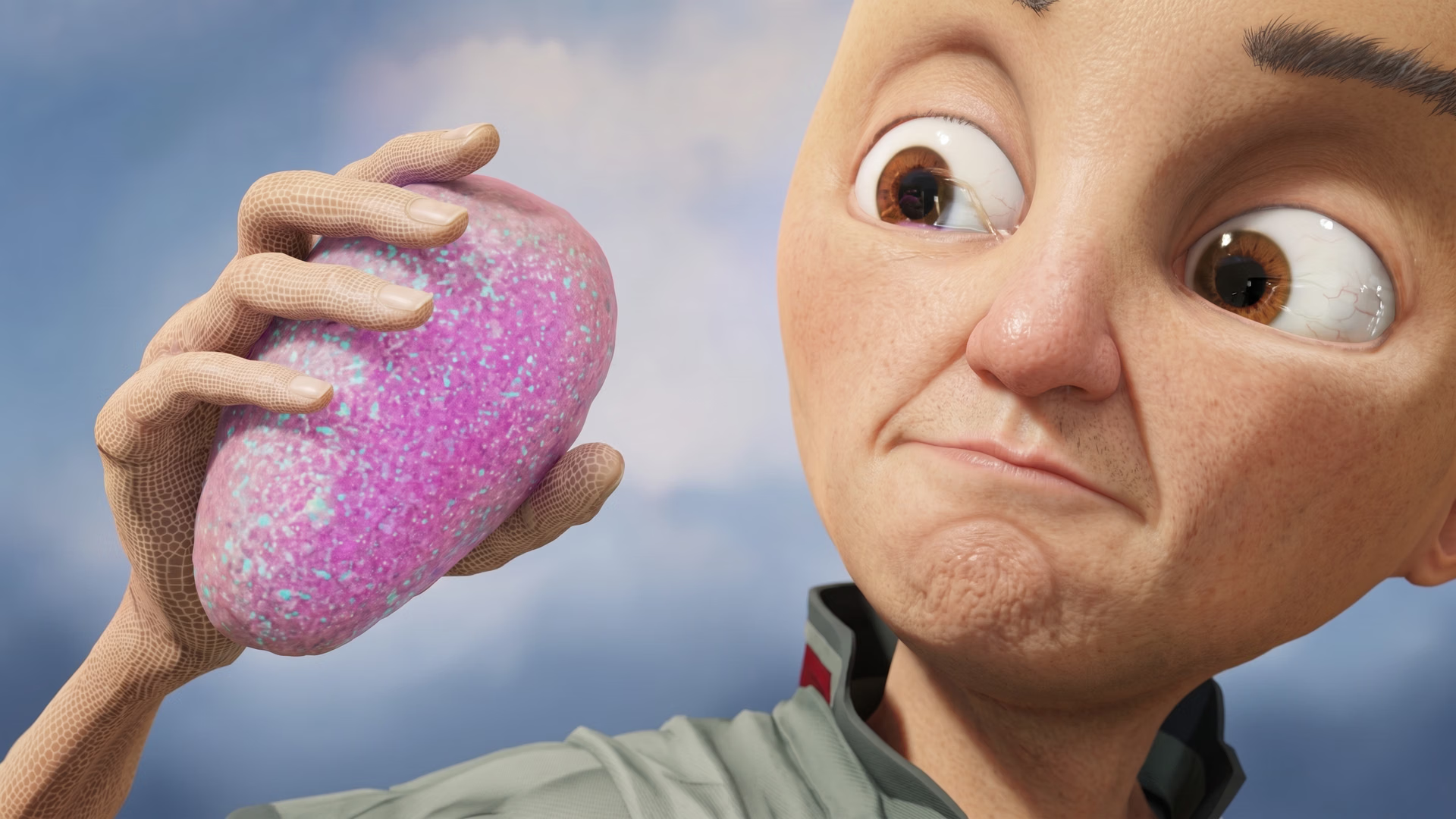
Fig 7. A scene from the short film Seasons that was created using diffusion models.
Popular diffusion models#
Now that we've learned about some of the applications of diffusion models, let's look at some popular diffusion models that you can try using.
- Stable Diffusion: Created by Stability AI, Stable Diffusion is an efficient model known for converting text prompts into realistic images. It has a strong reputation for high-quality image generation. It can also be modified for film and animation.
- DALL-E 3: DALL-E 3 is the third version of OpenAI's image generation model. It was integrated into ChatGPT, and it offers many improvements in image generation quality over the previous version, DALL-E 2.
- Sora: Sora is OpenAI's text-to-video model that can generate highly realistic 1080p videos that are up to a minute long. Some of the video clips made using Sora can be easily mistaken for real footage.
- Imagen: Developed by Google, Imagen is a text-to-image diffusion model recognized for its photorealism and advanced language understanding.
Challenges and limitations related to diffusion models#
While diffusion models offer benefits across many industries, we should also keep in mind some of the challenges that come with them. One challenge is that the training process is very resource-intensive. While advancements in hardware acceleration can help, they can be costly. Another issue is the limited ability of diffusion models to generalize to unseen data. Adapting them to specific domains can require lots of fine-tuning or retraining.
Integrating these models into real-world tasks comes with its own set of challenges. It's key that what the AI generates actually matches what humans intend. There are also ethical concerns, like the risk of these models picking up and reflecting biases from the data they're trained on. On top of that, managing user expectations and constantly refining the models based on feedback can become an ongoing effort to make sure these tools are as effective and reliable as possible.
The future of diffusion models#
Diffusion models are a fascinating concept in generative AI that helps create high-quality images, videos, and sounds across many different fields. While they can present some implementation challenges, like computational demands and ethical concerns, the AI community is constantly working on improving their efficiency and impact. As they continue to evolve, diffusion models are likely to keep reshaping industries like film, music production, and digital content creation.
Let's learn and explore together! Check out our GitHub repository to see our contributions to AI. Discover how we are redefining industries like manufacturing and healthcare with AI.
Written by
Content Creator · Ultralytics
Comments
Ask a question, share your results, or help someone else.